41
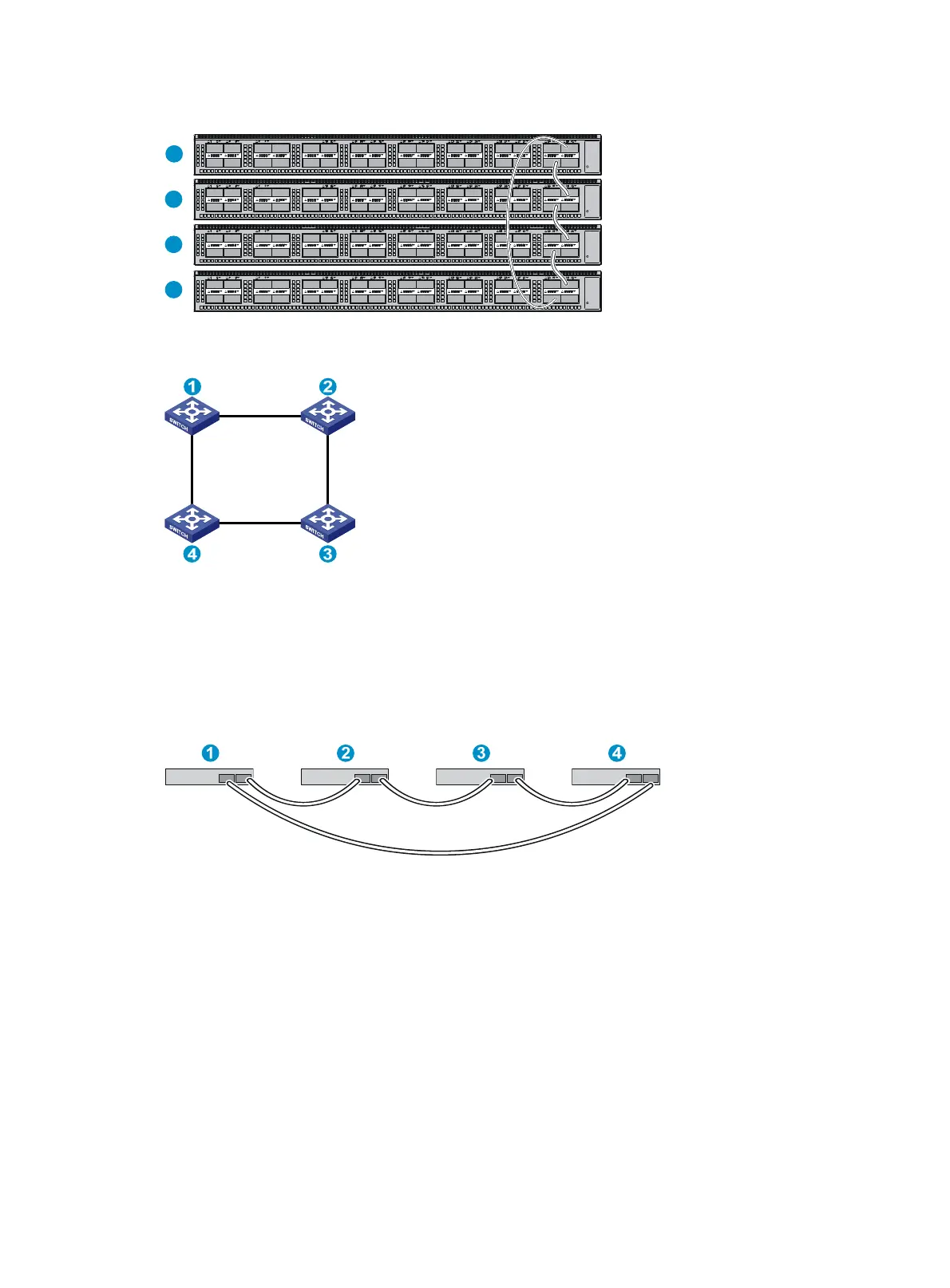
Figure 47 Connecting the switches in one rack
Figure 48 IRF fabric topology
Connecting the IRF member switches in a ToR solution
You can install IRF member switches in different racks side by side to deploy a top of rack (ToR) solution.
Figure 49 sho
ws an example for connecting four top of rack IRF member switches by using QSFP+DAC
cables and QSFP+ transceiver modules and optical fibers. The topology is the same as Figure 48.
Figure 49 ToR cabling
Configuring basic IRF settings
After you install the IRF member switches, power on the switches, and log in to each IRF member switch
(see HP FlexFabric 5930 Switch Series Fundamentals Configuration Guide) to configure their member IDs,
member priorities, and IRF port bindings.
Follow these guidelines when you configure the switches:
• Assign the master switch higher member priority than any other switch.
• Bind physical ports to IRF port 1 on one switch and to IRF port 2 on the other switch. You perform
IRF port binding before or after connecting IRF physical ports depending on the software release.
• Execute the display irf configuration command to verify the basic IRF settings.
1
2
3
4



 To Next Page