Hardware Options and Upgrades
Hardware and Software Guide 6–23
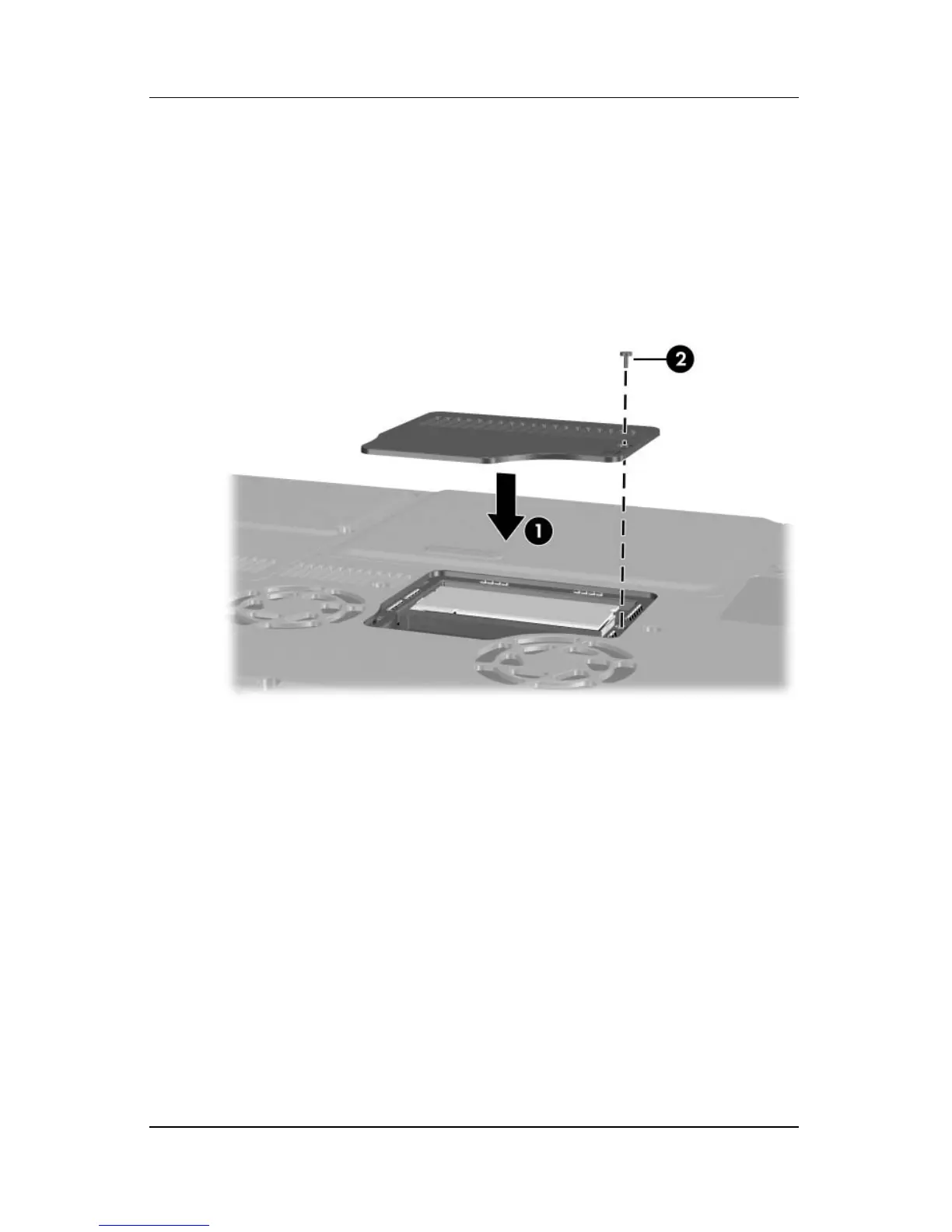
9. Align and lower the memory compartment cover onto the
notebook 1.
10. Reinsert and tighten the memory compartment screw 2.
11. Replace the battery pack if you removed a battery pack at the
beginning of this procedure, reconnect external power, and
then restart the notebook.












 To Next Page