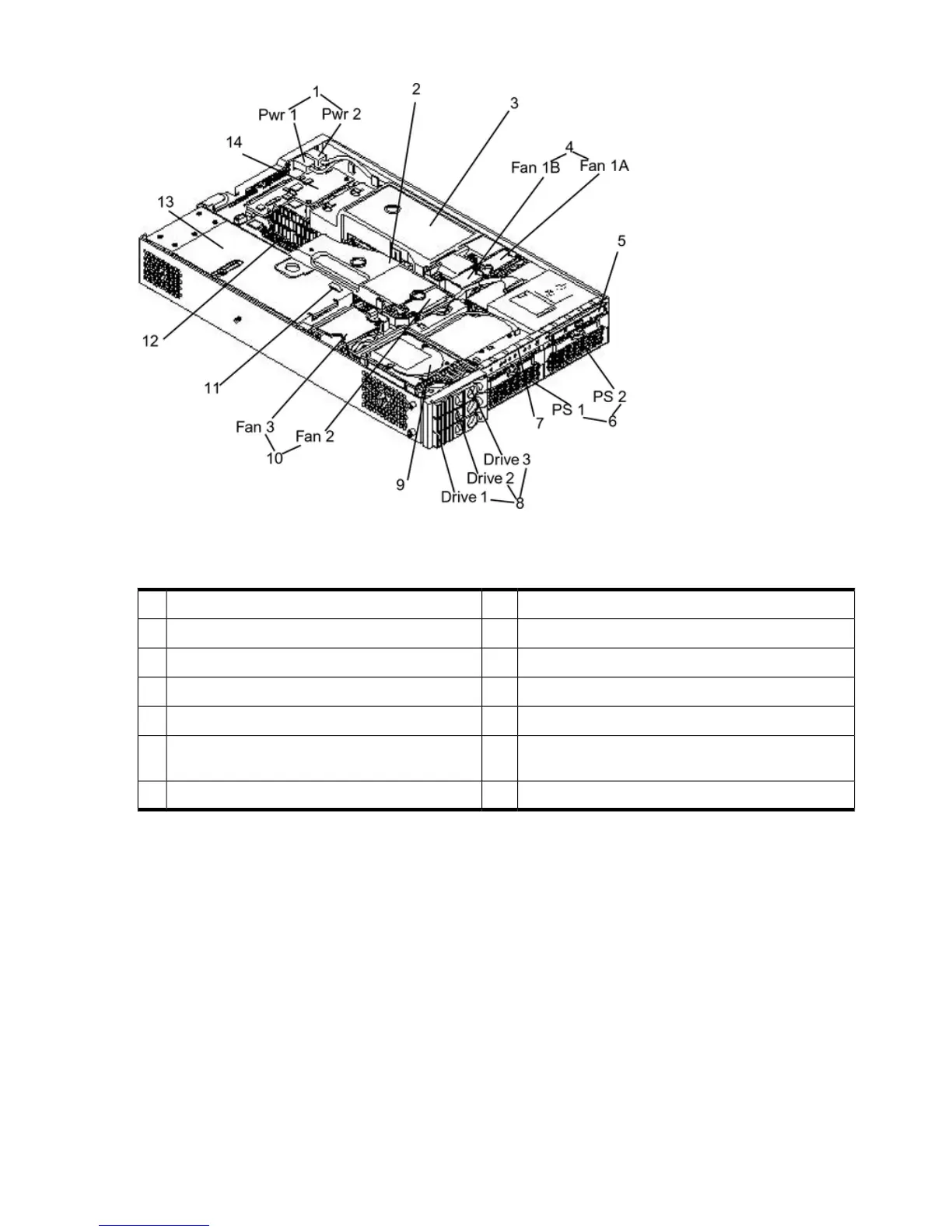
Figure 6-1 Internal Physical Layout
Table 6-1 provides the key to Figure 6-1.
Table 6-1 Component Locations
Hot-pluggable hard disk drives (up to 3)8Power receptacles (PWR1 left, PWR2 right)1
Hard disk drive9Memory airflow guide2
System fans (Fan 2 center, Fan 3 PCI card cage)10Processor airflow guide3
Intrusion switch11System fans (Fan 1A right, Fan 1B left)4
Memory sockets12Slimline optical drive5
PCI card cage13Power supplies: 1 center, power supply 2 under
optical drive)
6
iLO MP card14Status panel board7
Figure 6-2 shows the system board connectors and slots.
124 Removing and Replacing Components



 To Next Page