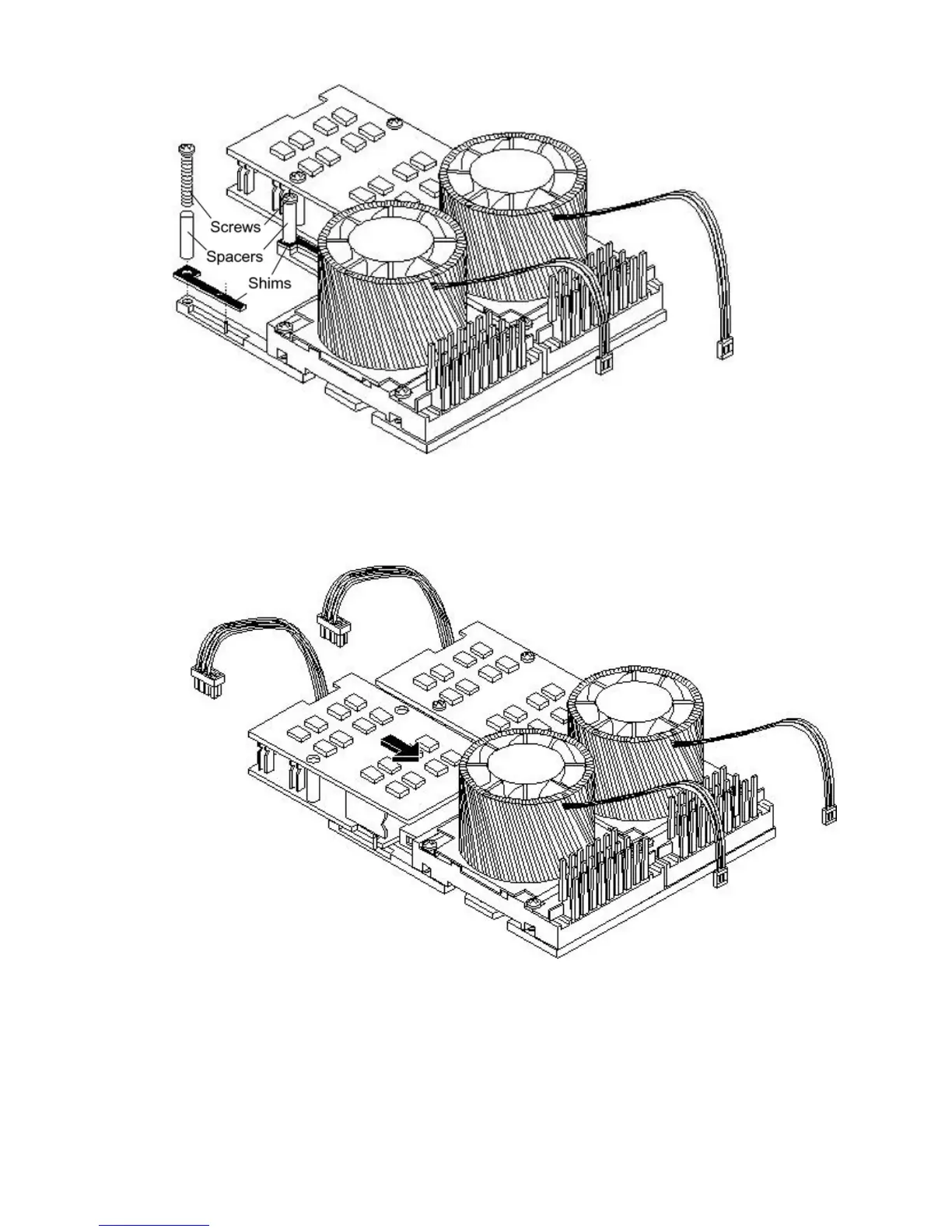
Figure 3-42 Power Module Shims
12. Slide the power pod module on the system board metal mounting bracket so that the power
pod module connector connects with its connector on the processor module.
Figure 3-43 Aligning the Processor Module Power Pod
13. Align the two mounting screw holes on the power pod module with the screw holes in the
shims on the system board metal mounting bracket. Screw in the power pod module
mounting screws. (Use the screws removed in step Step 11.)
82 Installing the System



 To Next Page