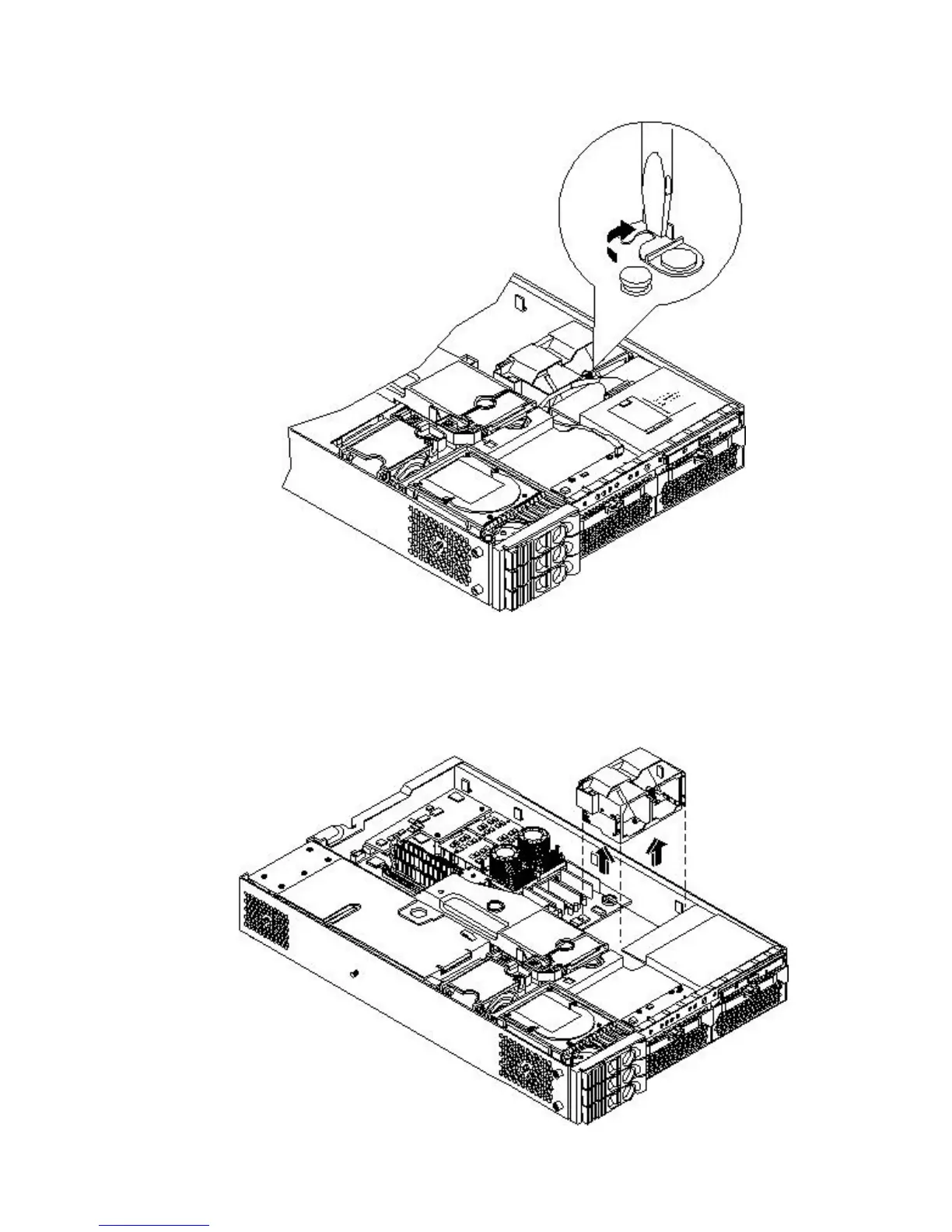
8. Rotate the clip clockwise to release the latch.
Figure 3-27 Opening the Release Clip
9. To disconnect the power cable connected to the guide from the system board, squeeze the
clips.
10. Lift the front portion of the processor airflow guide out of the server.
Figure 3-28 Removing the Front Portion of the Processor Airflow Guide
68 Installing the System



 To Next Page