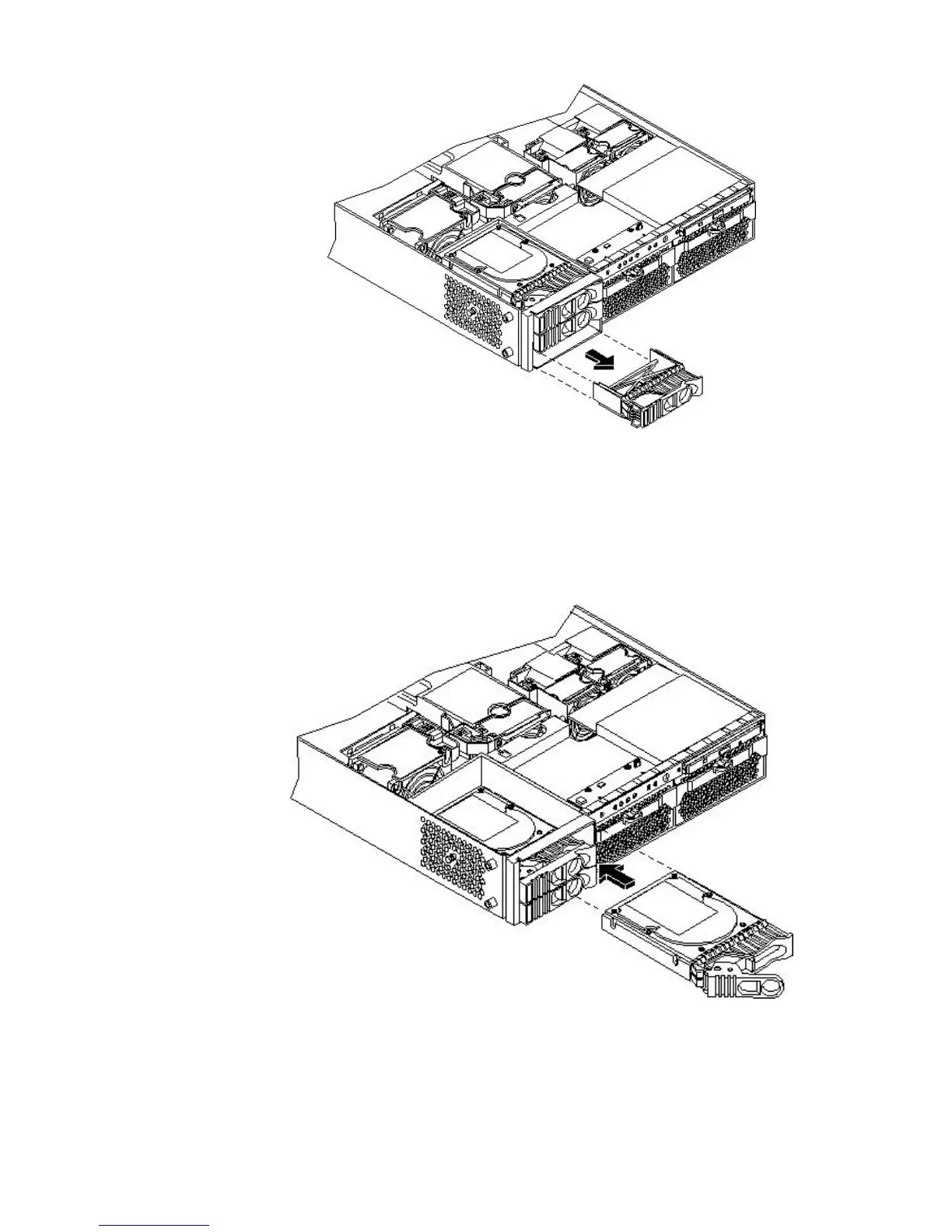
Figure 6-25 Removing the Disk Drive Slot Filler
4. Insert the hard disk drive into the drive bay from which you removed the drive and push
inward on the release lever until the drive no longer slides forward. You must leave the
release lever in the open position, as shown, when you push the drive into the server.
5. Push in on the release lever to secure the drive is in the bay and to ensure that the drive
connector is seated properly.
Figure 6-26 Installing the Hard Disk Drive
6. To lock the hard drives in place, press down on the lock lever. Replace the server cover if it
was removed to unlock drives.
Removing and Replacing an Internal Hard Disk Drive 143



 To Next Page