Interacting With the iLO MP Using the Web GUI
Web browser access is an embedded feature of the iLO MP.
The iLO MP has a separate LAN port from the system LAN port. It requires a separate LAN
drop, IP address, and networking information from that of the port used by the operating system.
Before starting this procedure, you must have the following information:
• DNS name for the iLO MP LAN
• Host name (used when messages are logged or printed)
To interact with the iLO MP through the web GUI, follow these steps:
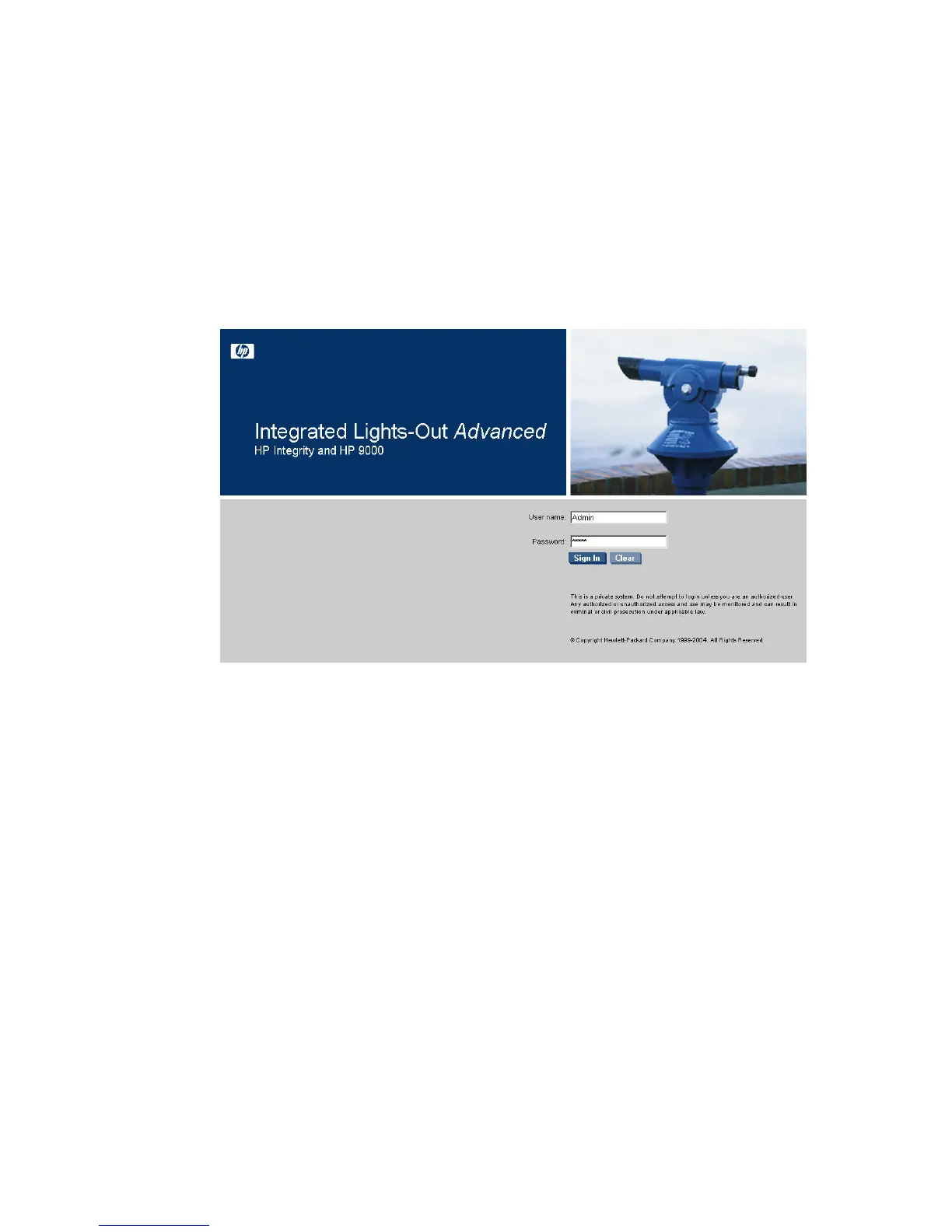
1. Open a web browser and enter the DNS name for the iLO MP. The iLO MP login page opens.
Figure 3-50 Web GUI Login Page
2. Log in using your user account name and password at the login page.
3. Click Sign In. The Status Summary page displays after login.
98 Installing the System



 To Next Page