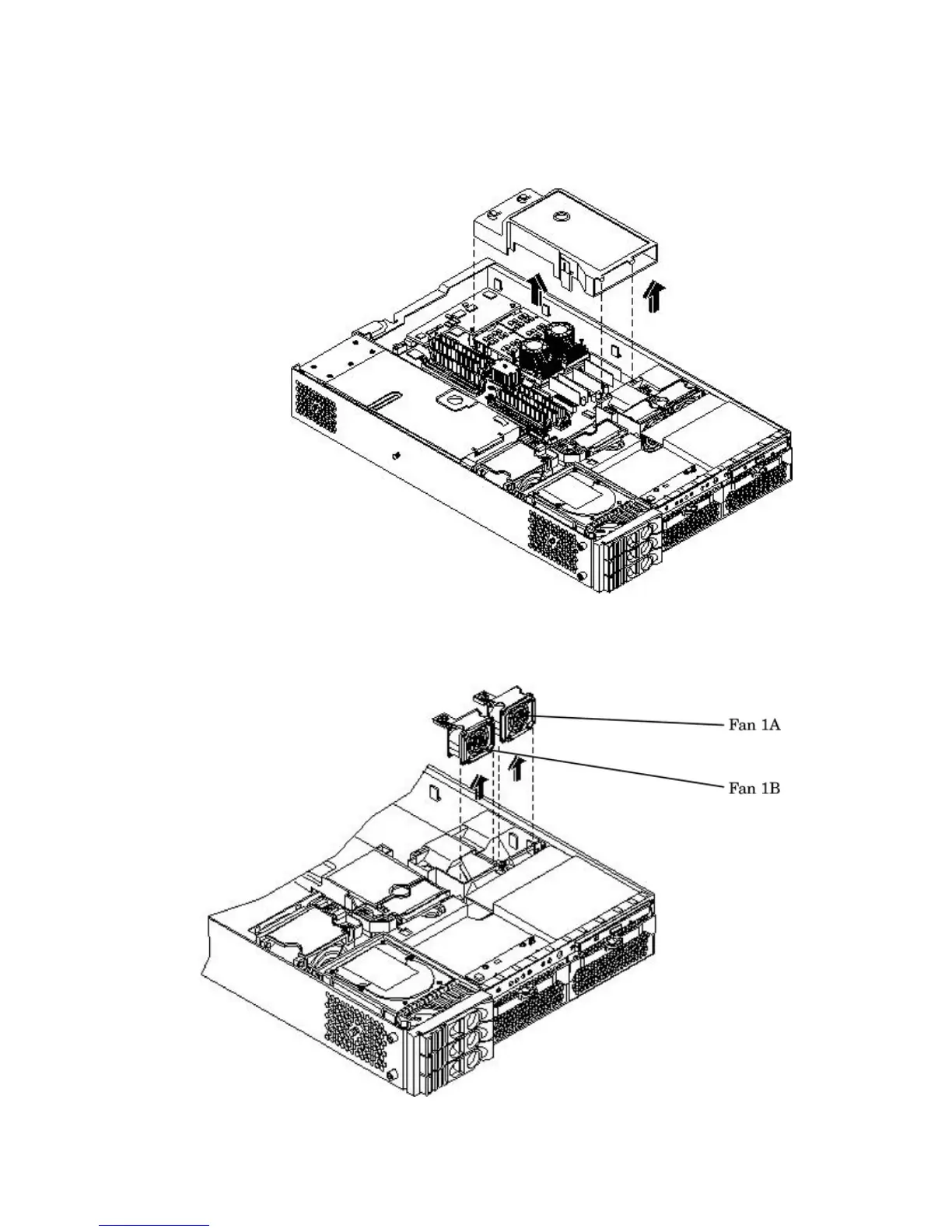
4. Remove the main portion of the airflow guide:
a. Hold the guide using the opening on top of the guide.
b. At the same time, grasp the back end of the processor airflow guide and lift the guide
out of the server.
Figure 3-25 Removing the Processor Airflow Guide
5. Grasp system fan 1A and lift it from its socket.
Figure 3-26 Removing Fans 1A and 1B
6. Grasp system fan 1B and lift it from its socket (Figure 3-26).
7. Remove the memory airflow guide. “Removing the Memory Airflow Guide” (page 65)
Installing Additional Components 67



 To Next Page