3 Installing the System
This chapter provides information on how to install the system.
Introduction
The HP 9000 rp3410 server is a 1P/1C, 1P/2C, rack- or pedestal-mount server. Similarly, the HP
9000 rp3440 server is a 1P/1C, 1P/2C, 2P/2C or 2P/4C rack- or pedestal-mount server. Both of
these servers are based on the PA-RISC processor family architecture.
The server accommodates up to 12 DIMMs and internal peripherals including disks and DVD.
Its high-availability features include hot-swappable power supplies and hot-pluggable disk
drives.
The supported operating system is HP-UX 11i v1 (and newer HP-UX versions that support
PA-RISC systems).
Server Views
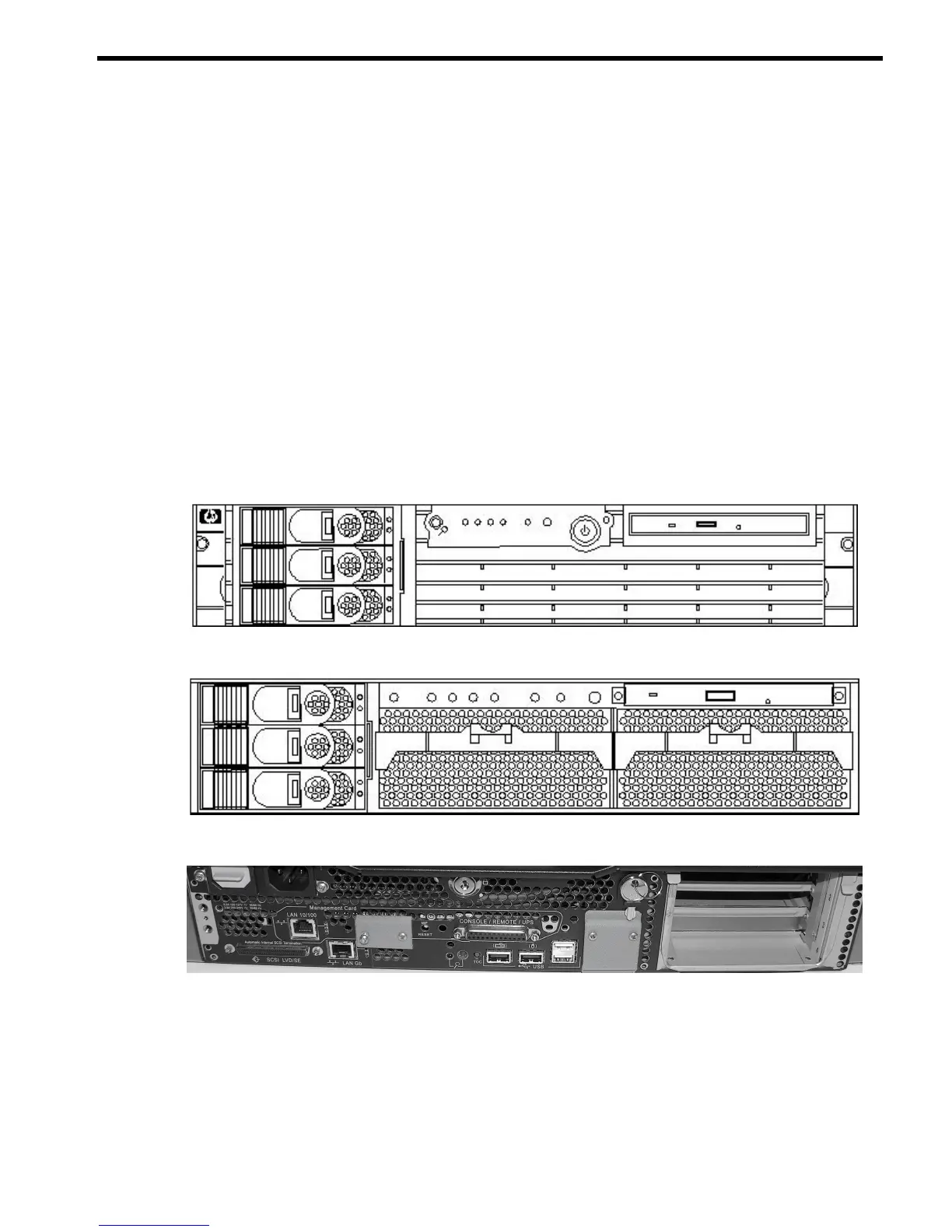
Figure 3-1, Figure 3-2, Figure 3-3, and Figure 3-4 show the front, rear, and pedestal-mount views
of the HP 9000 rp3410 and rp3440 servers.
Figure 3-1 HP 9000 rp3410/rp3440 Server - Front View
Figure 3-2 HP 9000 rp3410/rp3440 Server - Front View with Bezel Removed
Figure 3-3 HP 9000 rp3410/rp3440 Server - Rear View
Introduction 47



 To Next Page