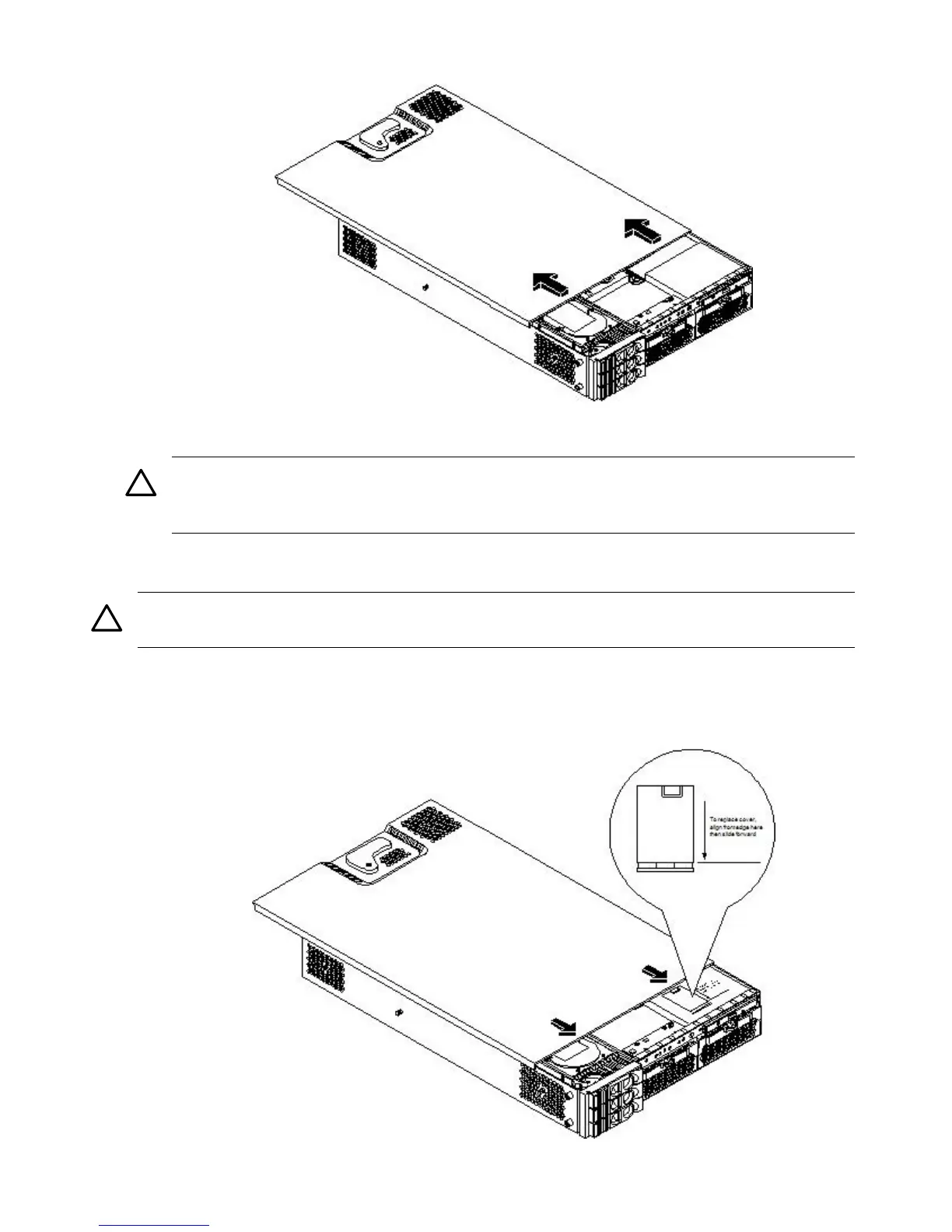
Figure 3-12 Removing the Top Cover on a Pedestal-Mounted Server
4. Remove the top cover.
CAUTION: The server depends on the access panels being closed for proper cooling of
internal components. Operating the server with the cover removed can cause the server to
quickly overheat.
Replacing the Top Cover on a Pedestal-Mounted Server
CAUTION: Secure any wires or cables in the server so they do not get cut or interfere with the
replacement of the cover.
To replace the top cover, follow these steps:
1. Align the front edge of the top cover with the alignment mark on the optical drive bay.
Figure 3-13 Top Cover Alignment Mark
58 Installing the System



 To Next Page