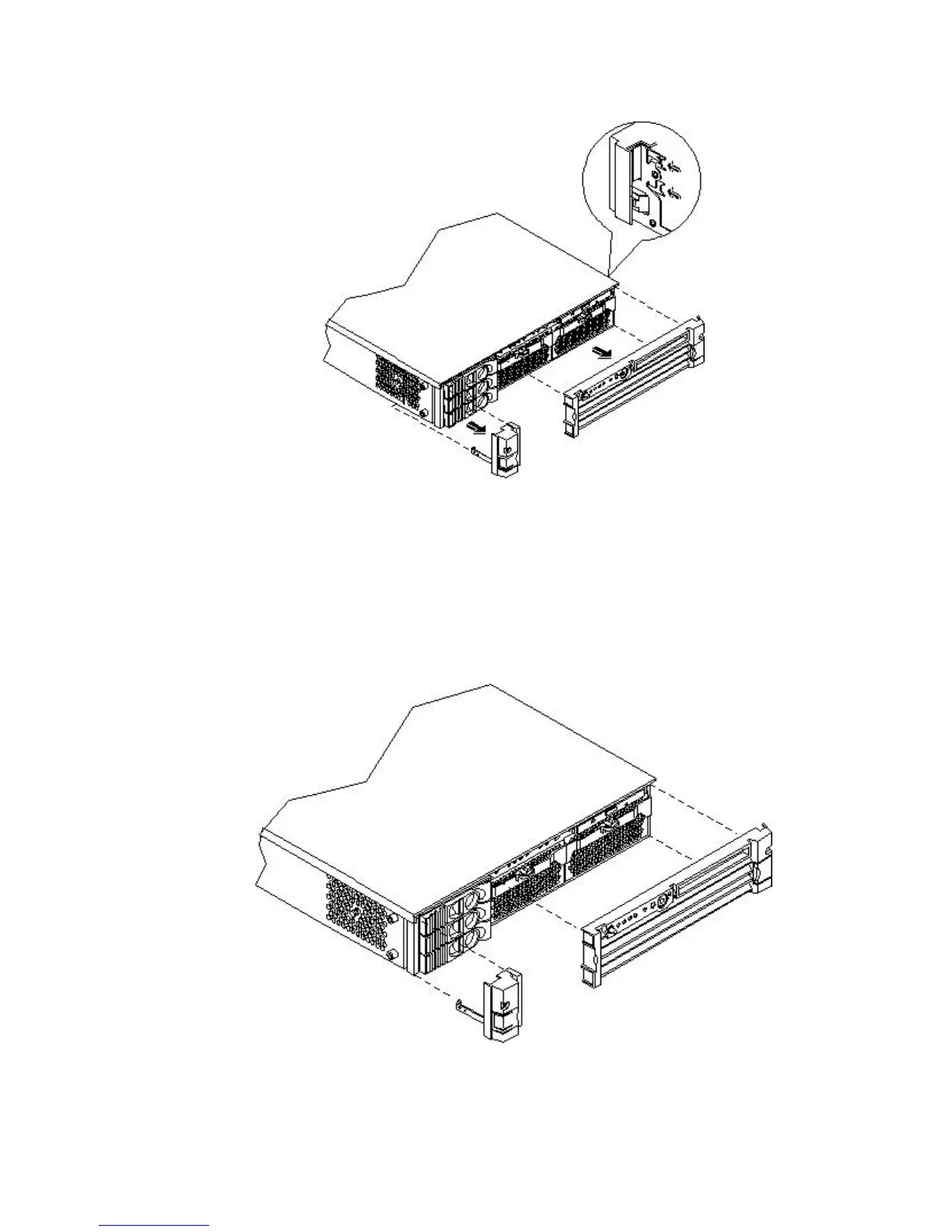
1. Press in on the retaining clips located on the right side of the front panel.
Figure 3-9 Front Bezel Retaining Clip
2. Rotate the front panel outward and lift it off the server chassis.
Replacing the Front Bezel on a Rack-Mounted Server
To replace the front bezel, follow these steps:
1. Insert the bezel latches into the matching slots on the server chassis.
2. Close the bezel and push toward the front of the server until it locks into place.
Figure 3-10 Replacing the Front Bezel
56 Installing the System



 To Next Page