2. Remove the top cover. (See “Removing and Replacing Server Covers and Bezel” (page 126).)
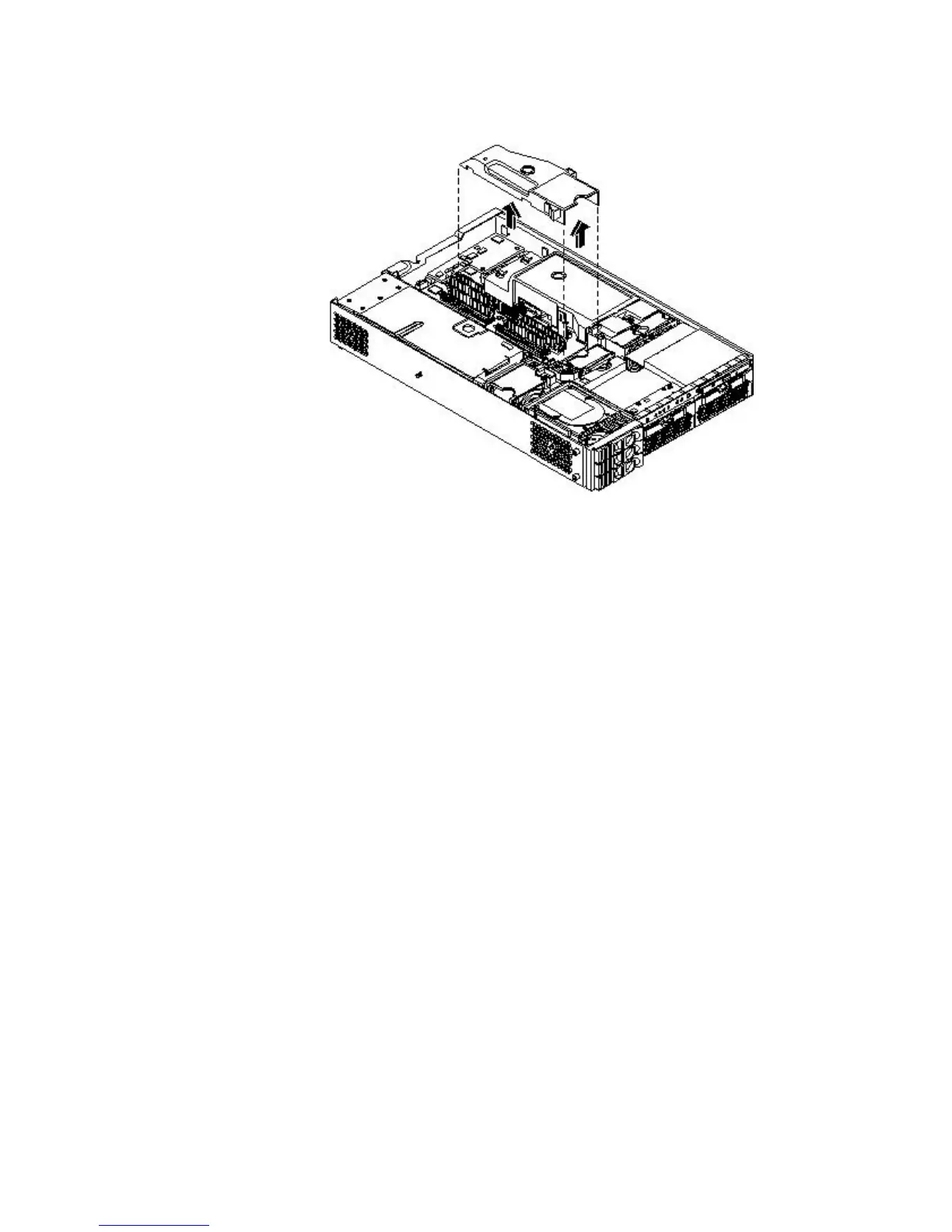
3. Grasp the memory airflow guide and lift it out of the server.
Figure 6-28 Removing the Memory Airflow Guide
Replacing the Memory Airflow Guide
To replace the memory airflow guide, follow these steps:
1. Align the guides on both sides of the airflow guide with the slots on the chassis.
2. Insert the memory airflow guide in the slots.
3. Replace the cover.
4. Reconnect the power and external cables.
Removing and Replacing the Processor Airflow Guide
Removing the Processor Airflow Guide
To remove the processor airflow guide, follow these steps:
1. Power off the server and disconnect the power and external cables.
2. Remove the server cover.
3. Remove the IDE cable and power module cables from the processor airflow guide cable
clips.
Removing and Replacing Airflow Guides 145



 To Next Page