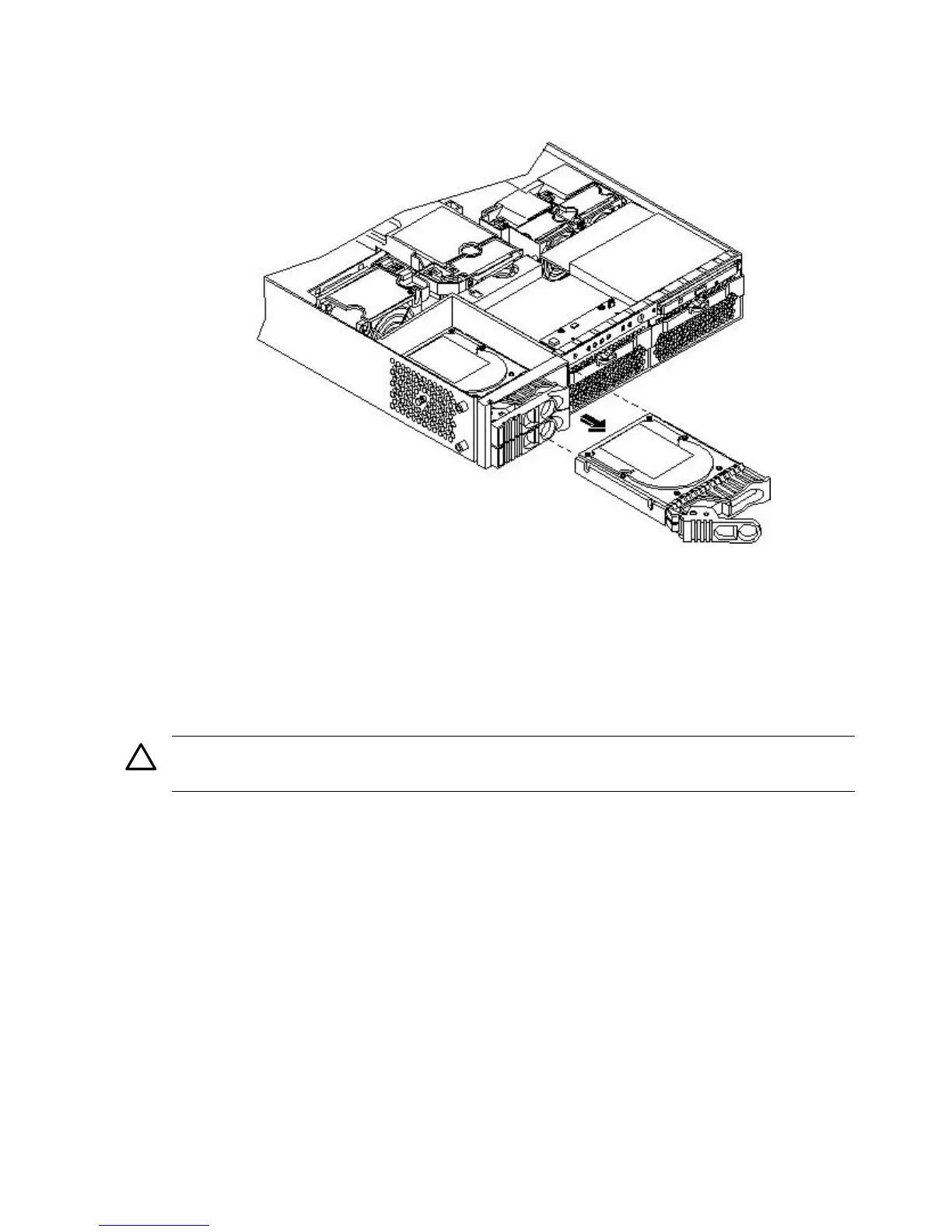
4. Pull outward on the release lever to remove the drive from the server (Figure 6-23;
Figure 6-24).
Figure 6-24 Removing the Disk Drive
Replacing a Hard Disk Drive
To install or replace a hard disk drive, follow these steps:
1. If the server is powered on and the OS is running, prepare the OS to have the disk drive
removed. (See your OS documentation for instructions on preparing the OS for removing
and inserting hard drives.)
2. If you are locking the hard drive in place, remove the cover.
CAUTION: Replace the top cover within five minutes to prevent damage to the server
components.
3. If a disk drive slot filler is installed, remove the slot filler by pulling it from the disk drive
slot.
142 Removing and Replacing Components



 To Next Page