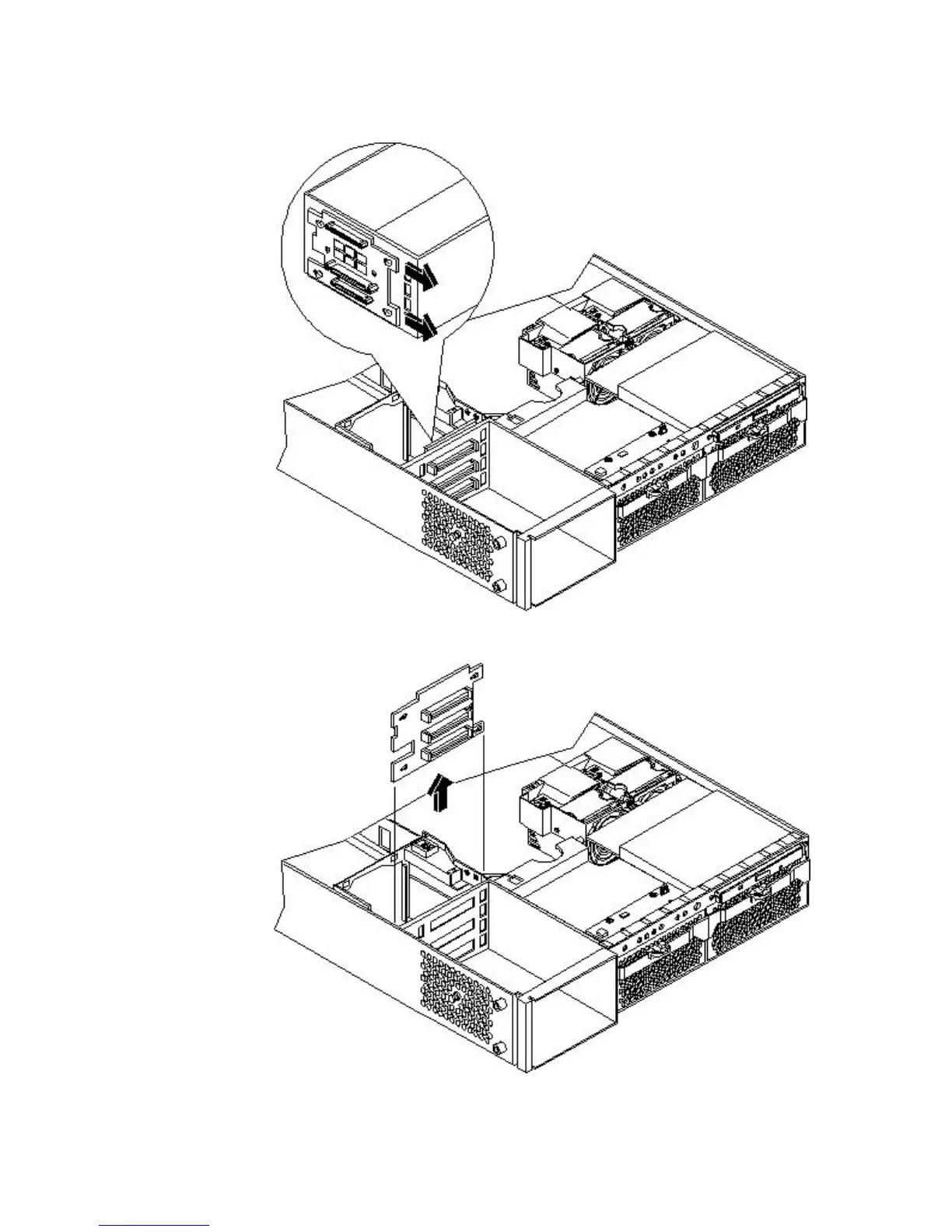
7. Remove the hard drive backplane by sliding it in the direction of the arrow and pulling it
outward from its standoff posts.
Figure 6-82 Removing the SCSI Backplane
Figure 6-83 Removing the SCSI Backplane From the Chassis
Replacing the Hard Disk Drive SCSI Backplane
To replace the hard disk drive SCSI backplane, follow these steps:
Removing and Replacing the Hard Disk Drive (SCSI) Backplane 191



 To Next Page