Chapter 5 Operation Instructions Shenzhen Hpmont Technology Co., Ltd.
- 40 - HD3N Series User Manual V1.1
No. Description
1
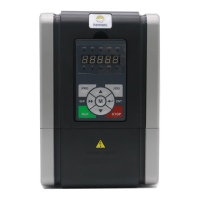
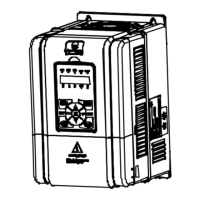
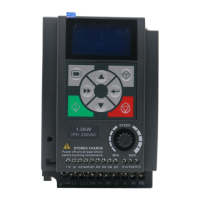
Standard keypad is LCD display, while the optional keypad is LED display.
• Three states: Lighting, flashing, lightless.
• The LCD keypad can not be dismantled.
a. Status indicator: Display the current status.
• FWD (forward): Display FWD (LCD)/Lighting (LED) when motor is forward running
• REV (Reverse): Display REV (LCD)/Lighting (LED) when motor is reverse running
• ALM (Alarm): Display ALM (LCD) / Lighting (LED) when fault occurs
• LO/RE (Local/Remote): Display LO/RE (LCD)/Lighting (LED) in terminal or communication control
• LOCK (Lock): Display LOCK (LCD)/ Light (LED) when user password is effective
c. Unit indicator: Display the present unit.
• Hz (frequency), A (current), V (voltage), RPM (rotoray speed), % (%)
b. Display area: Display parameter in normal state; display fault code when fault occurs.
• The value is modifiable when it is flashing.
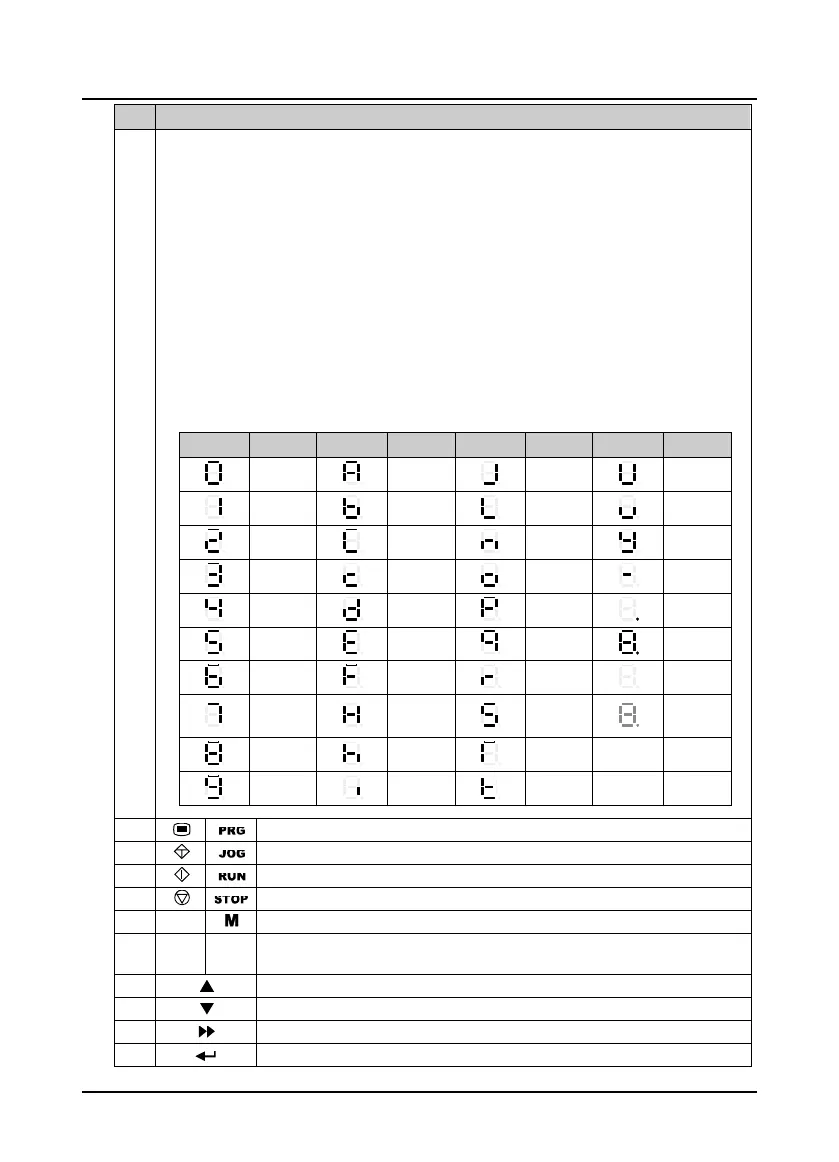
Display Meaning Display Meaning Display Meaning Display Meaning
0
A
J
U
1
b
L
u
2
C
n
y
3
c
o
-
4
d
P
Dot
5
E
q
Full display
6
F
r
No display
7
H
S
Flashing
Modifiable
8
h
T
9
i
t
2
Program/Exit: Enter or exit
3
Jog: Jog start HD3N in keypad control mode
4
Run: Jog start HD3N in keypad control mode.
5
Stop/Reset: Stop HD3N in keypad mode; reset fault when fault occurs
6
/
Multi-function button: F00.12 sets definite function
7
/
Knob
Potentionmeter: When setting parameter, turn anticlock wise to decrease, turn
clockwise to increase
8
Increase: Increase parameter or value
9
Decrease: Decrease parameter or value
10
Shift: Shift one bit when selecting parameter or setting the parameter
11
Enter/Confirm: Enter lower menu; confirm saving the data


 To Next Page
 Loading...