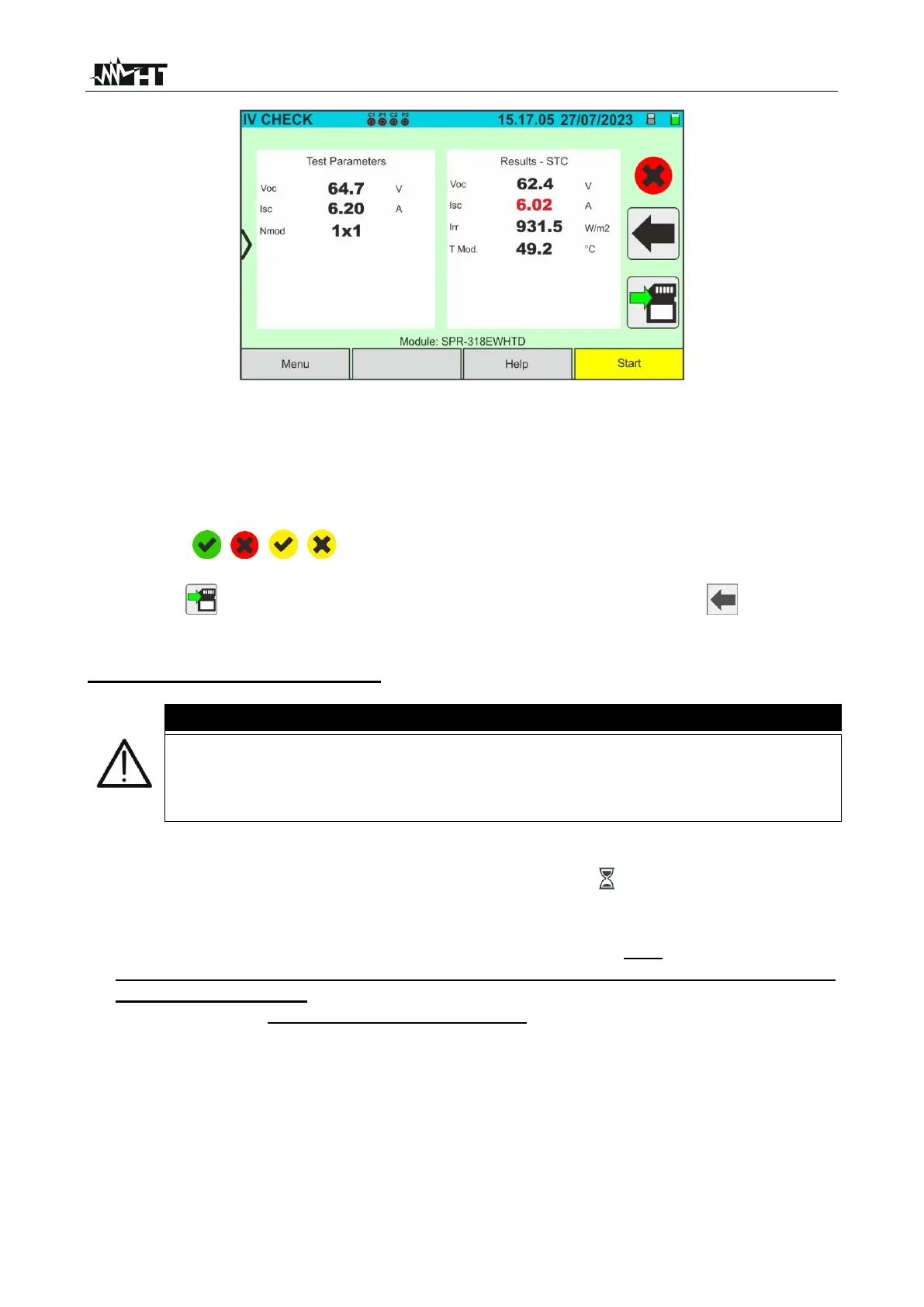
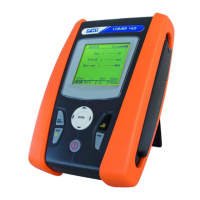
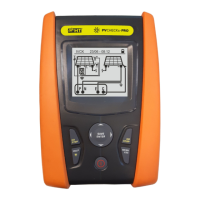
Fig. 59: Example of a negative IVCK test result - STC values
19. The following parameters are displayed on the above screens:
➢ Model of the module being tested
➢ Nominal values of the module being tested as defined in the internal DB (see § 6.3)
➢ Measurement results calculated under STC conditions
➢ Icons , , , to indicate the outcome of the measurement (see § 6.5.3.1)
Tap on the icon to save the measurement (see § 7.1), or tap on the icon to exit
without saving
SOLAR03 unit in recording mode
When START/STOP (or Start on the display) is pressed, the instrument may
give various error messages (see § 6.4.5) and, as a result, fail to perform the
test. Check and, if possible, eliminate the cause of the problem before
proceeding.
14. Press the START/STOP key (or Start on the display) to activate the tests. If there are
no error conditions, the instrument will show the icon " on the display for a few
moments together with the message "Measuring..." The test can take up to
approximately 20 seconds, depending on the open circuit voltage and module
parameters. At the end of the test, the instrument will only display the values
measured at OPC without the references of the irradiance and temperature
values of the module (see Fig. 60) and it is necessary to wait for the end of the test
session and the subsequent synchronisation with the SOLAR03 remote unit to
obtain the final result (values @ STC) of the tests performed, as shown here below:



 To Next Page