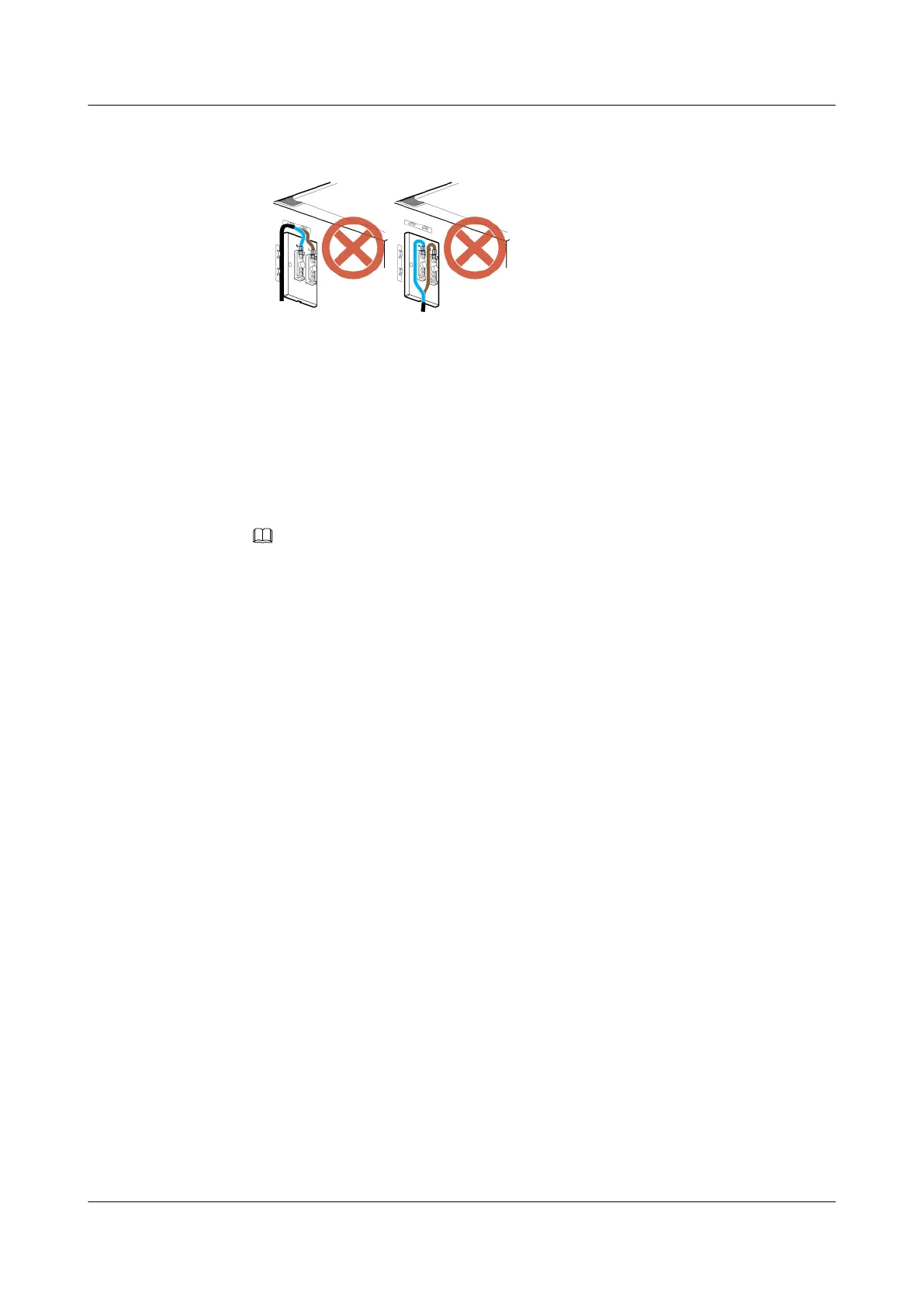
Figure 12-15 Improper installation of the power cable for the heating film near the junction
box in the IBBS200D
Step 5 Install the power cable for the TEC cooler in the IBBS200T. If the IBBS200T is not configured,
skip this step.
1. Link the easy power receptacle (pressfit type) connector at one end of the power cable for
the TEC cooler in the upper IBBS200T to the DC output terminal labeled LOAD2 on the
right of the EPS in the APM30H, and then link the OT terminal at the other end to the RTN
(+) and NEG(-) wiring terminals near the TEC/FAN label in the power distribution box in
the corresponding IBBS200T, as shown in Figure 12-16.
NOTE
If the LOAD2 terminal is used, the LOAD4 terminal is recommended. In this case, the fuse for the
LOAD4 terminal needs to be replaced for the MCB requirement of the IBBS. For details about the
replacement, see 11.6 Replacing the Fuse.
BTS3900A(Ver.B)
Installation Guide 12 Installing the Cables
Issue 01 (2011-10-25) Huawei Proprietary and Confidential
Copyright © Huawei Technologies Co., Ltd.
99












 To Next Page