NOTE
Wrap winding plastic tape on the FE/GE optical cable to protect fibers.
Step 3 Lead the other end of the FE/GE optical cable out of the cabinet through the cable hole at the
bottom along the right of the cabinet.
Step 4 Route the cable along the cable trough on the right of the cabinet, and then use cable ties to bind
the cable.
Step 5 Route the cable by referring to 12.1 Cabling Requirements.
Step 6 Attach labels to the installed cables. For details, see Attaching an L-Shaped Label.
----End
12.5 Installing the Monitoring Signal Cables
The BTS3900A cabinet is delivered with boards installed, and the signal cables in the cabinet
are already installed. The cross-cabinet monitoring signal cables need to be installed on site.
12.5.1 Installing the Monitoring Signal Cables for AC-Type Cabinet
This section describes the procedure and precautions for installing cross-cabinet monitoring
signal cables in various AC power supply scenarios.
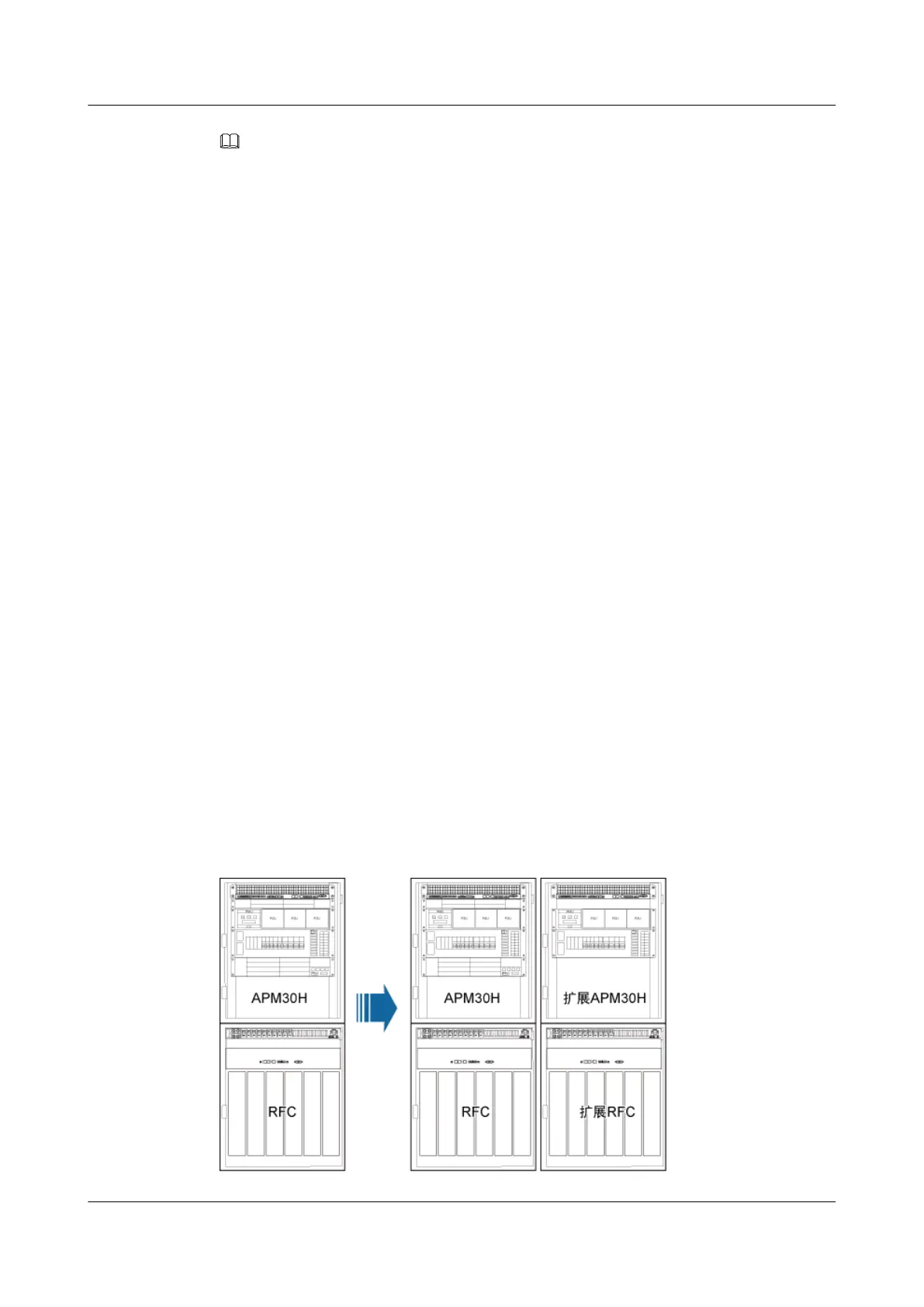
Scenario: 1 RFC+1 APM30H
If a site is configured with one RFC and one APM30H, the monitoring cables are installed before
the equipment is delivered. If one more RFC and one more APM30H are configured, two
monitoring cables are required for connections between cabinets on site.
Context
Figure 12-30 shows the configurations of two RFCs and two APM30Hs.
Figure 12-30 Configurations of two RFCs and two APM30Hs
BTS3900A(Ver.B)
Installation Guide 12 Installing the Cables
Issue 01 (2011-10-25) Huawei Proprietary and Confidential
Copyright © Huawei Technologies Co., Ltd.
115












 To Next Page