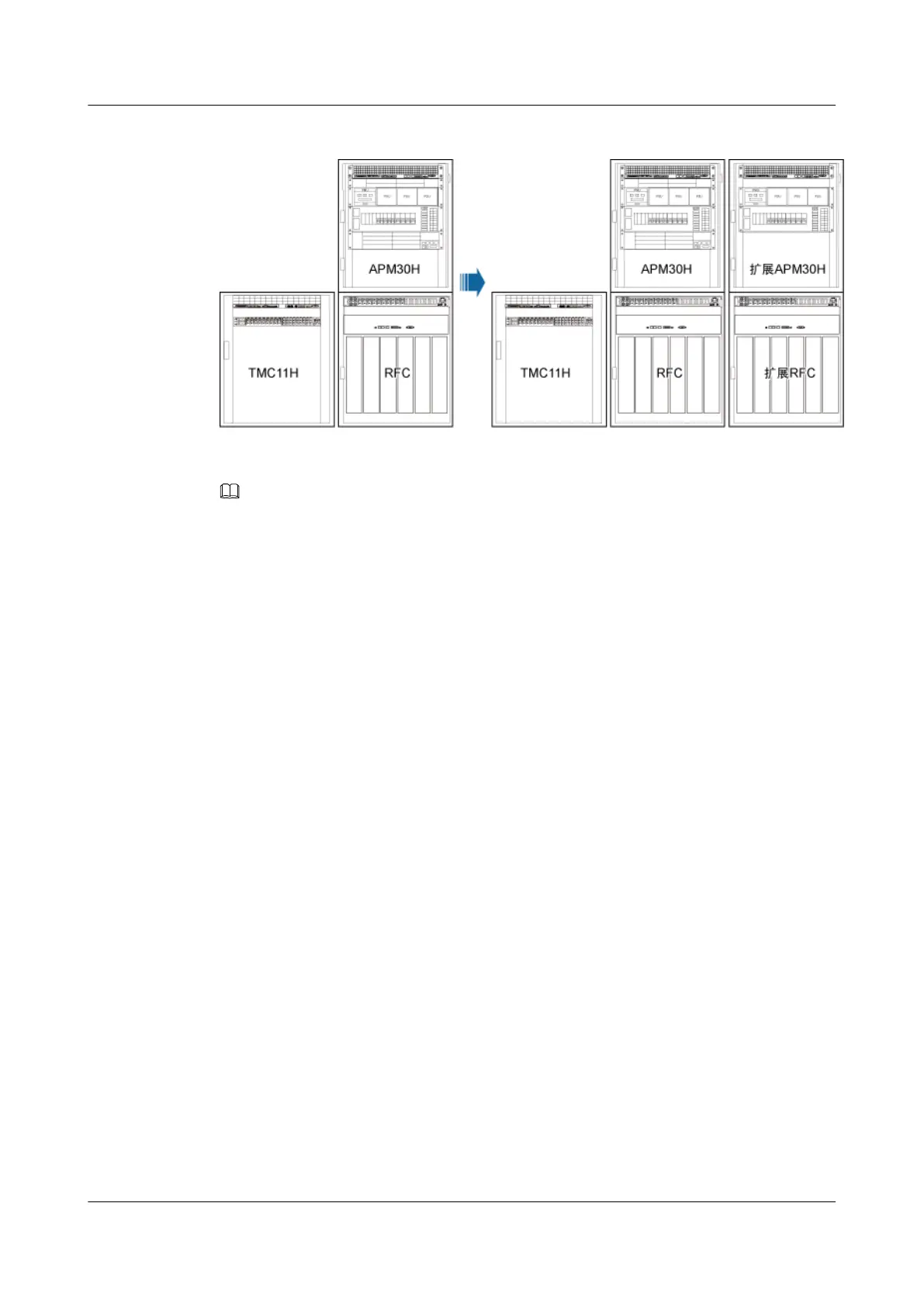
Figure 12-37 Configurations of two RFCs, two APM30Hs, and one TMC11H
NOTE
Two BBUs are configured in a triple-mode base station. The new BBU is installed in the extension APM30H
cabinet, and it does not have monitoring functions. For details about monitoring principles, see Monitoring
Principles for the Cabinets.
1. Install the monitoring signal cable between the cascaded CMUAs between the TMC11H
and the extension RFC. Connect one end of the cable to the COM_OUT port on the CMUA
in the fan box of the TMC11H and the other end to the COM_IN port on the CMUA in the
fan box of the extension RFC, as shown in Figure 12-36.
BTS3900A(Ver.B)
Installation Guide 12 Installing the Cables
Issue 01 (2011-10-25) Huawei Proprietary and Confidential
Copyright © Huawei Technologies Co., Ltd.
122












 To Next Page