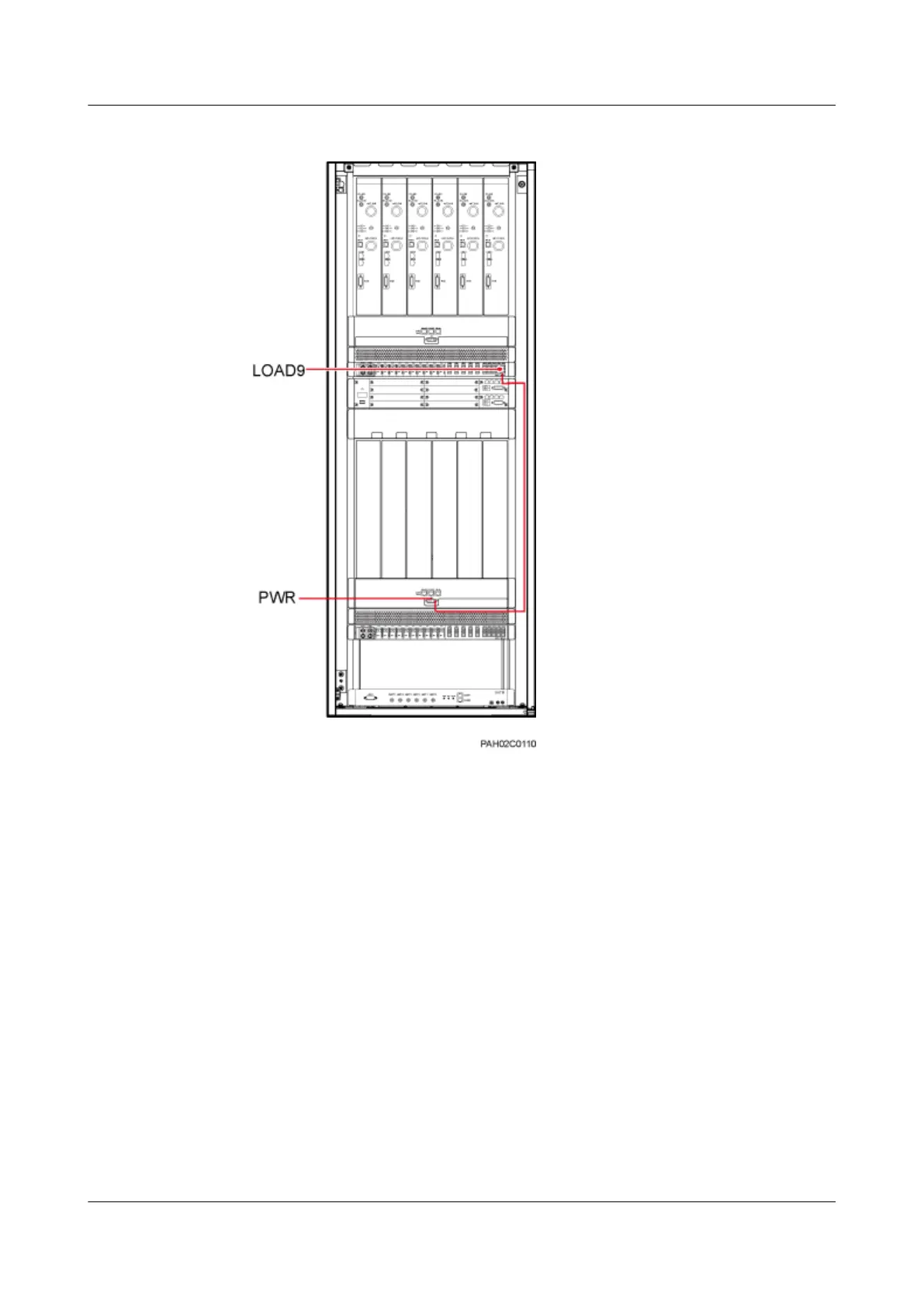
Figure 11-20 Installing the power cable for the fan box in the lower shelf
Step 3 Route the cables by referring to 11.1 Cabling Requirements and 11.2 Cable Routes.
Step 4 Label the cables by referring to Attaching a Cable-Tying Label.
----End
11.4 Installing a BBU Power Cable
This section describes the procedure for installing a BBU power cable in a cabinet.
Procedure
Step 1 Check whether the circuit breakers labeled SW7 and SW8 on the DCDU-11A are set to OFF.
Step 2 Connect one end of a BBU power cable to the -48 V port on each UPEU.
Step 3 Connect the other end of a BBU power cable to the LOAD7 and LOAD8 ports on the
DCDU-11A, as shown in Figure 11-21.
BTS3900L (Ver.C)
Installation Guide
11 Installing the Cables
Issue 07 (2013-11-08) Huawei Proprietary and Confidential
Copyright © Huawei Technologies Co., Ltd.
82











 To Next Page