v 1.0 — August 2018 Altanium Neo5
Page 42
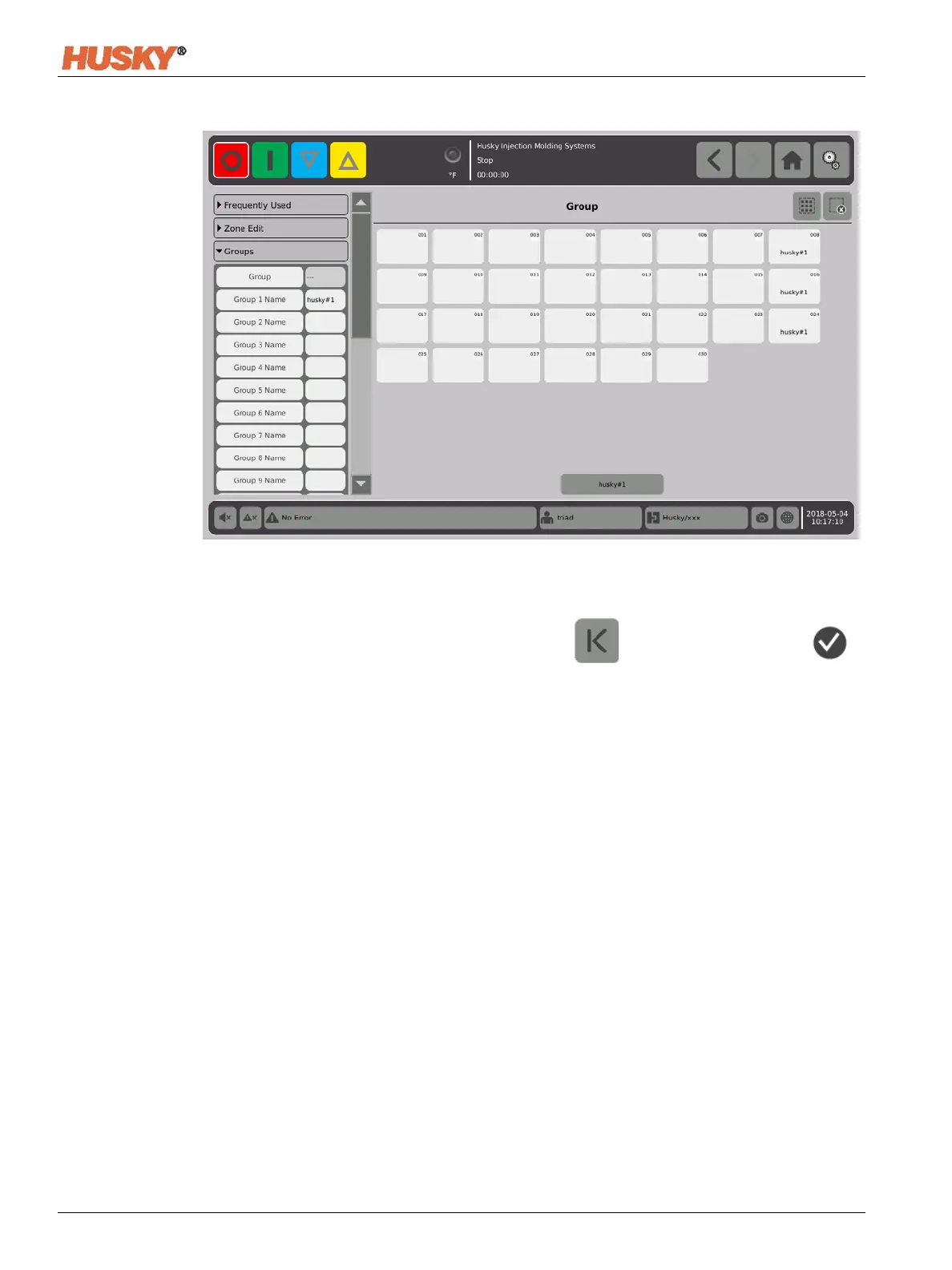
8. As necessary, do steps 3 thru 6 again to assign zones to the remaining groups.
9. To delete a group, touch the box to the right of the Group X Name.
10. On the Group Name Keyboard screen, touch to delete the name, then .
The group name will be at the bottom of all the quick set screens. When you touch the
group name you can set or change the parameter for all the zones in the group at one
time.
You can make a maximum of 10 groups.


 To Next Page