Page 61
User Guide v 1.0 — August 2018 Altanium Neo5
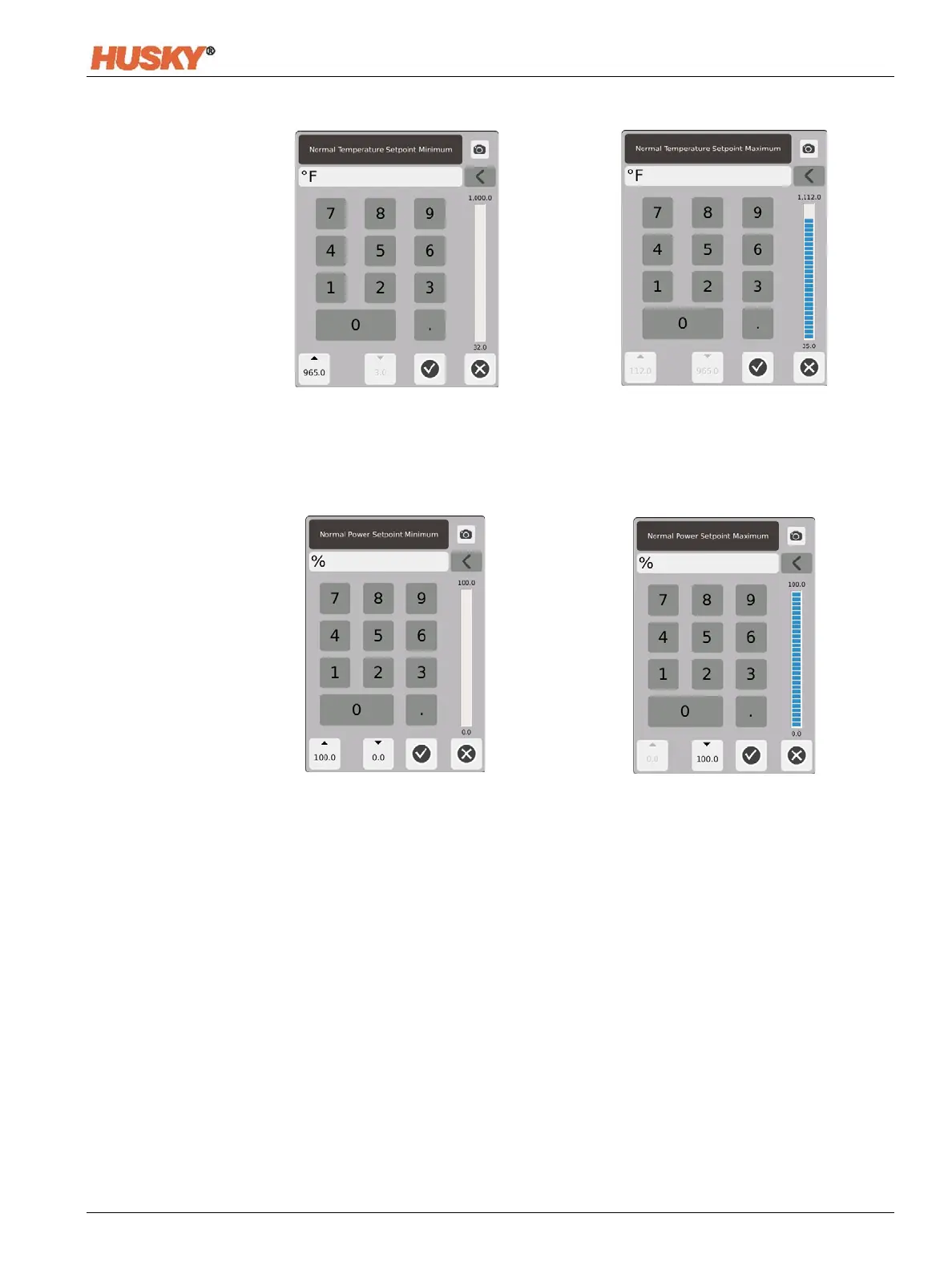
Setpoint Range — Use the minimum and maximum dialog boxes to set the range for the
temperature setpoint. Example: If the Minimum is set to 100°F and the Maximum to 600°F,
you will not be able to enter a setpoint that is less than 100°F or more than 600°F.
Power Range — Use the minimum and maximum dialog boxes to set the power range.



 To Next Page