5. Touch the static-protective package that contains the disk drive to any
unpainted metal surface on the server; then, remove the disk drive from the
package.
6. Make sure that the tray handle is open; then, remove the 2.5-inch hard disk
drive out of the hot-swap bay.
7. Close the bezel.
8. Lock the left-side cover.
Replacing a 2.5-inch hot-swap hard disk drive:
The following notes describe the types of hard disk drives that the server supports
and other information that you must consider when you install a hard disk drive:
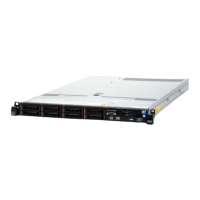
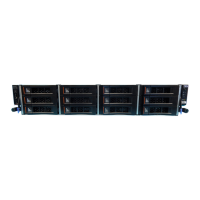
v Depending on the model, the server supports up to eight or up to sixteen
2.5-inch SAS/SATA hot-swap hard disk drives in the hot-swap bays.
Note: When using ServeRAID adapter M1015 to support more than sixteen
2.5-inch hard disk drives, the maximum number of RAID supported drives is 16.
All the other drives will remain JBOD (the drives are presented to the operating
system without a RAID configuration).
v For a list of supported optional devices for the server, see http://
www.ibm.com/servers/eserver/serverproven/compat/us/
v Inspect the drive and drive bay for signs of damage.
v Make sure that the drive is correctly installed in the drive bay.
v See the documentation for the ServeRAID adapter for instructions for installing
a hard disk drive.
v All hot-swap drives in the server must have the same throughput speed rating;
using drives with different speed ratings might cause all drives to operate at the
speed of the slowest drive.
Chapter 6. Removing and replacing components 343


 To Next Page
 Loading...