22
5 BASIC OPERATION
■ Monitor function
This function is used to listen to weak signals without disturb-
ing the squelch setting or to open the squelch manually even
when mute functions such as the tone squelch are in use.
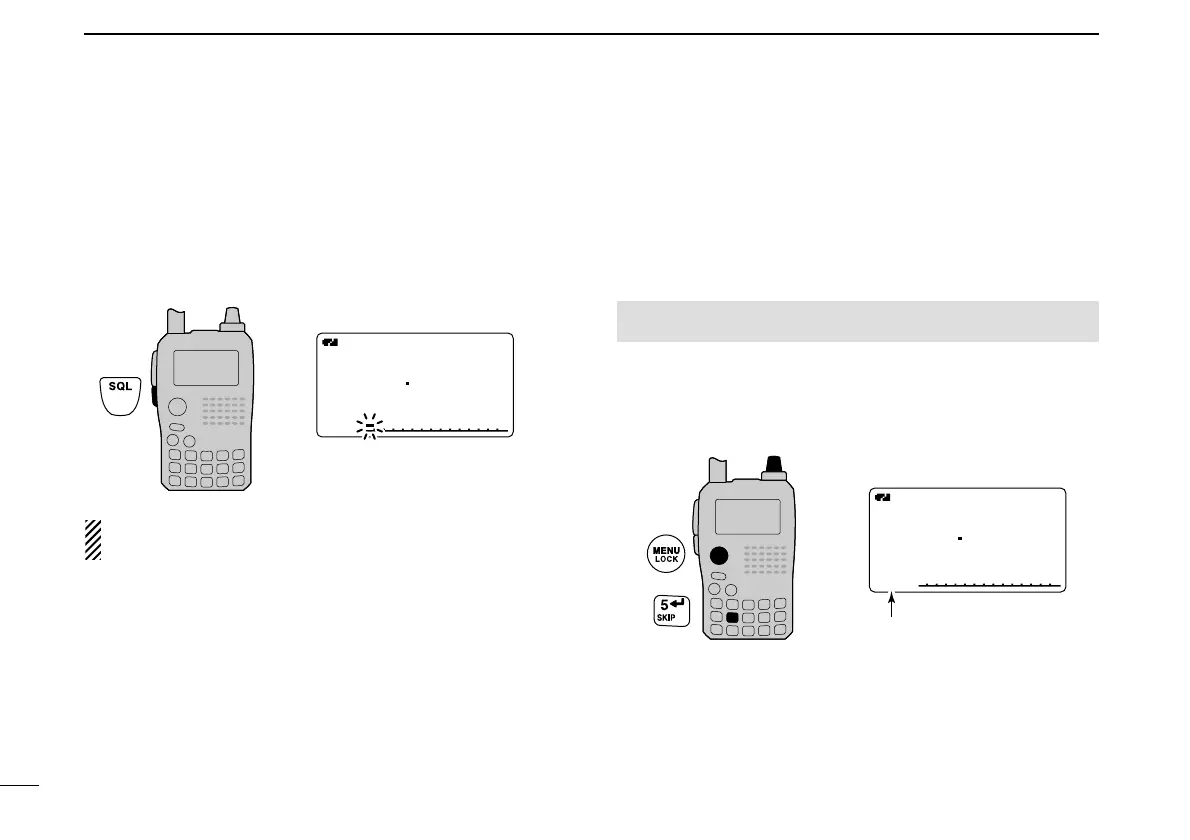
➥ Push and hold [SQL] to monitor the operating frequency.
• The 1st segment of the S-meter blinks.
The [SQL] key can be set to ‘sticky’ operation in set mode.
See page 89 for details.
■ Attenuator function
The attenuator prevents a desired signal from distortion by
very strong signals near the desired frequency or when very
strong electric fields, such as from a broadcasting station, are
near your location. The attenuation is about 10 dB.
q Enter “ATTENUATOR” in set mode. (p. 88)
w Rotate [DIAL]
†
to select “ON” or “OFF.”
e Push [ï](5)
(or [
ΩΩ
](4)) to return to set mode, and push
[MENU/LOCK] to return to frequency indication.
• “ATT” appears on the function display when “ON” is selected.



 To Next Page