78
9 SCAN OPERATION
■ Memory bank scan
IMPORTANT!: To perform memory bank scan, 2 or more
bank channels MUST be programmed, otherwise the scan
will not start.
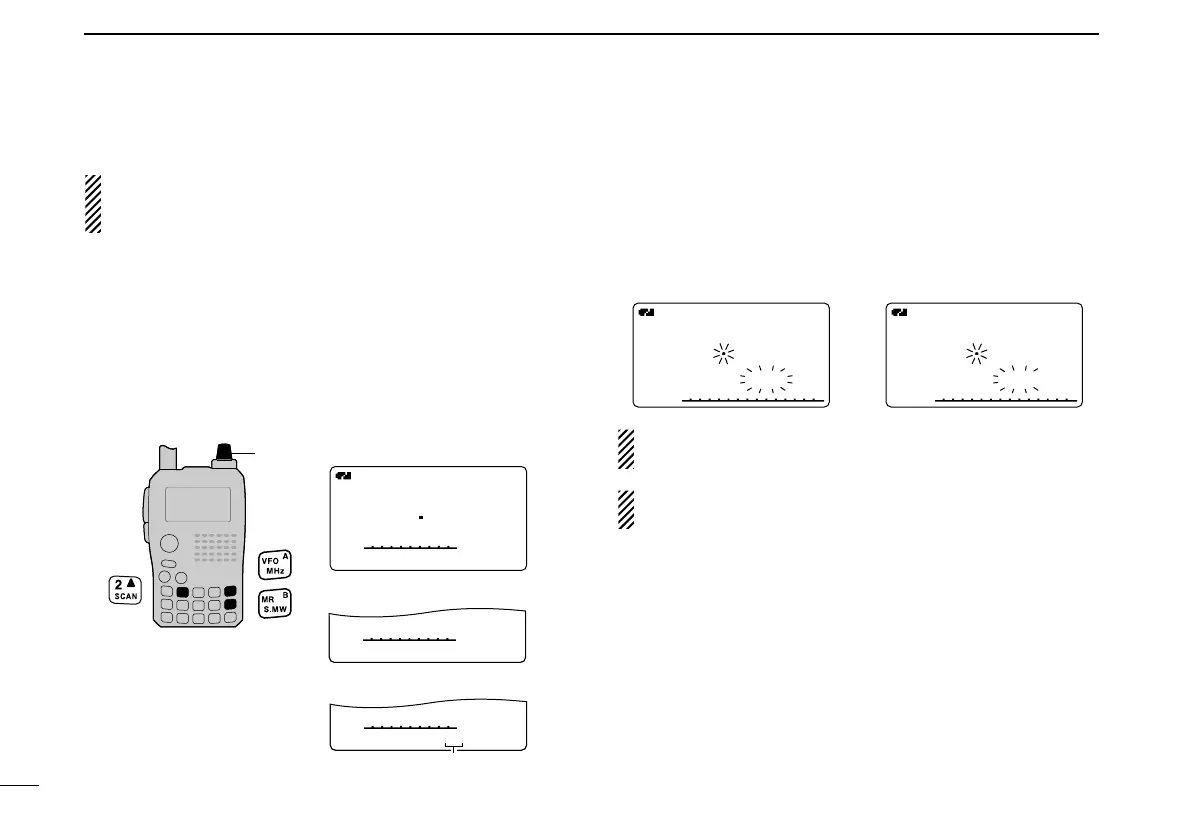
qPush [S.MW](MR) several times to select memory bank
mode.
wSet the squelch level.
eWhile pushing and holding [SCAN](2), rotate [DIAL] to se-
lect the desired scanning type.
•“ALL” for all bank scan; “BANK-LINK” for bank link scan or
“BANK-x” for bank scan (x= A to Z; programmed bank groups
are only displayed.), “DUP” (appears only when duplex opera-
tion is set) for duplex scan.
rRelease [SCAN](2) to start the selected scan.
• Scan pauses when a signal is received.
• Rotate [DIAL] to change the scanning direction, or resumes
manually.
tTo stop the scan, push [VFO].
The bank-link setting can be changed in scan set mode.
See page 97 for details.
Duplex scan function: Repeatedly scans two frequencies
(transmission/reception) during duplex scan operation.
P SKIPSKIP
P SKIPSKIP
P SKIPSKIP
• All bank scan selection
• Bank scan selection
• Bank link scan selection
Selectable between “A” to “Z”
if programmed.
[DIAL]



 To Next Page