EasyManua.ls Logo

Icom IC-91A - Menu Screen Categories

Icom IC-91A
131 pages
Print Icon
To Next Page IconTo Next Page
To Previous Page IconTo Previous Page
Loading...
86
11 MENU SCREEN OPERATION
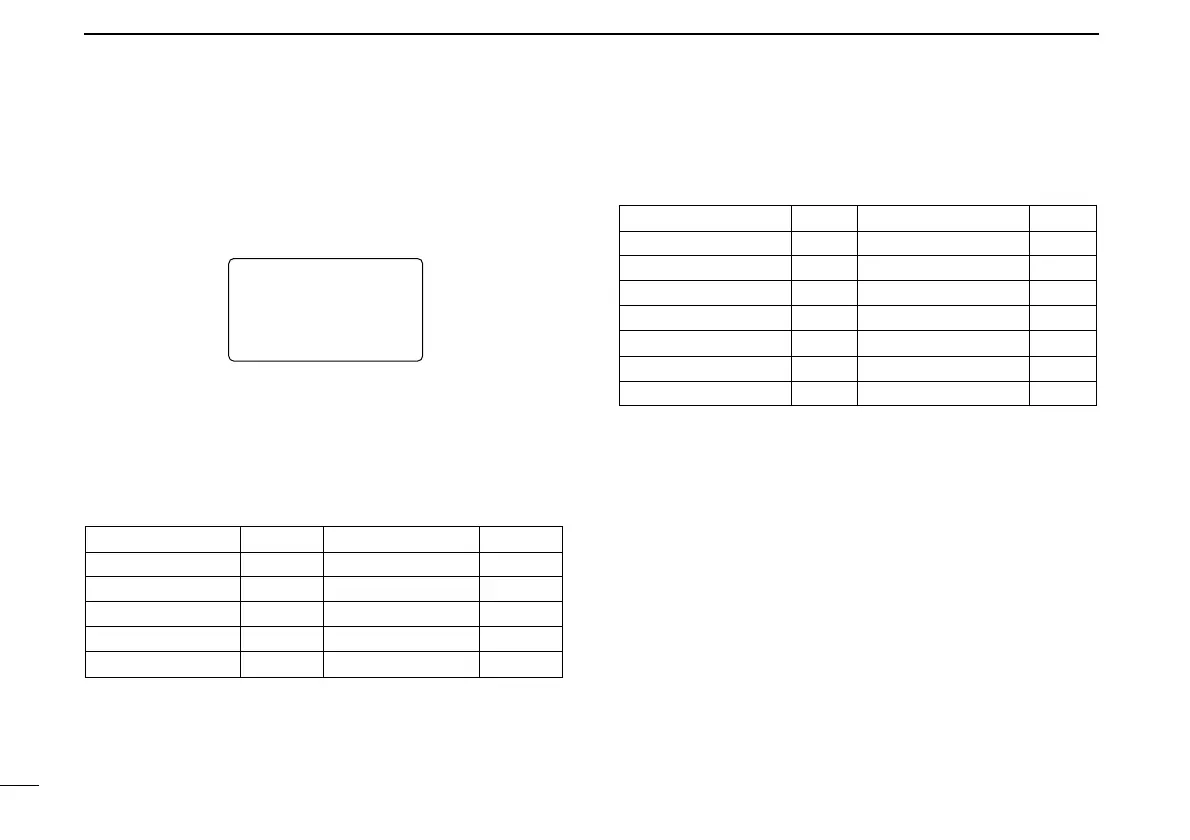
■ MENU screen indication for
B band*
While B band is selected, MENU screen shows following in-
dication.
*The optional UT-121 is required for IC-91A.
■ Menu list
†
Refer to the chapter 7 for details.
■ Items list
DD
Set mode
AUTO POWER OFF
POWER SAVE
ATTENUATOR
MONITOR
DIAL SPEED-UP
AUTO REPEATER
MIC SIMPLE MODE
ITEMS
p. 88
p. 88
p. 88
p. 89
p. 89
p. 89
p. 90
REF.
WEATHER ALERT
AUTO POWER ON
LOCK
PTT LOCK
BUSY LOCKOUT
TIME-OUT TIMER
ACTIVE BAND
ITEMS
p. 90
p. 90
p. 90
p. 91
p. 91
p. 91
p. 91
REF.
pgs. 92–95
pgs. 96, 97
pgs. 97–99
pgs. 99–101
p. 102
—
—
—
—
pgs. 88–91
CALL SIGN
†
RX CALL SIGN
†
MESSAGE/POSITION
†
DV VOICE MEMO
†
SET MODE
MENU REF.
DV SET MODE
SCAN
DUP/TONE…
DISPLAY
SOUNDS
MENU REF.
RX CALL SRX CALL S
MESSAGE/POSMESSAGE/POS
DV VOICE MDV VOICE M
SET MODESET MODE
DV SET MODEDV SET MODE
***** MENU ********** MENU *****
r
MENU screen indication for B band.

Table of Contents