34
DV MODE OPERATION (Optional UT-121 is required for IC-91A)
7
■ Digital mode operation
The IC-91A*/91AD can be operated in digital voice mode and
low-speed data operation for both transmit and receive. It can
also be connected to a GPS receiver
(compatible with an RS-
232 output/NMEA format/4800 bps) and transmit/receive position
data.
*The optional UT-121 is required for the IC-91A.
■ Call sign programming
Four types of call sign memories are available; your own call
sign “MY CALL SIGN,” other station call sign “YOUR CALL
SIGN,” repeater call sign “RPT1 CALL SIGN” and “RPT2
CALL SIGN.” “MY CALL SIGN” can store up to 6 call signs,
“YOUR CALL SIGN” can store up to 60 call signs and
“RPT1/2 CALL SIGN” can store up to 60 call signs, and each
call sign can be programmed with up to 8 characters.
DD
Your own call sign programming
Your own call sign must be programmed for both digital voice
and low-speed data communications
(including GPS transmis-
sion).
q Select B band as the main band.
(p. 14)
w Enter “MY” in call sign set mode.
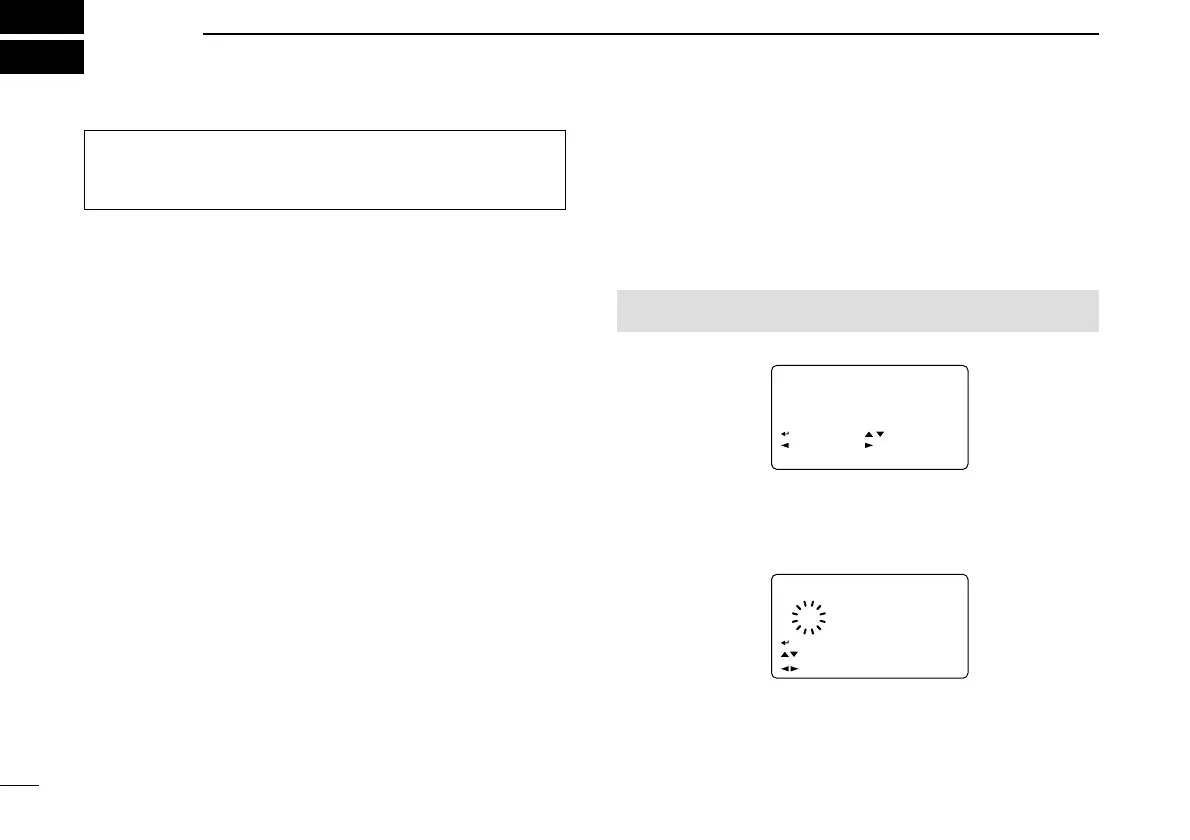
• MY CALL SIGN screen is displayed.
e Rotate [DIAL]
†
to select the desired call sign memory,
“M01” to “M06.”
r Push [
≈≈
](6) to enter call sign programming mode.
• The 1st digit blinks.
t Rotate [DIAL]
†
to select the desired character or code.
• Push [A/a](3) to change the character group from “AB” (alpha-
betical characters; capital letters), “12” (numbers) and “/” (sym-
bols) in sequence.
MENU screen ➪ CALL SIGN ➪ MY
(Push [MENU/LOCK]) (Rotate [DIAL]
†
, then push [ï](5)
†
.)
Although [DIAL] and [ï](5) are used for description in this
section, [
∫∫
](2)/[
√√
](8) and [
≈≈
](6) are available instead of
[DIAL] and [ï](5).


 To Next Page