10
5
BASIC OPERATION
1
2
3
4
5
6
7
8
9
10
11
12
13
14
15
16
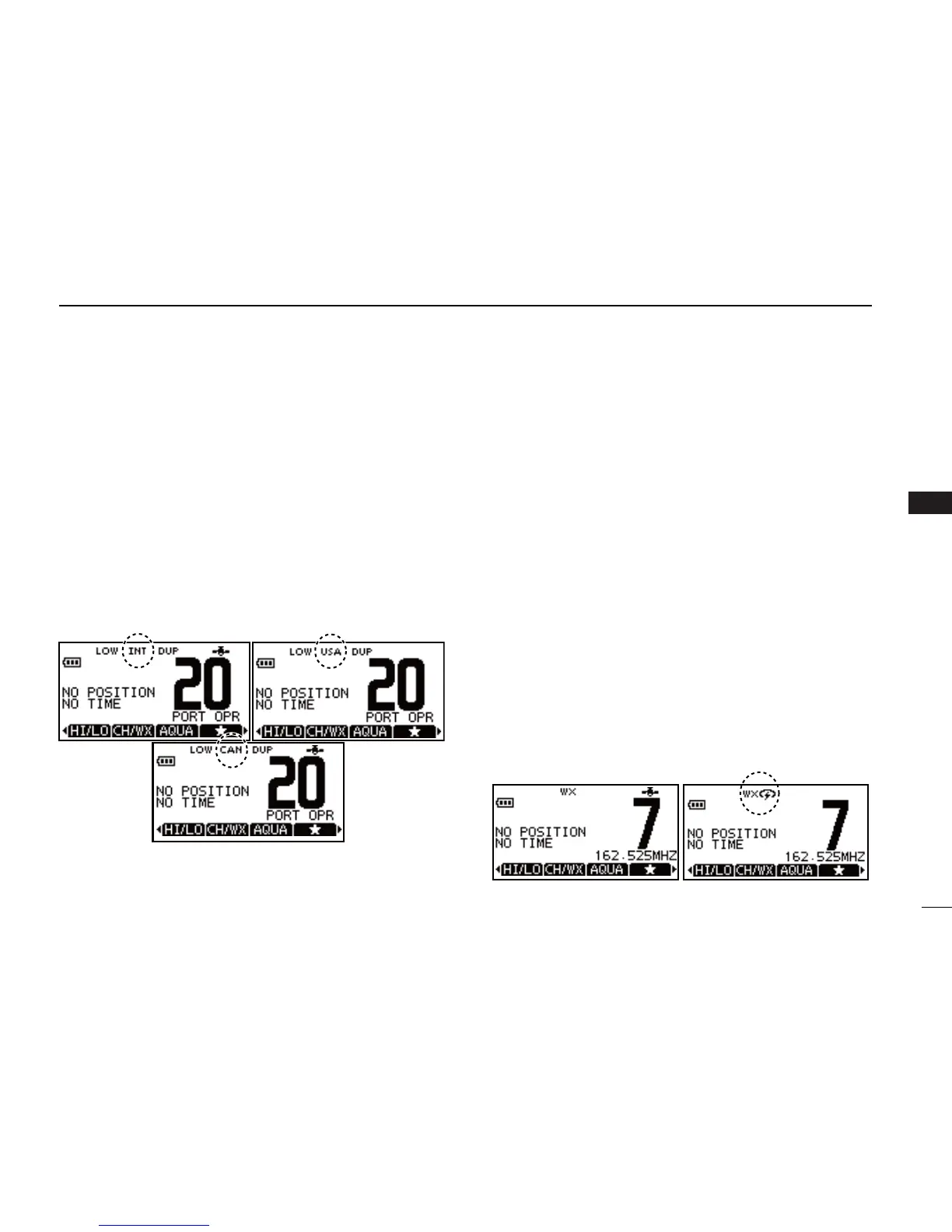
U.S.A., International and Canadian channels D
The transceiver is pre-programmed with 59 U.S.A., 59 Inter-
national and 63 Canadian channels. These channel groups
may be specified for the operating area.
Push [ q MENU].
Push w [Y]/[Z] to select “Radio Settings”.
•U.S.A.,InternationalandCanadianchannelgroupscanbese-
lected in sequence.
Push e [Y]/[Z] to select “CHAN Group”.
r Select between “USA”, “INT” and “CAN”.
t Select “EXIT” while the desired channel group is selected
to return to the home screen.
•“DUP” appears for duplex channels.
Weather channels D
The IC-M92D has 10 pre-programmed weather channels.
These are used for monitoring broadcasts from NOAA (Na-
tional Oceanographic and Atmospheric Administration.)
The transceiver can automatically detect a weather alert tone
on the selected weather channel while receiving on another
channel, during standby on a regular channel or while scan-
ning. (p. 44)
To Select a Weather channel:
Select “CH/WX” to select a weather channel.
•“WX”appearswhenaweatherchannelisselected.
•Weather channel alert icon appears when the alert function is
turned ON.
To set the Weather Alert:
Push q [MENU].
Push w [Y]/[Z] to select “Radio Settings”.
Push e [Y]/[Z] to select “WX Alert”.
r Select “ON” to set the Weather Alert. .
t Select “EXIT” while “ON” is selected to return to the home
screen.
•WX Alert icon appears.



 To Next Page