65
8
DSC OPERATION
Other messages D
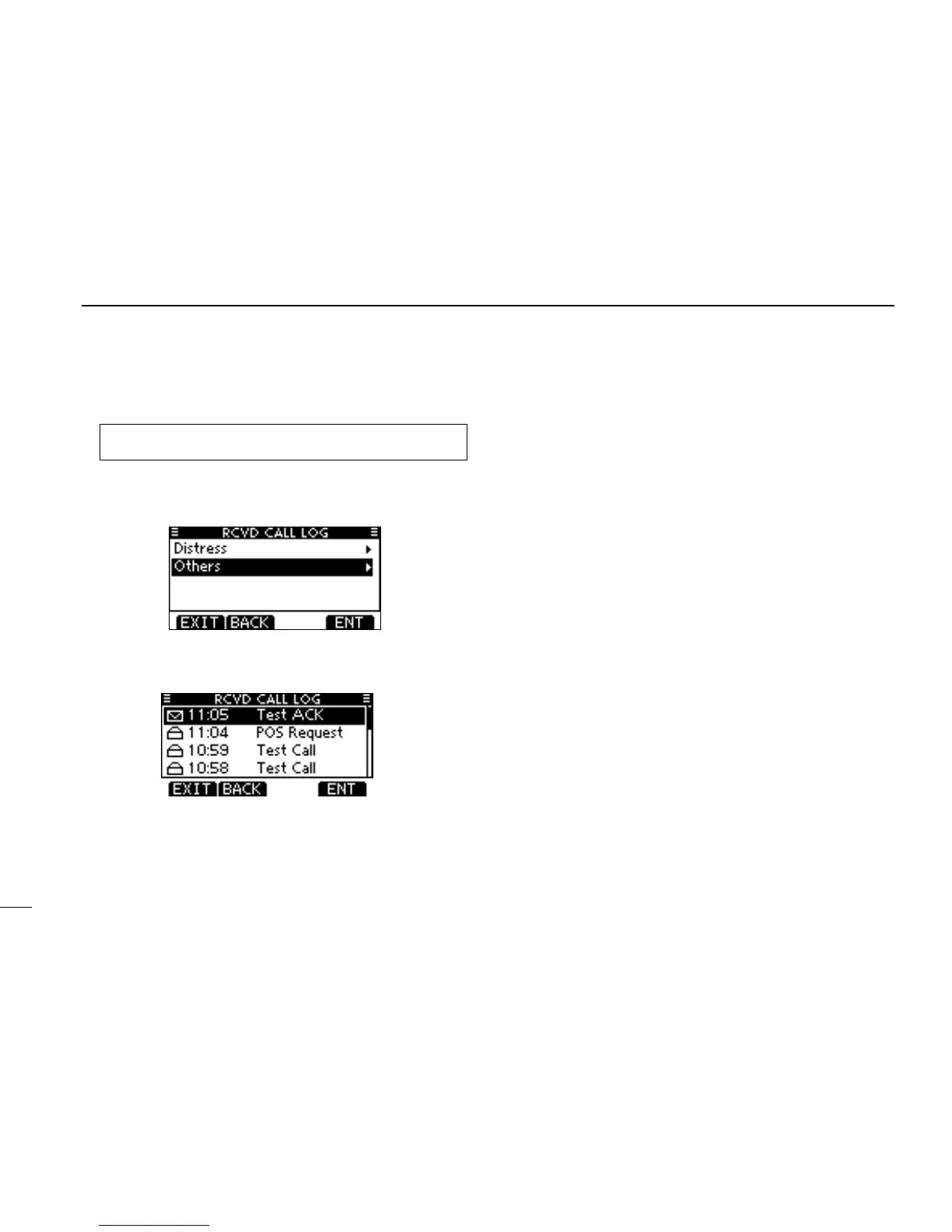
Enter “RCVD CALL LOG” in the DSC Calls menu. q
MENU ➪ DSC Calls ➪ Received Call Log
(Push [MENU])
(Push
[p]/[q]
, then push [ENT].)
Push [ w p] or [q] to select “Other,” then push [ENT].
•Themessagesarestoredin“Other,”ifitsformatspecierisoth-
er than ‘Distress.’
Push [ e p] or [q] to select the desired item, then push
[ENT].
•Themessageintheunopenedlehasnotbeenread.



 To Next Page