66
8
DSC OPERATION
1
2
3
4
5
6
7
8
9
10
11
12
13
14
15
16
DSC Settings ■
D Position Input (See page 22)
D Add Individual ID/Group ID (See pages 19, 20)
D Delete Individual ID/Group ID (See page 21)
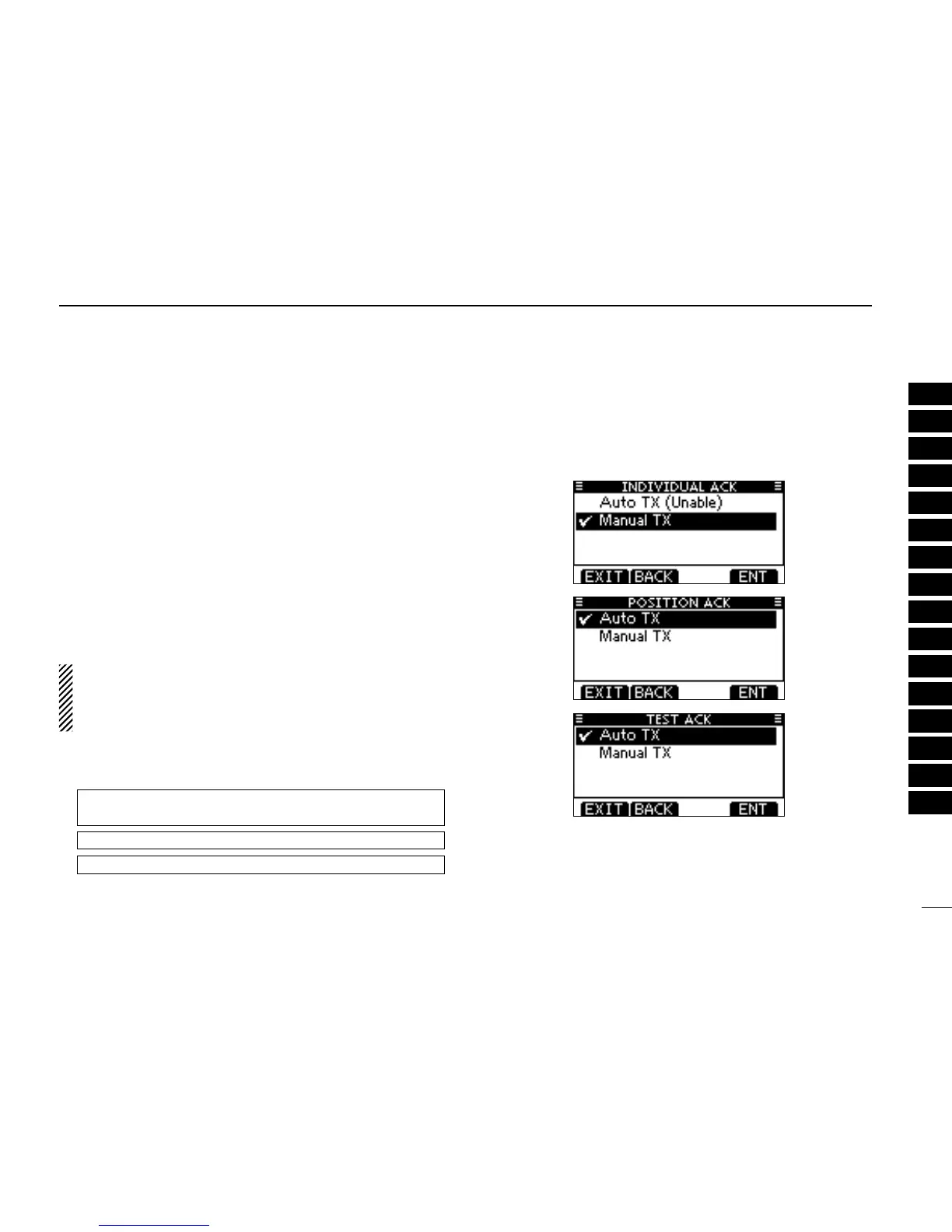
D Automatic Acknowledgement
These items set the Automatic Acknowledgement function to
“Auto TX” or “Manual TX.”
When an Individual, Position Request, Position Report, Poll-
ing Request or Test Call is received, the transceiver auto-
matically transmits an Individual Acknowledgement, Position
Reply, Position Report Reply*, Polling Reply or Test Acknowl-
edgement Call, respectively.
*Only when the received Position Report call requires a reply.
When “INDIVIDUAL ACK” is set to “Auto TX,” the trans-
ceiver automatically transmits the Acknowledgment call
including “Unable to Comply” (No Reason Given) after re-
ceivng the Individual call.
q
Enter either “INDIVIDUAL ACK,” “POSITION ACK,” “TEST
ACK” in the DSC Settings menu.
MENU ➪ DSC Settings ➪
Individual ACK
(Push [MENU])
(Push
[p]/[q]
, then push [ENT].)
MENU ➪ DSC Settings ➪
Position ACK
MENU ➪ DSC Settings ➪
Test ACK
Rotate Dial w
to select “Auto TX” or “Manual TX,” then push
[ENT].
•Push[BACK]tocancelandreturntotheDSCSettingsmenu.
(default)
(default)
(default)
Push [EXIT] to return to the normal operating mode. e



 To Next Page