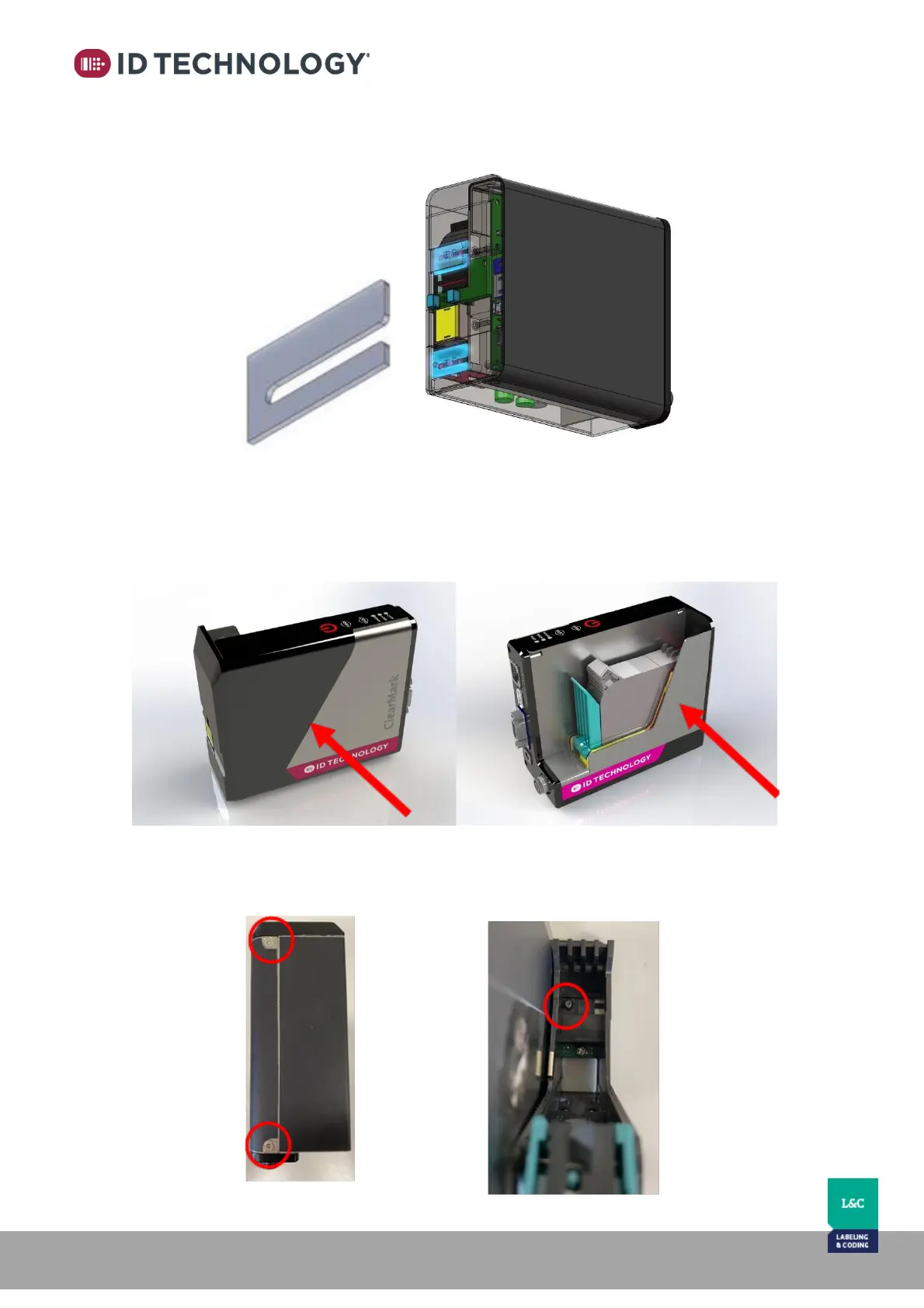
Removing spacers to reduce throw distance to product
By removing these two spacer plates, the print throw distance can be reduced by 2mm:
2 x
To remove the two small plates placed between the stall and the front faceplate of the
printhead, follow these steps:
1. Remove the printhead covers from both sides of the head.
To do this:
• Remove 2 screws located on the bottom of the printhead (2mm Allen wrench)
• Loosen (but do not remove) the screw that holds the cartridge stall to the face plate of
the print head (2mm Allen wrench)



 To Next Page