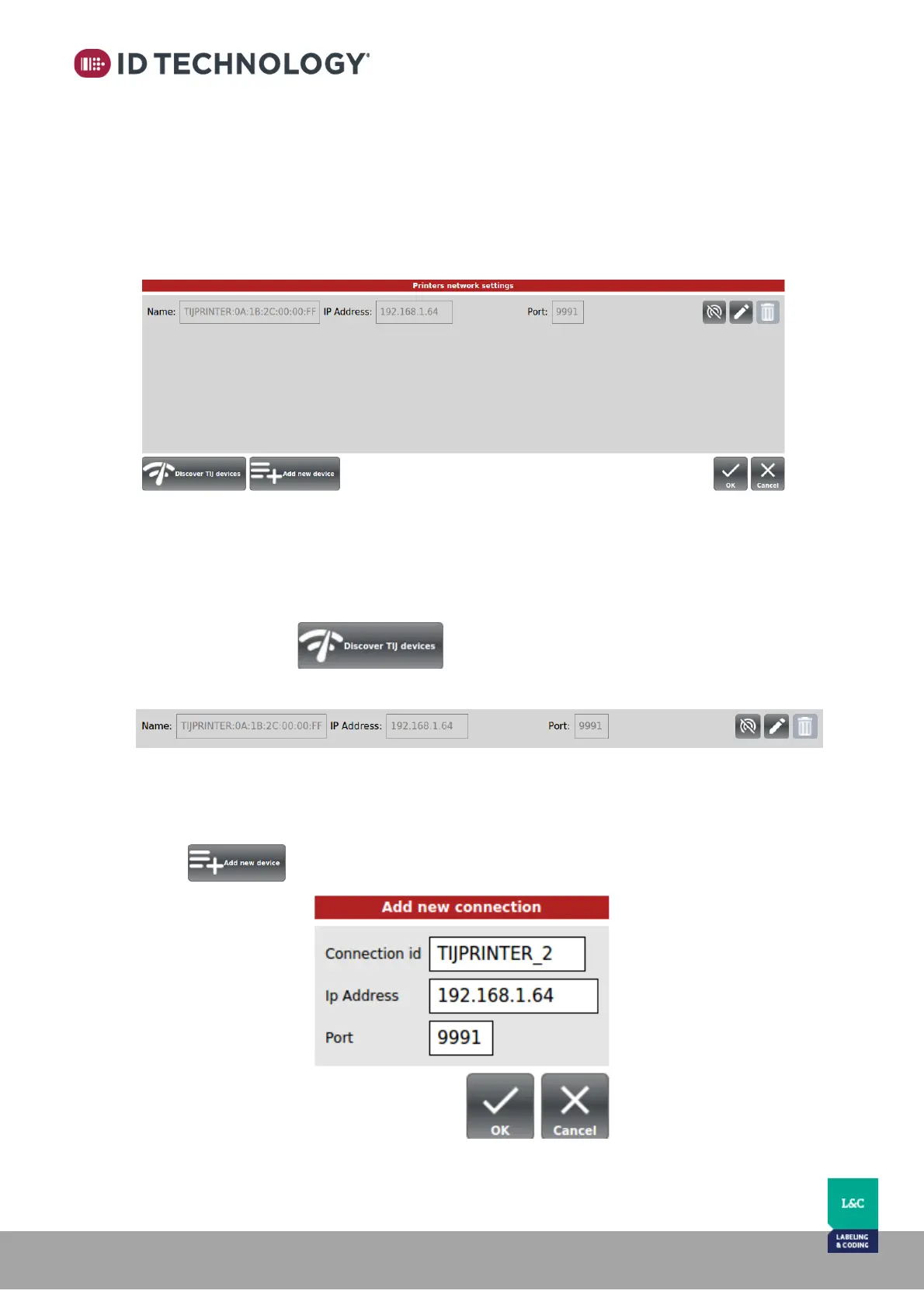
Printer Network configuration
Through this option the user can check which printers are connected to the HMI. Usually it
would be just one printer but there are some cases where one HMI can control several
printers.
Once configured and communicating, this window shows the network configuration of the
Printer(s).
If there is no connection configured the list of active connections will appear empty
The connection can be set up automatically or manually.
Automatic connection setup:
Auto discover connected devices and automatic network configuration.
Tap on Discover button and wait a few seconds, the printer will be
connected automatically and will appear in the list:
Manual connection setup:
Add new devices and setup network configuration manually.
Tap on to display setup window showing the new connection with TIJ printer:



 To Next Page