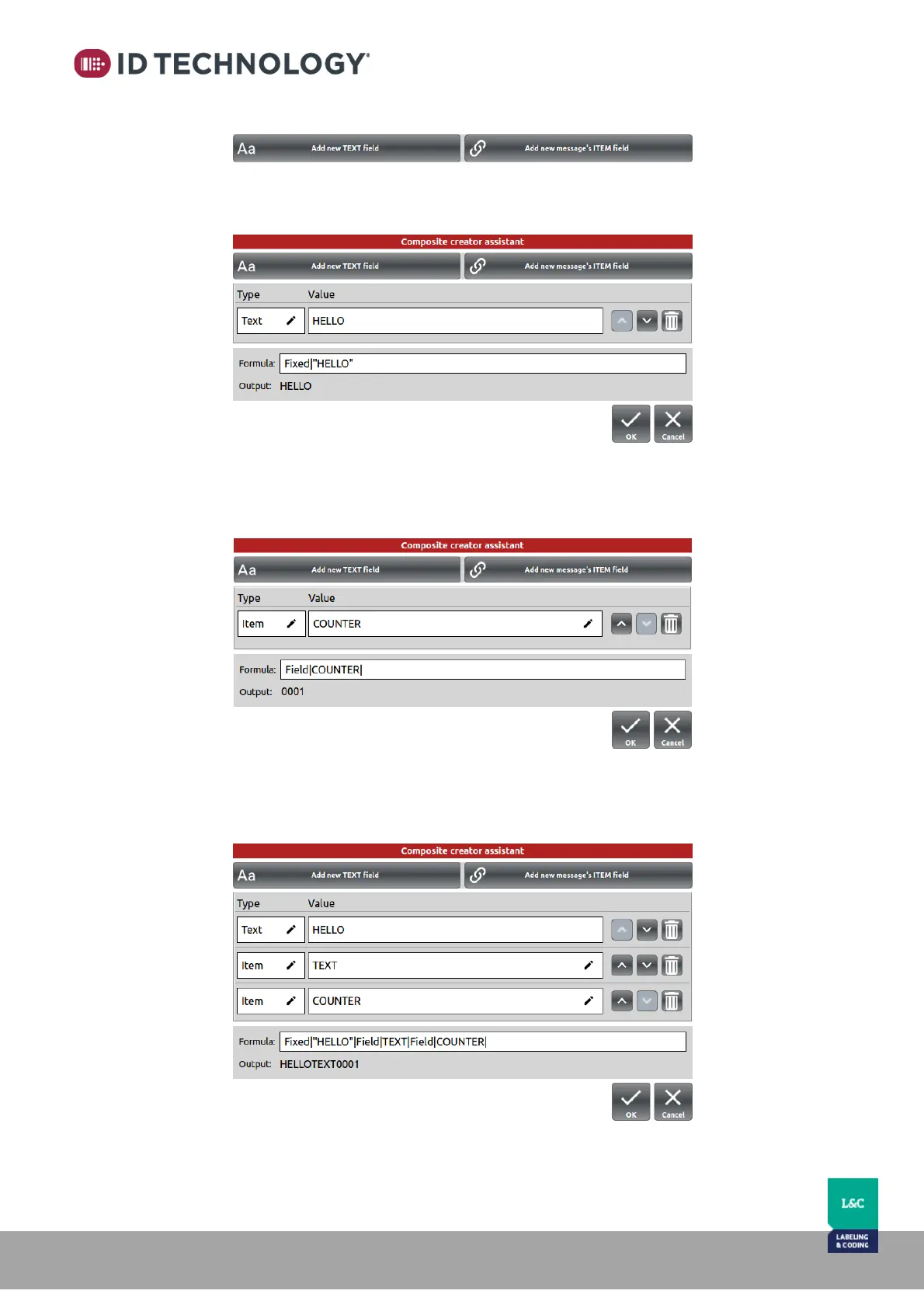
5. Add a new field by tapping on one of these buttons:
There are 2 types of field: “TEXT” and “message’s ITEM”.
o TEXT: allows entry of the field VALUE as text. The output of the calculated
formula is the text entered.
o ITEM: choose an Item/field from the Value list that already exists in the
message to include it in the formula. Formula’s output is calculated taking the
value of the chosen item.
6. Add more fields to the formula as required. The Output of the formula will be
calculated by joining all of the field values.



 To Next Page