5 User Communication
3-18 WindO/I-NV4 User’s Manual
26
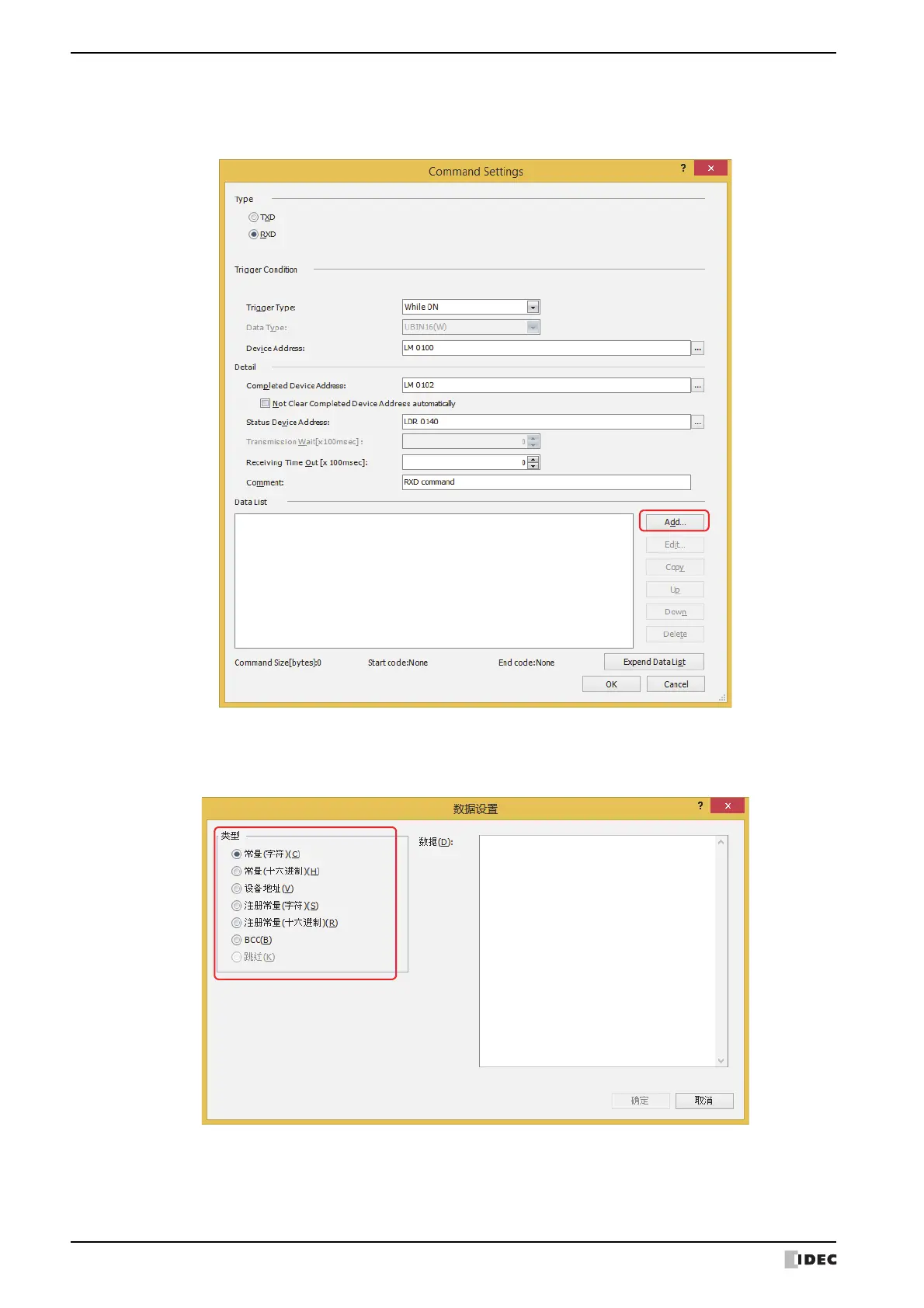
Set data for receive command.
Click Add under Data List.
The
Data Settings
d
ialog box is displayed.
27
Select data type in Type.
Data setting items are displayed.
For details on receive command, refer to “Receive (RXD) Command” on page 3-62.
28
Specify the data, and then click OK.
The data configured in Data List on the Command Settings dialog box is displayed.



 To Next Page
 Loading...