WindO/I-NV4 User’s Manual 3-105
7 BACnet Communication
3
Communication
7.6 BACnet/IP Settings Procedure
This section describes the procedure for setting BACnet/IP.
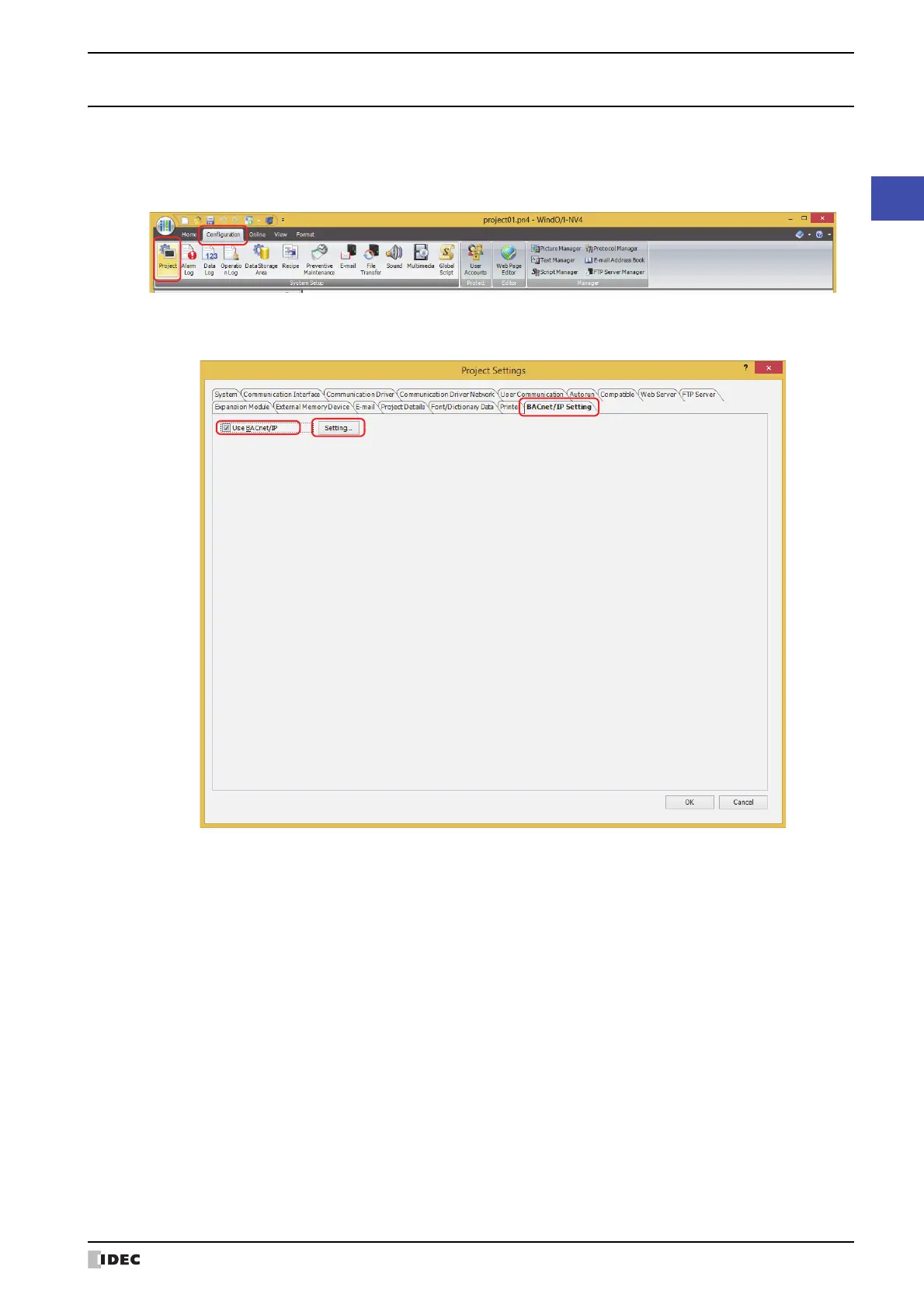
1 On the Configuration tab, in the System Setup group, click Project.
The Project Settings dialog box is displayed.
2 Click the BACnet/IP Settings tab, select the Use BACnet/IP check box and click Settings.
The BACnet Settings dialog box is displayed.
3 Configures a basic settings of BACnet/IP.
For details, refer to “BACnet/IP Settings” on page 3-108.



 To Next Page
 Loading...