1 Bit Write Command
12-4 WindO/I-NV4 User’s Manual
1.3 Properties of Bit Write Command Dialog Box
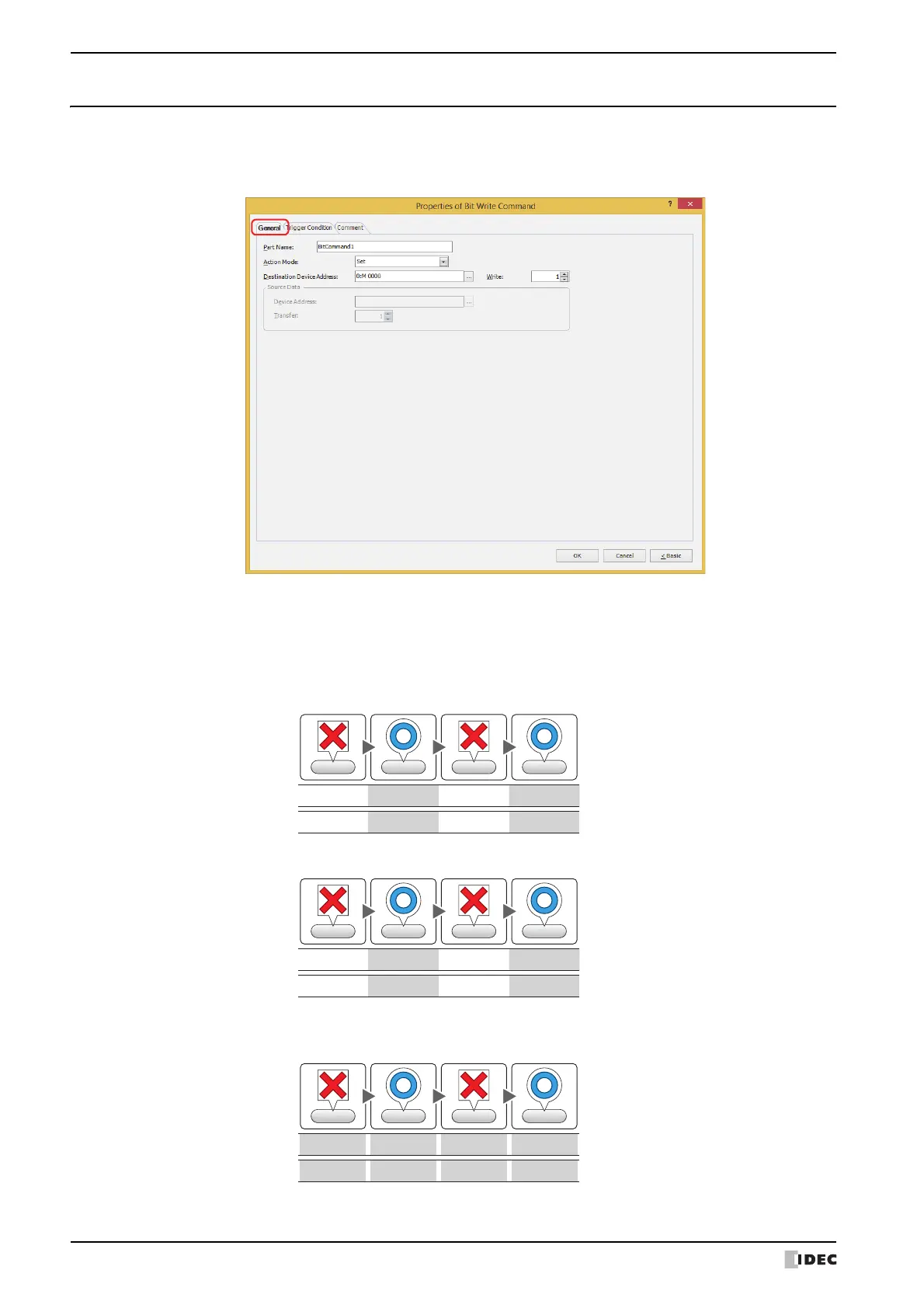
This section describes items and buttons in the Properties dialog box.
●
General Tab
■ Part Name
Enter a name for the part. The maximum number is 20 characters.
■ Action Mode
Select the action to perform when the trigger condition is satisfied from the following:
Set: Writes a 1 to the specified bit device when the trigger condition is satisfied.
Reset: Writes a 0 to the specified bit device when the trigger condition is satisfied.
Momentary: Writes a 1 to the specified bit device when the trigger condition is satisfied.
When the trigger condition is no longer satisfied, a 0 is written to the specified bit device.
1
State of condition
Data written
1
Action
Write Write
Condition Condition Condition Condition
SatisfiedSatisfiedSatisfiedNot satisfiedNot satisfiedNot satisfied SatisfiedSatisfiedSatisfied
Not satisfiedNot satisfiedNot satisfied
0
State of condition
Data written
0
Action
Write Write
Condition Condition Condition Condition
SatisfiedSatisfiedSatisfiedNot satisfiedNot satisfiedNot satisfied SatisfiedSatisfiedSatisfied
Not satisfiedNot satisfiedNot satisfied
0
State of condition
Data written
1
0 1
Action
WriteWrite
Write
Write
Condition Condition Condition Condition
SatisfiedSatisfiedSatisfied
Not satisfiedNot satisfiedNot satisfied SatisfiedSatisfiedSatisfiedNot satisfiedNot satisfiedNot satisfied



 To Next Page
 Loading...