2 Project Settings Configuration Procedure
4-24 WindO/I-NV4 User’s Manual
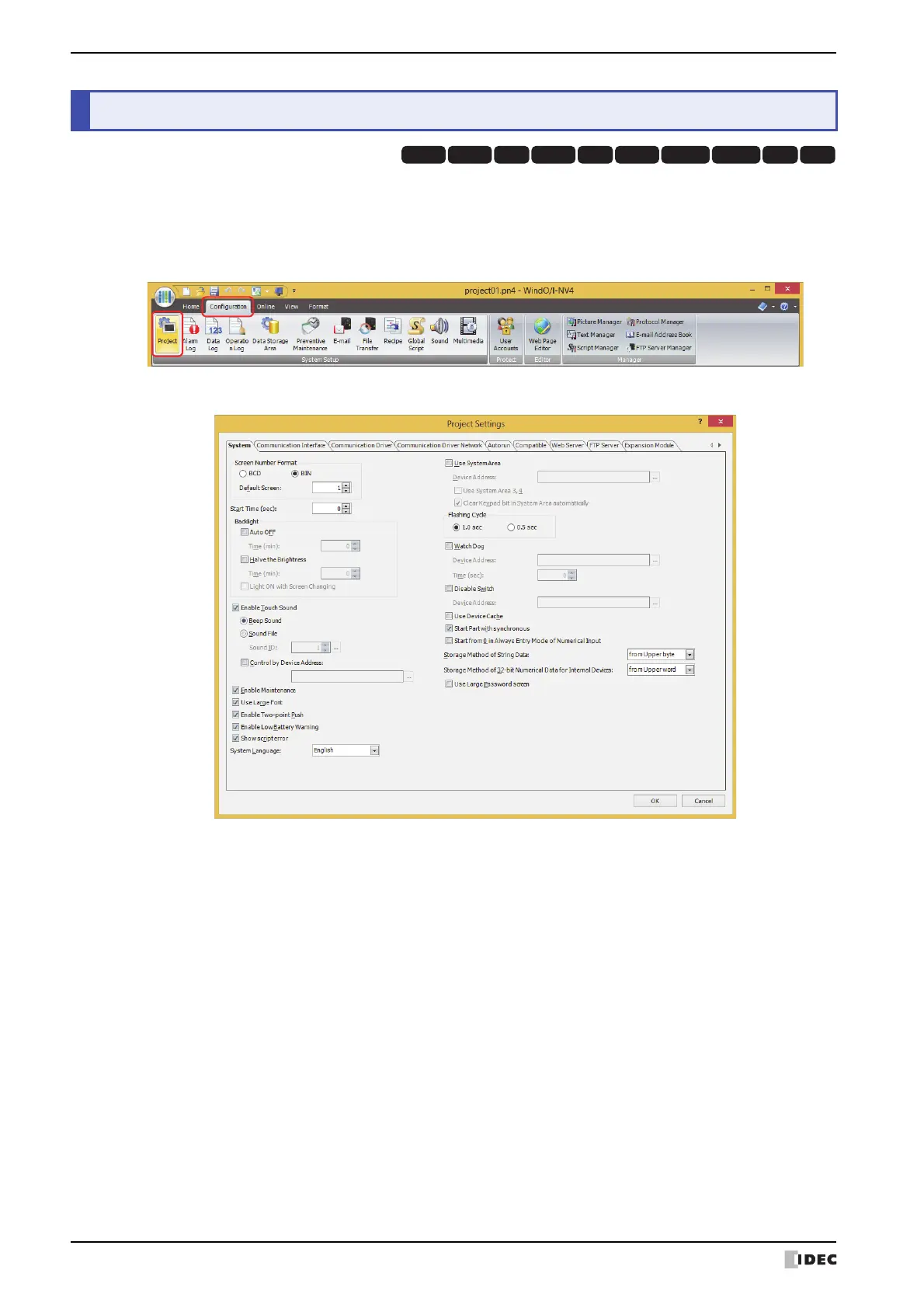
The Project Settings dialog box is used to configure MICRO/I operations and functions for the project overall.
This section describes the configuration procedure for project settings.
1 On the Configuration tab, in the System Setup group, click Project.
The Project Settings dialog box is displayed.
2 Change the settings on each tab as necessary.
2Project Settings Configuration Procedure
HG3G
HG2G-5FHG5G-V HG4G-V HG3G-V HG2G-V HG2G-5T
HG4G HG1G HG1P



 To Next Page
 Loading...