WindO/I-NV4 User’s Manual 13-33
4 Using Data and Detected Alarms
13
Alarm Log Function
4.2 Displaying Registered Messages with the Alarm List Display According to the Active Alarm
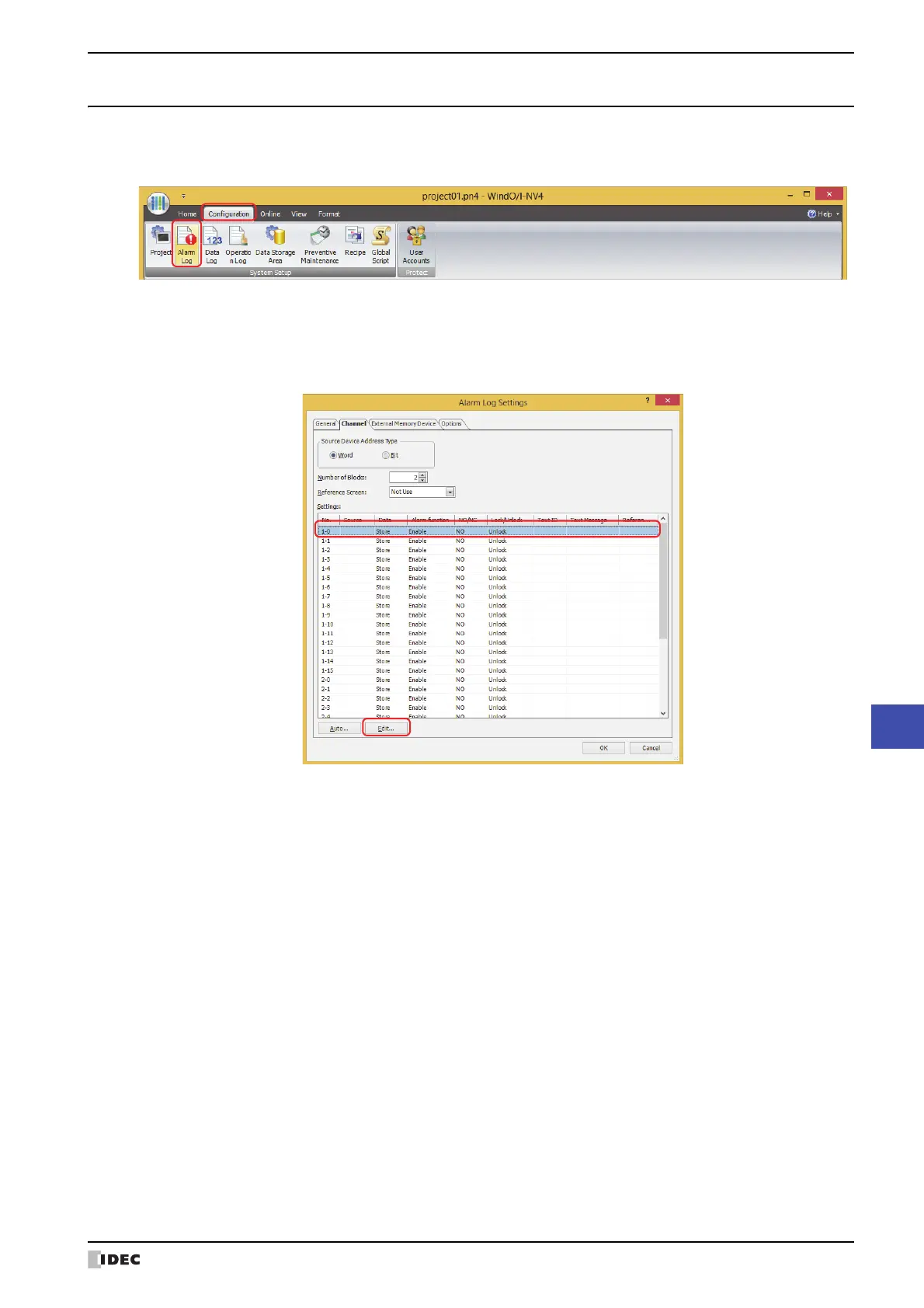
1 On the Configuration tab, in the System Setup group, click Alarm Log.
The Alarm Log Settings dialog box is displayed.
2 Select the type of device address to monitor under Source Device Address Type on the Channel tab and specify
Number of Blocks.
3 Select the channel number to register a message to and click Edit.
The Individual Settings dialog box is displayed.



 To Next Page
 Loading...