5 Editing User Accounts on the MICRO/I
23-56 WindO/I-NV4 User’s Manual
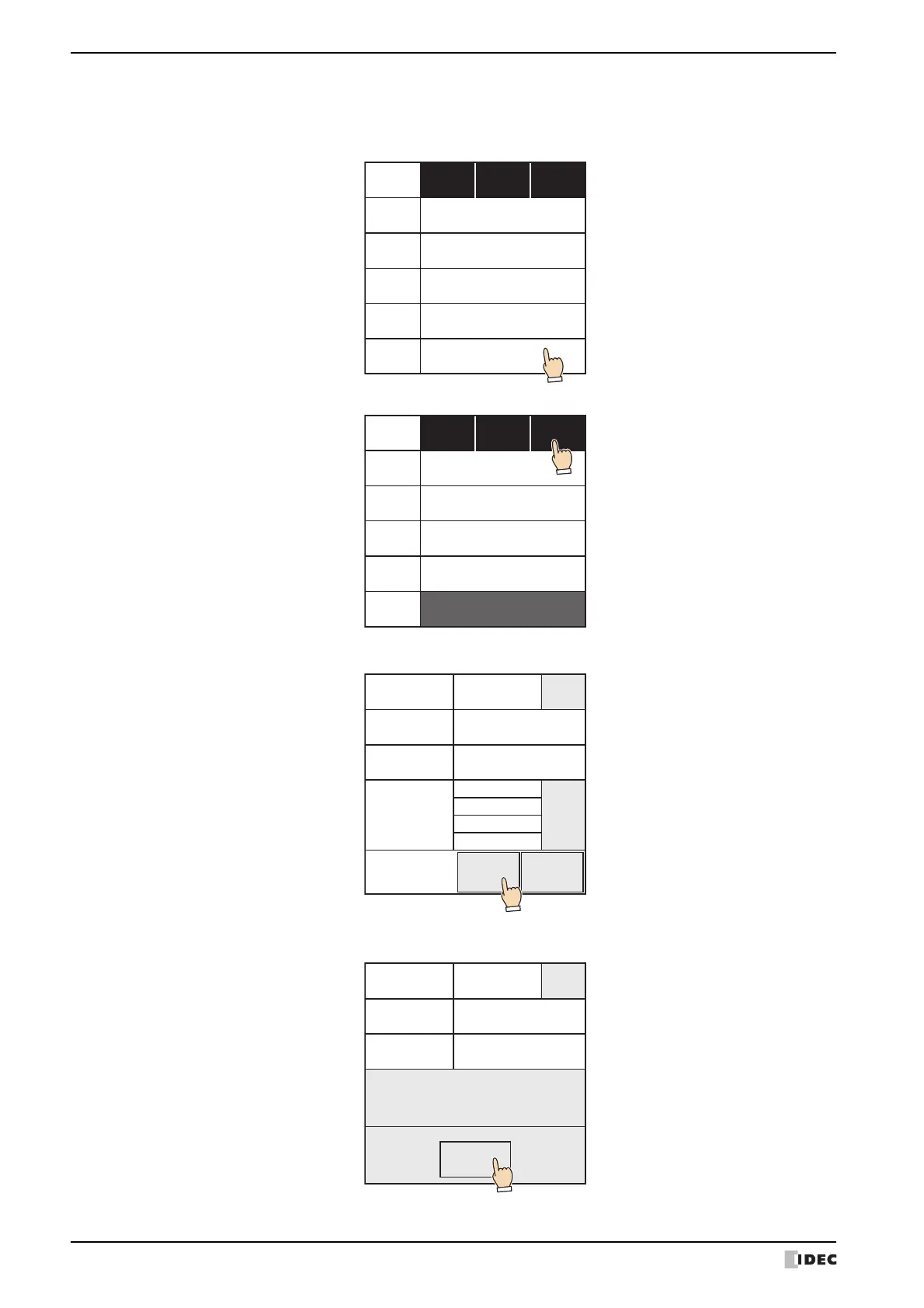
2. Select security groups to assign and clear security groups to remove.
3. Press Close.
6 Press OK.
7 Press OK.
• Security groups are selected and cleared each time the names are pressed.
• Press Gr. 1~5, Gr. 6~10, and Gr. 11~15 to switch between the different sets of five security groups.
Close
AdministratorGr. 1
OperatorGr. 2
ReaderGr. 3
GroupAGr. 4
GroupBGr. 5
Gr.
1~5
Gr.
6~10
Gr.
11~15
Close
AdministratorGr. 1
OperatorGr. 2
ReaderGr. 3
GroupAGr. 4
GroupBGr. 5
Gr.
1~5
Gr.
6~10
Gr.
11~15
編集 追加 削除
X
GroupB
Pass05
User5
5
Change
Security
Group
Password
User Name
User ID
Add
User.
CANCELOK
編集 追加 削除
X
変更
GroupA
Admin
セキュリティ
グループ
Pass05
User5
5
Password
User Name
User ID
OK
Succeed



 To Next Page
 Loading...