2 Monitoring on the MICRO/I
25-20 WindO/I-NV4 User’s Manual
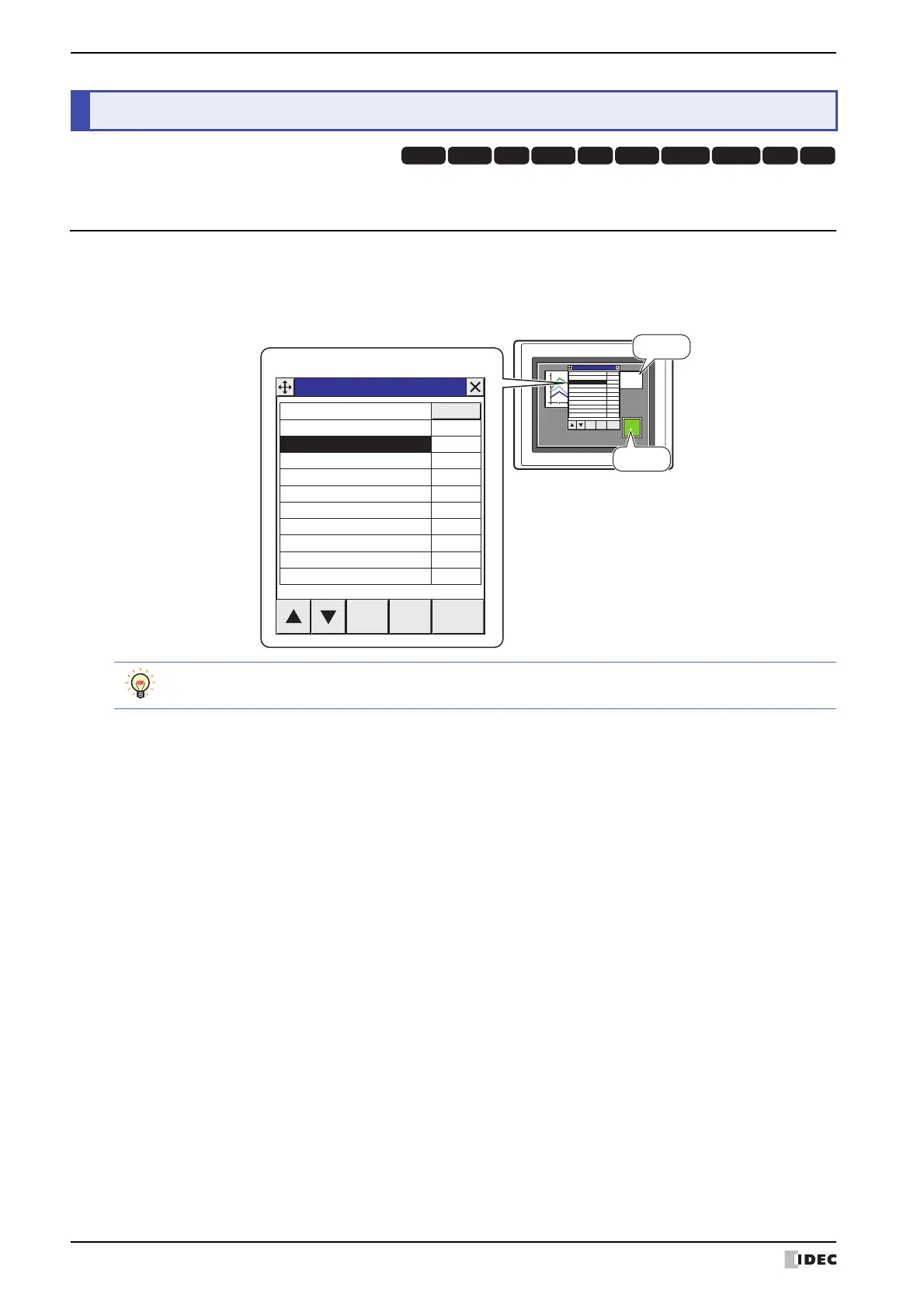
It is possible to change values of device addresses and check the operation on the MICRO/I.
2.1 How the Monitoring Function is Used
Monitoring in the MICRO/I can perform the following functions.
• Checking and changing the value of specified device address
2 Monitoring on the MICRO/I
HG3G
HG2G-5FHG5G-V HG4G-V HG3G-V HG2G-V HG2G-5T
HG4G HG1G HG1P
MICRO/I
130
Device Monitor
LDR1
LM0
Device
LM
LDR
Data Del Select
0
00000
0
1
Device Monitor
Dec/Hex
Device
LM
LDR
Data Del Select
0
00000
0
1
Device Monitor
Dec/Hex
Device Monitor can be used in offline mode. The values of the external device addresses can be checked
and changed with the MICRO/I alone.



 To Next Page
 Loading...