1 WindO/I-NV4 Specifications
2-22 WindO/I-NV4 User’s Manual
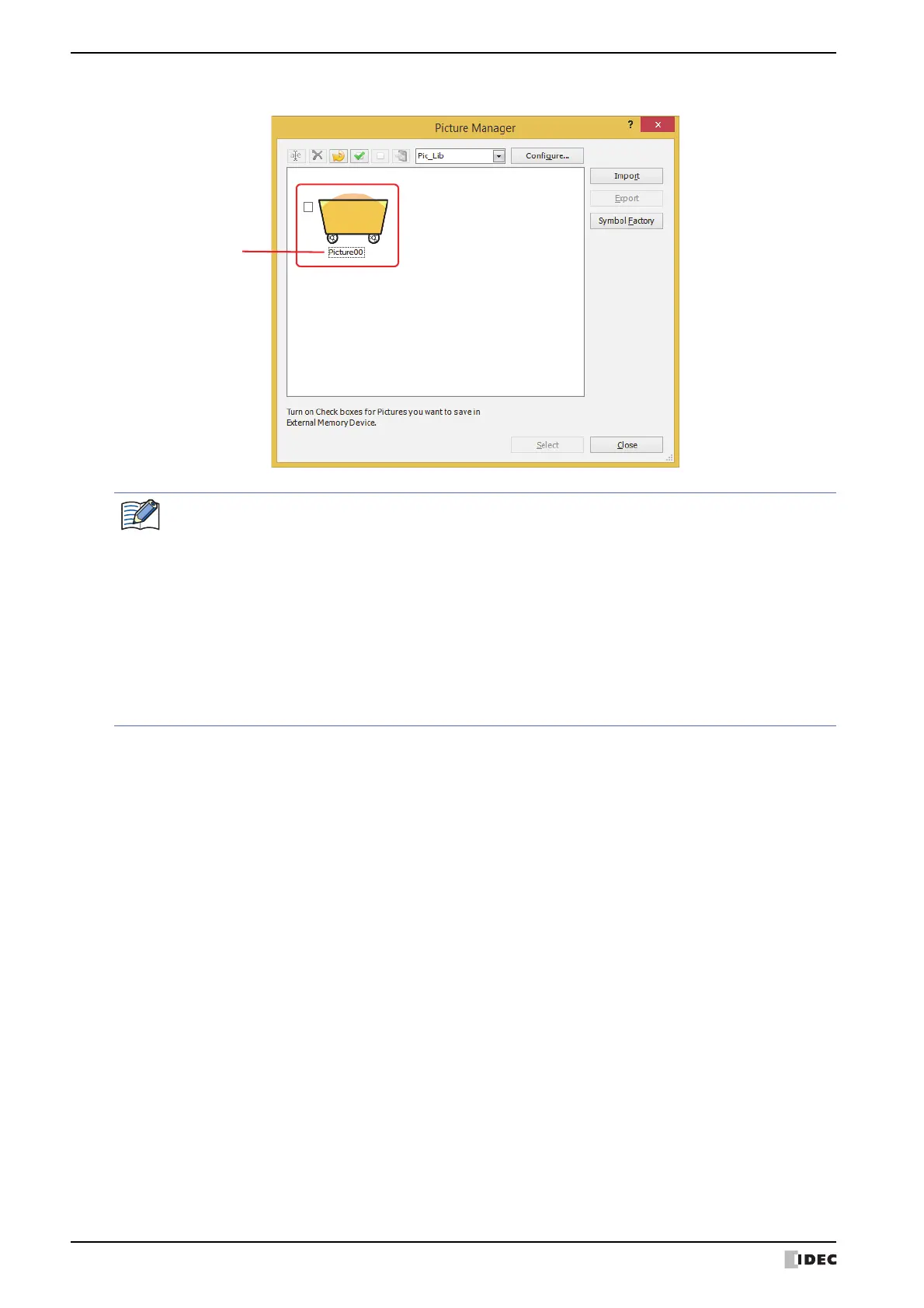
The picture is saved in Picture Manager. The name of the image file becomes the picture name.
• Even when the image is saved to a different category, if a picture of the same name is already saved in
that category, a confirmation message to overwrite the file is displayed.
-Click Yes to overwrite the image.
After overwriting, the image is saved in the list of the selected category, and the previous image is
deleted from the list.
Example: The picture "Picture00" is saved in the category "Pic_Lib."
If the picture "Picture00.bmp" is saved to the category "NewBook1," the new image
"Picture00" is saved to "NewBook1," and the image named "Picture00" that was previously
in "Pic_Lib" is deleted.
-Click No to stop saving the picture.
• If a picture is imported that is larger than the screen size, it will be automatically shrunk.



 To Next Page
 Loading...