FC6A S
ERIES
M
ICRO
S
MART
A
LL
-
IN
-O
NE
T
YPE
U
SER
’
S
M
ANUAL
FC9Y-B1722 11-43
11: SD M
EMORY
C
ARD
Download files and folders
Files and folders saved on the PC will be written to the SD memory card inserted in the FC6A Series MicroSmart.
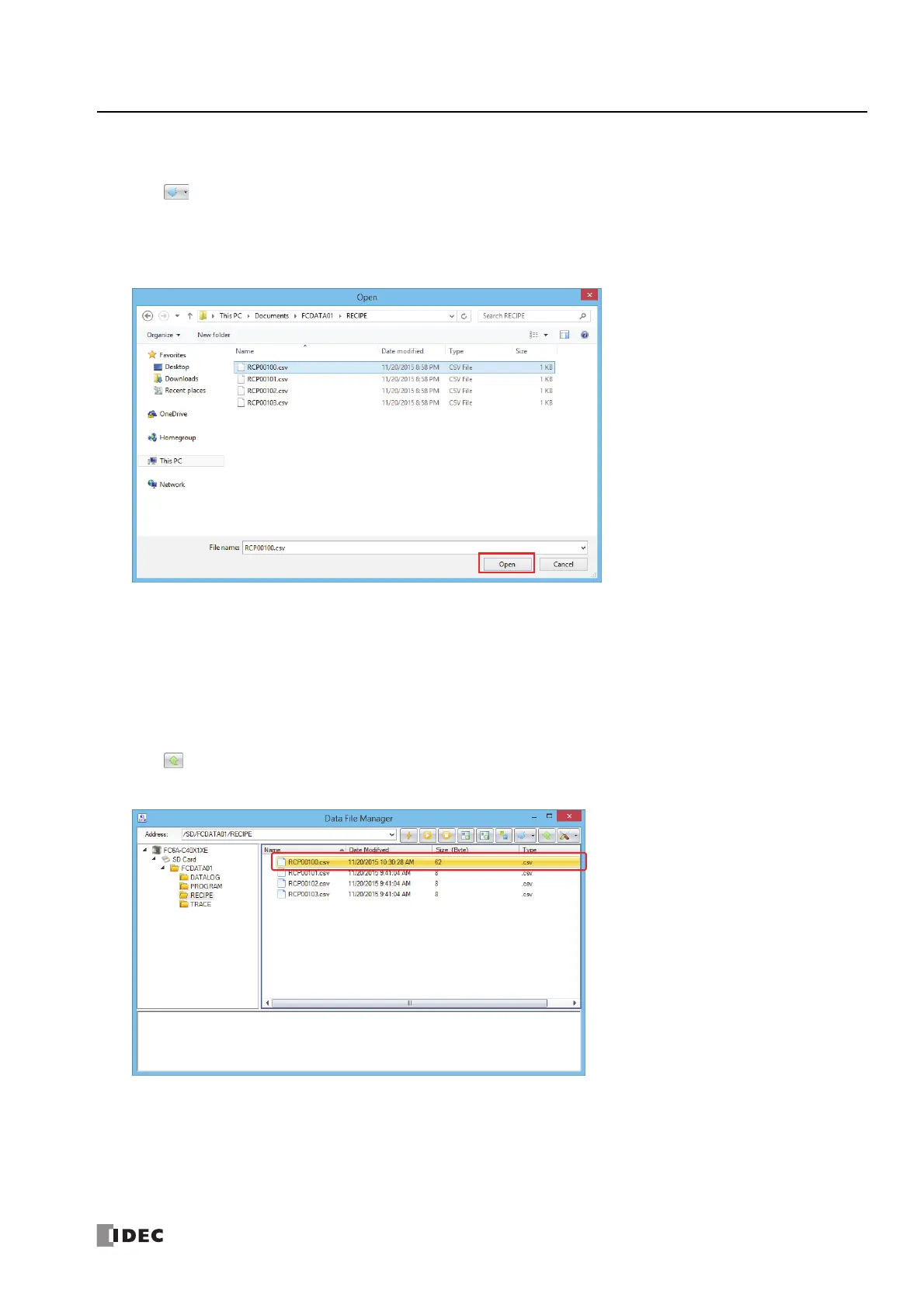
1. Click on the toolbar.
The Open dialog box is displayed.
2. Select the files and folders to download and click Open.
The download starts.
This concludes downloading files and folders.
Note: If files and folders are selected with Explorer on the PC and then dragged and dropped to the folder details view, those selected files and
folders can be downloaded.
Upload files and folders
Files and folders displayed in the folder details view will be saved to the PC.
1. Select the files and folders to upload in the folder details view.
2. Click on the toolbar.
The Browse For Folder dialog box is displayed.



 To Next Page