12
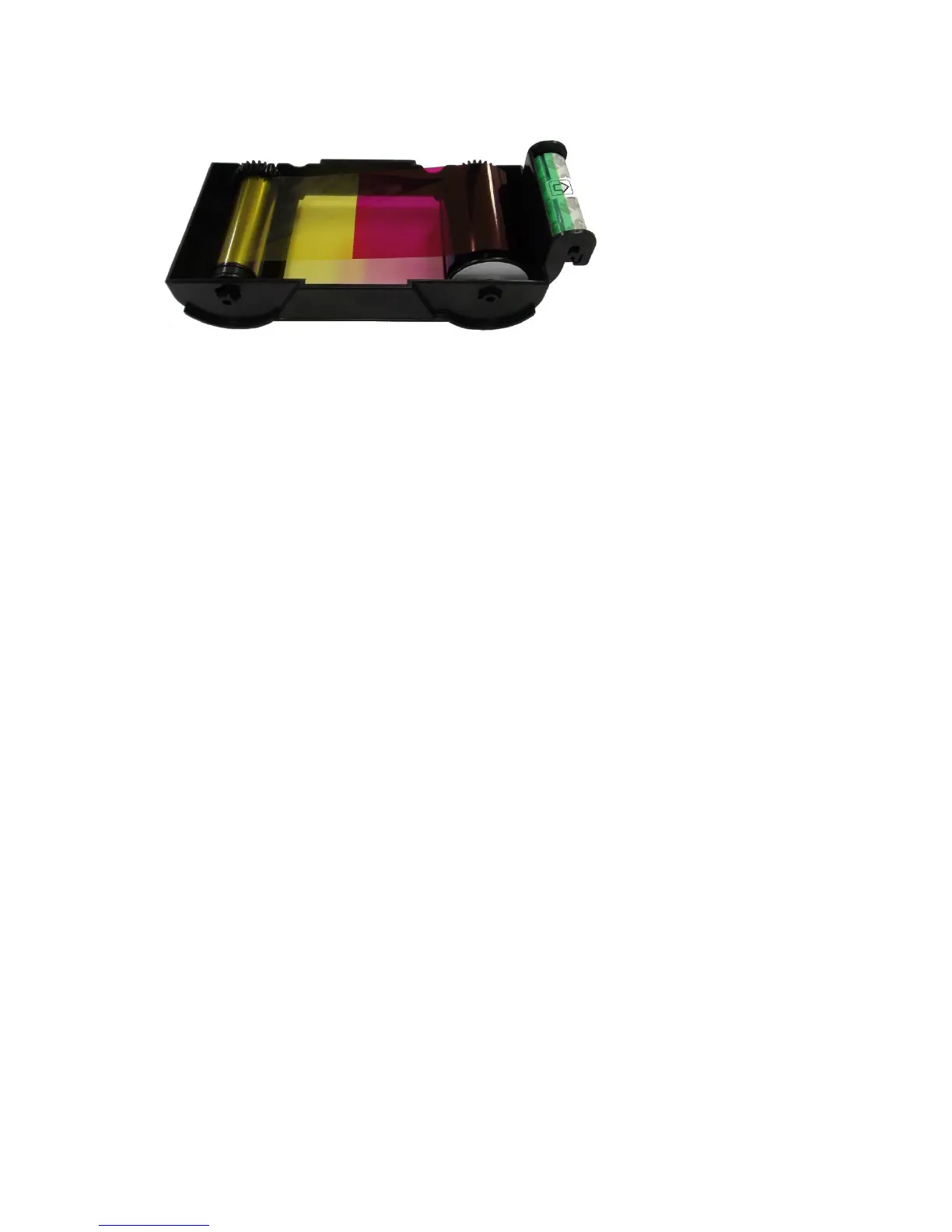
1.3 Ribbon cartridge features
Pic.10 Ribbon cartridge features
① Ribbon cartridge
-. Install a ribbon and a disposable cleaning roller provided with the ribbon.
-. In the case of SMART-30 R model, a ribbon is not used, and a disposable cleaning
roller is only installed and used.
-. This semi-permanent ribbon cartridge is a component of the printer. Printer does not operate
if it is broken or damaged. In this case, please contact printer reseller.
② ③ Take up & Supply parts
-. Ribbon is wrapped to the supply parts as the Pic. 10. It should be installed as the Pic.10.
④ Disposable cleaning roller
-. It removes dust on the surface of card to improve print quality before the card is printed.
It should be changed together with the ribbon.
-. After installing the disposable cleaning roller to the ribbon cartridge, peel off the protective
film.
-. It is provided with the ribbon.
-. In the case of SMART-30 R model, you have to purchase the disposable cleaning roller
from the reseller.
①
② ③
④
① Ribbon cartridge
② Take up parts
③ Supply parts
④ Disposable cleaning
roller



 To Next Page