8
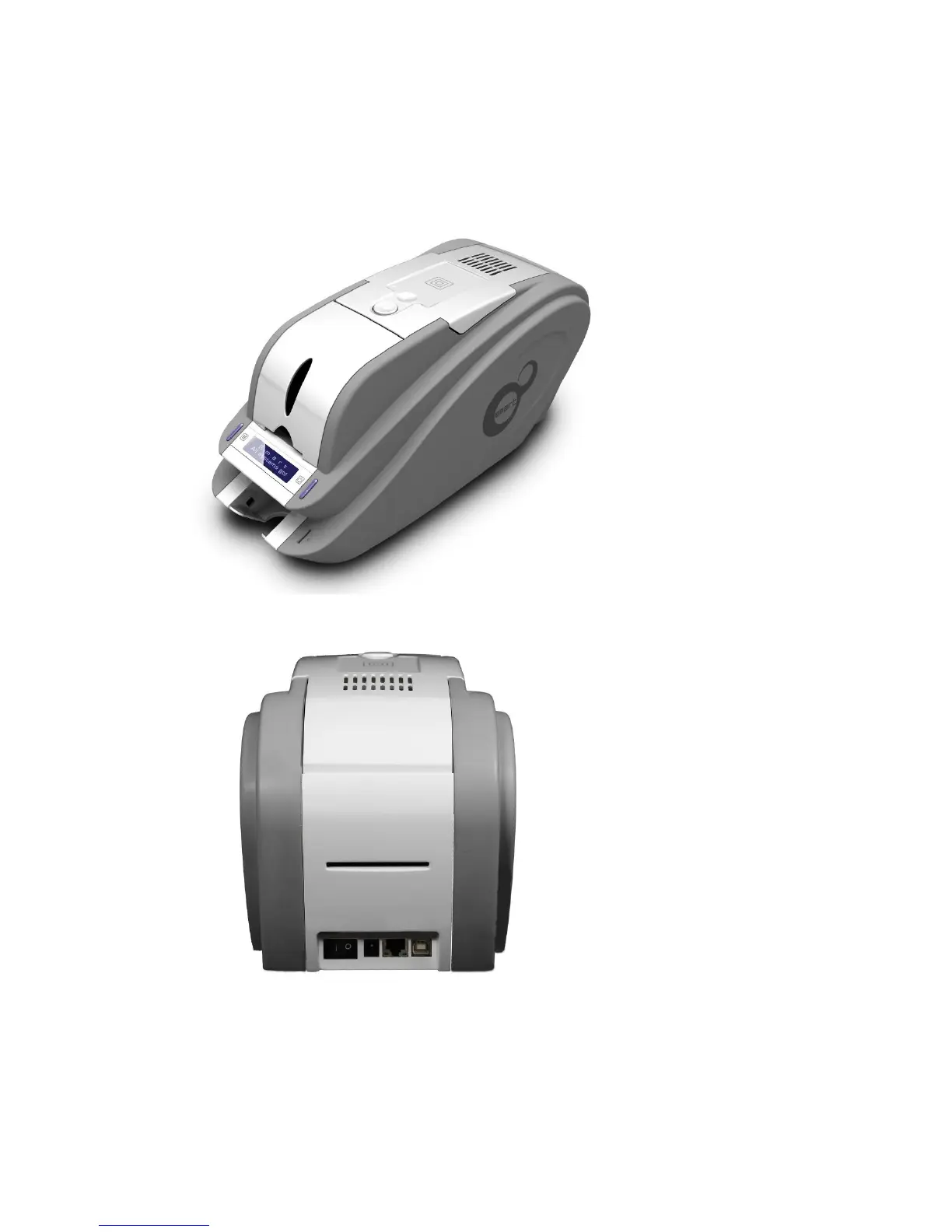
1.1.2 SMART-50 outside feature.
For the user’s convenience, SMART-50 status can be seen through LCD with LED and the printer
can be controlled by two LED buttons. It takes a power via the 24V adaptor provided with the
printer. Using USB and Network port, it is communicated with the user’s PC
The following shows the outside functional features found on the printer.
Pic.3 SMART-50 front features
Pic.4 SMART-50 rear features
①
②
③
④
⑤
⑥
⑦
① Top cover open button
② External contactless
Smartcard encoding
position
③ Fan
④ Input hopper
⑤ LED buttons
⑥ LCD show the process
status
⑦ Internal SIM reader
⑧
⑨ ⑩ ⑪
⑥ Backside card outlet
⑦ Power switch
⑧ 24V power connector
⑨ Network port
In case there is no
network option, it is
closed.
⑩ USB port
⑫



 To Next Page