60
4.1.3. Laminator
4.1.3.1. Basic Setup
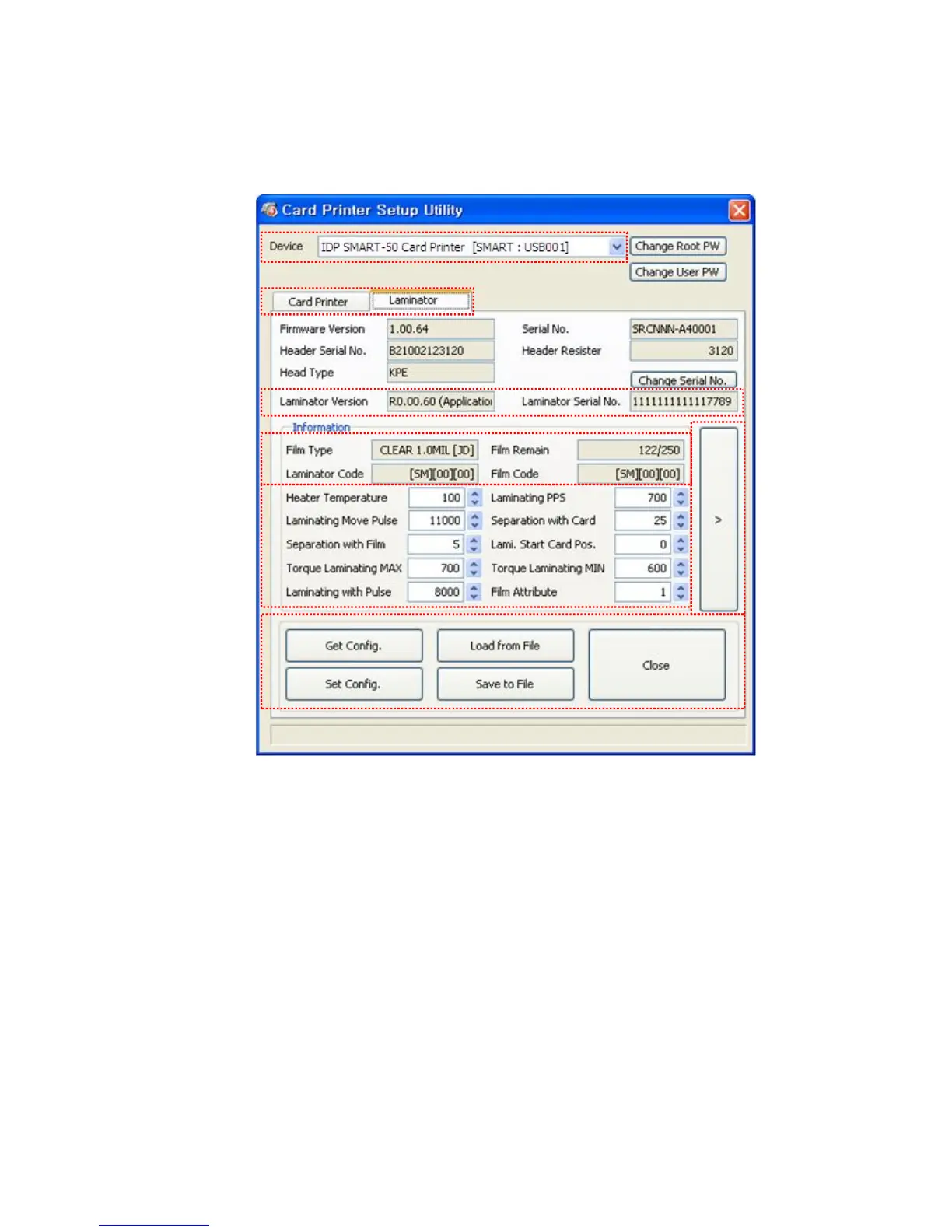
Pic.114 CardPrinterSetup – Laminator Basic Setup
① The combo box shows connected printers
② Click Laminator Tap.
③ It shows the information of installed laminator such as firm-ware version, serial number.
If you click “Change Serial No.” button, you can change serial number.
④ The fields show laminator film’s type, balance, code and laminator code.
Film Type : It shows installed film’s type and vendor code.
Film Remain : It shows installed film’s total number and balance.
Laminator Code : It shows Laminator’s code, vendor and local code.
Film Code : It shows installed film code, vendor and local code.
⑤ You can change the values according to the installed film type.
①
②
③
④
⑤
⑥
⑦



 To Next Page