45
3. Driver configuration
3.1. Checking printer properties
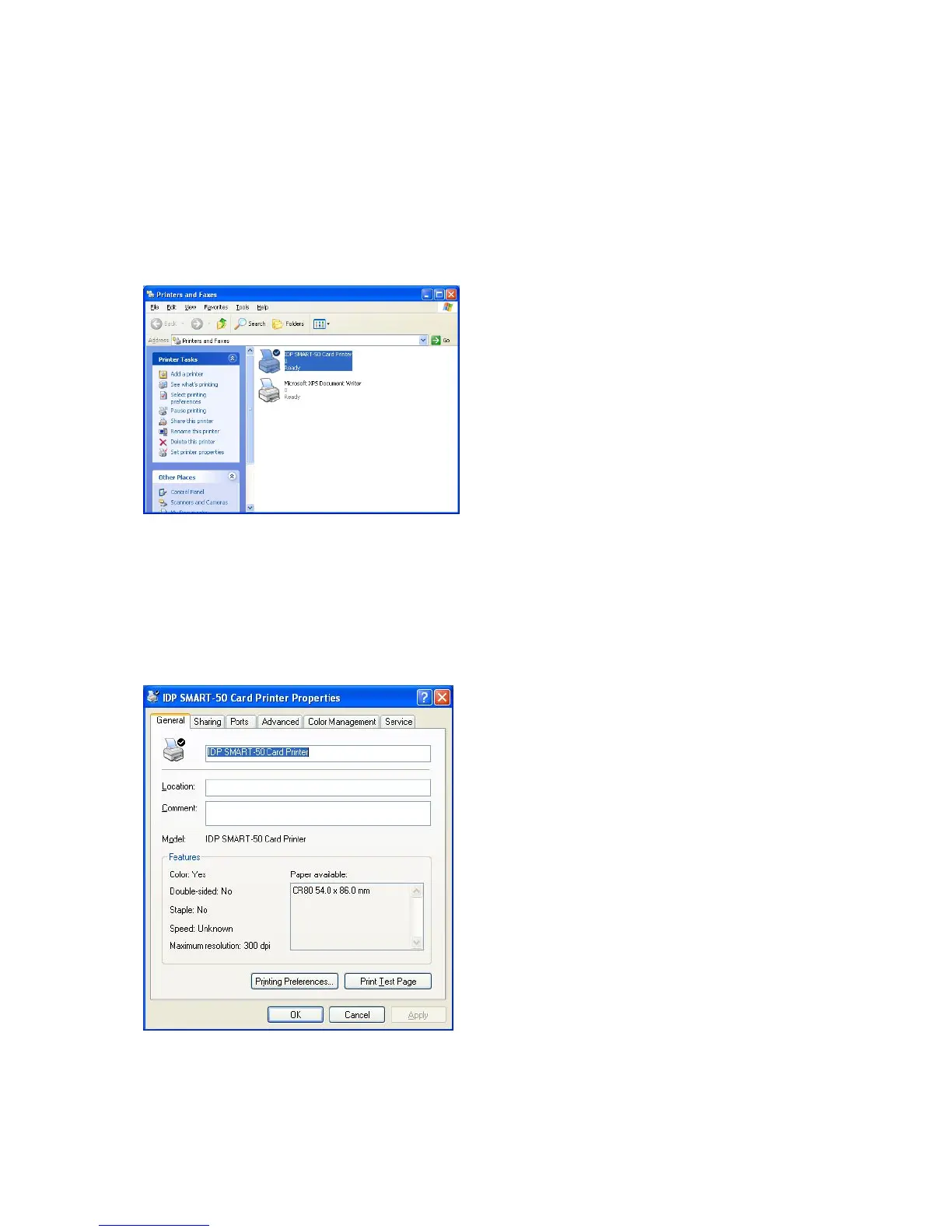
To check printer properties, you need to open printer driver. Please open “Drivers
and Printers” and right-click “IDP SMART-50 Card Printer”. Click “Properties”. For
Windows 7 or 8, please click “Printer Properties”.
Pic.93 Printer properties 1
When you click “Printer Properties”
Pic.88, a device driver of “IDP SMART-
Card Printer” is shown.
3.2. Changing printer properties
In the general tab shown as Pic.94, you can check the printer model and
specifications.
Pic.94 Printer properties 2
3.2.1. Printing Preferences
Please click “Printing Preferences” shown on the
bottom of Pic.95.
There are 3 tabs of “Layout”, “Paper/Ribbon
(You can set the options for printing shown on



 To Next Page