TechDoku_CC1000_VCC1000_CC3000_VCC3000_GenPM_GB_860
25010_86025110.doc
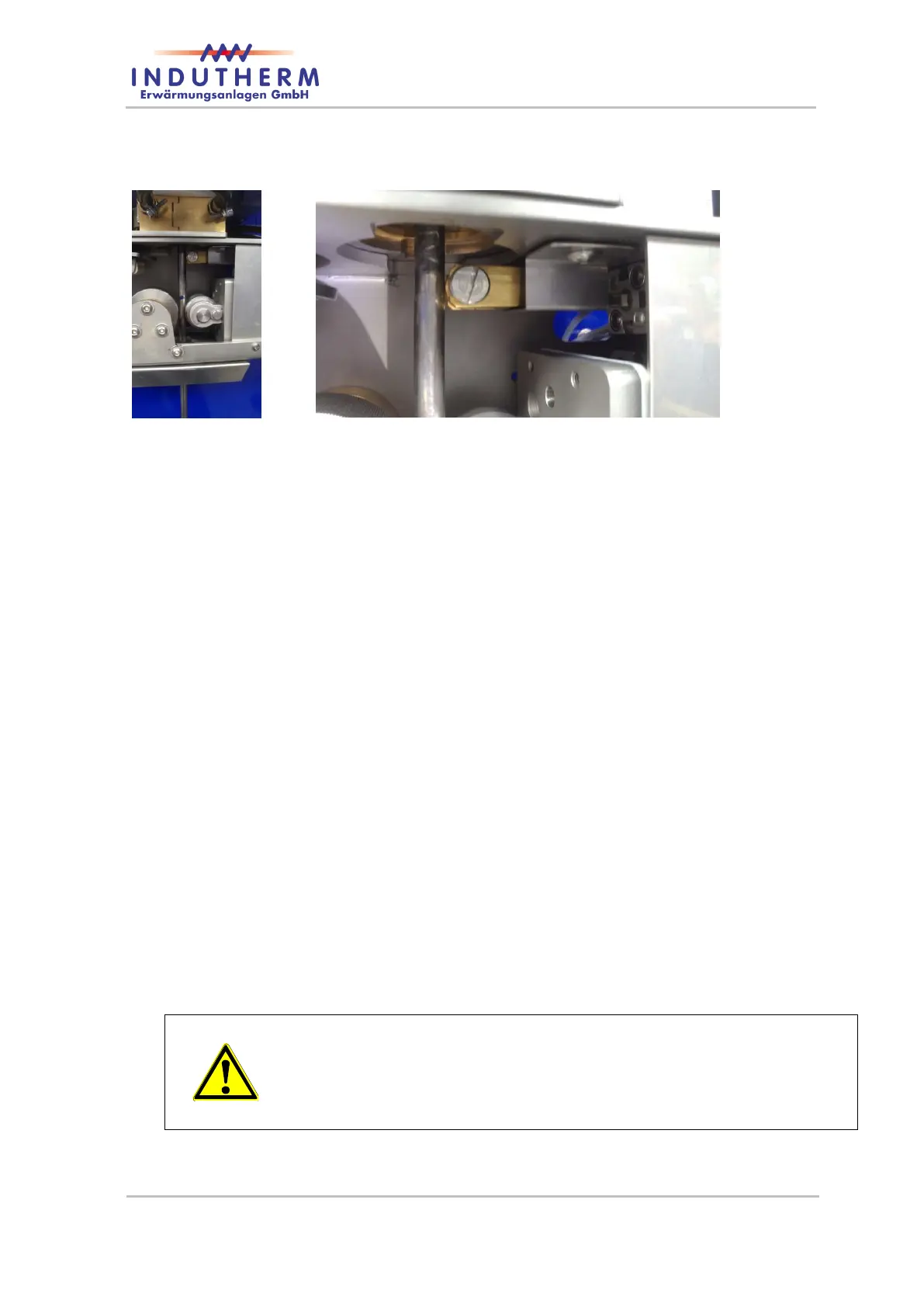
Figure 42: strand-end detection
Fill the crucible with the melting charge.
When the melting temperature is reached, pull the drawing bar up to the
marking
*
and tighten the drawing roller again.
After one minute on set temperature the metal is well mixed and the starter
bar is hot.
Start the drawing device (DRAW “↓”) and check if the drawing bar moves.
Then immediately open the sealing rod (button sealing rod).
Now die temperature, drawing length and probably reverse function can be
changed accordingly to material and results.
After the drawing process, close the lid below the die cooler to prevent oxi-
dation.
Before the first drawing process for wire and sheet, it is necessary to mark
the drawing bar. Remove the crucible and insert the drawing bar into the die
until it reaches the inner upper edge. Make a mark, for example with a wa-
terproof marker.
Attention:
All these steps you can see in a CC3000 video on our website
www.indutherm.de or on YouTube if you type in CC3000. Make
familiar with this video first.


 To Next Page