Item Description
MY IMAGE
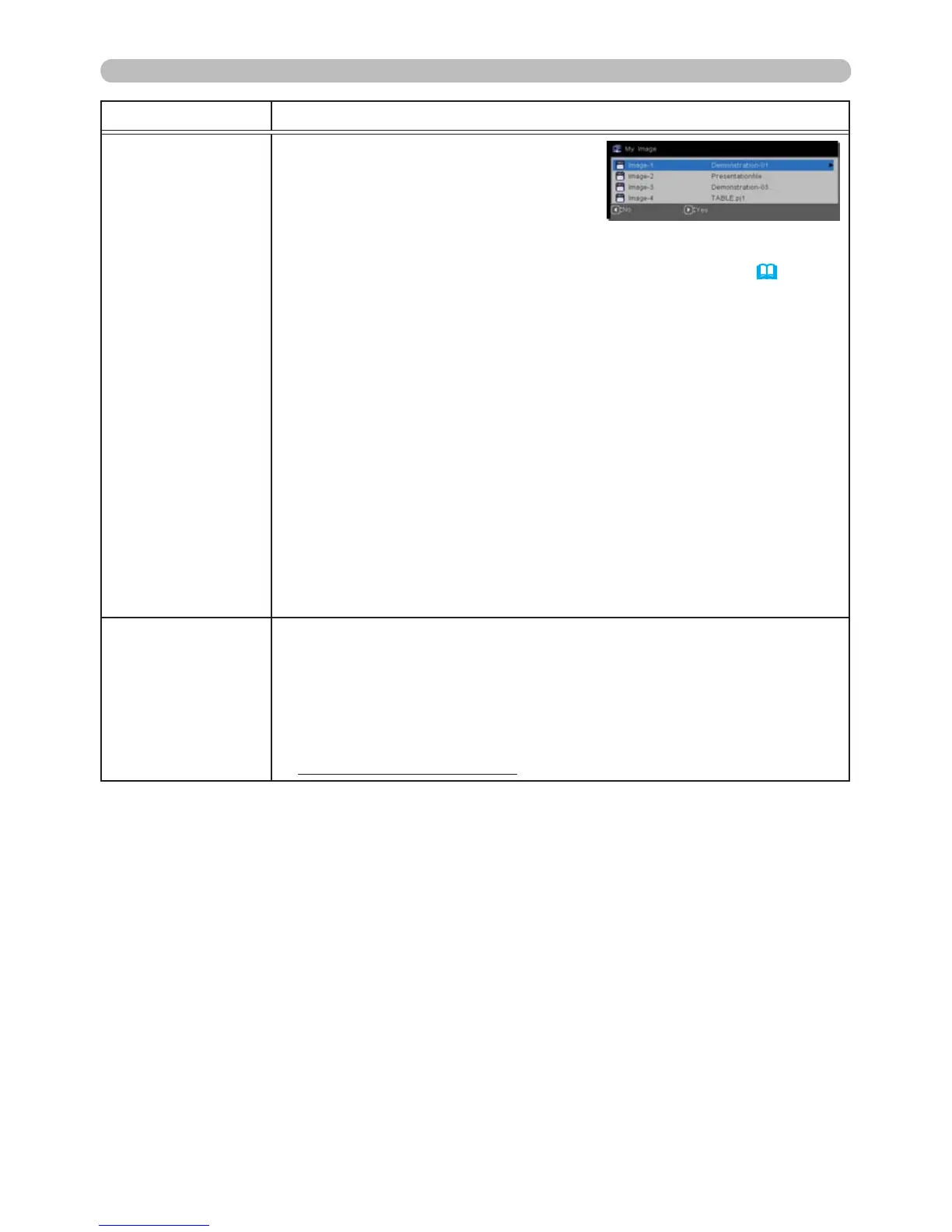
Selecting this item displays the MY
IMAGE menu.
To store images in the projector, the
application software PJImg/Projector
Image Tool is required (this can be
downloaded from our website).
Use the ▲/▼ buttons to select a saved MY IMAGE image (
My Im-
age Feature in the Network Guide) and the ► or SELECT button to
display the selected image.
• If an image is not stored, nothing can be selected.
• Each image name will be displayed using a maximum of 16
characters.
To switch the image displayed
Use the ▲/▼ buttons.
To return to the menu
Press the ◄ button on the remote control.
To erase the displayed image and its source le in the projector.
(1) Press the
SELECT button on the remote control when displaying
an image to display the MY IMAGE DELETE menu.
(2) Press the ► button to perform an erase.
To stop erasing, press the ◄ button.
AMX D.D.
(AMX Device
Discovery)
Use the ▲/▼ buttons to turn AMX Device Discovery on and off.
ENABLE
ó
DISABLE
When ENABLE is selected, the projector can be detected by AMX
controllers connected to the same network. For the AMX Device
Discovery details, visit the AMX website.
URL: http://www.amx.com/ (as of Aug. 2010)
(continued on next page)



 To Next Page