LP500 Series Service Manual 66
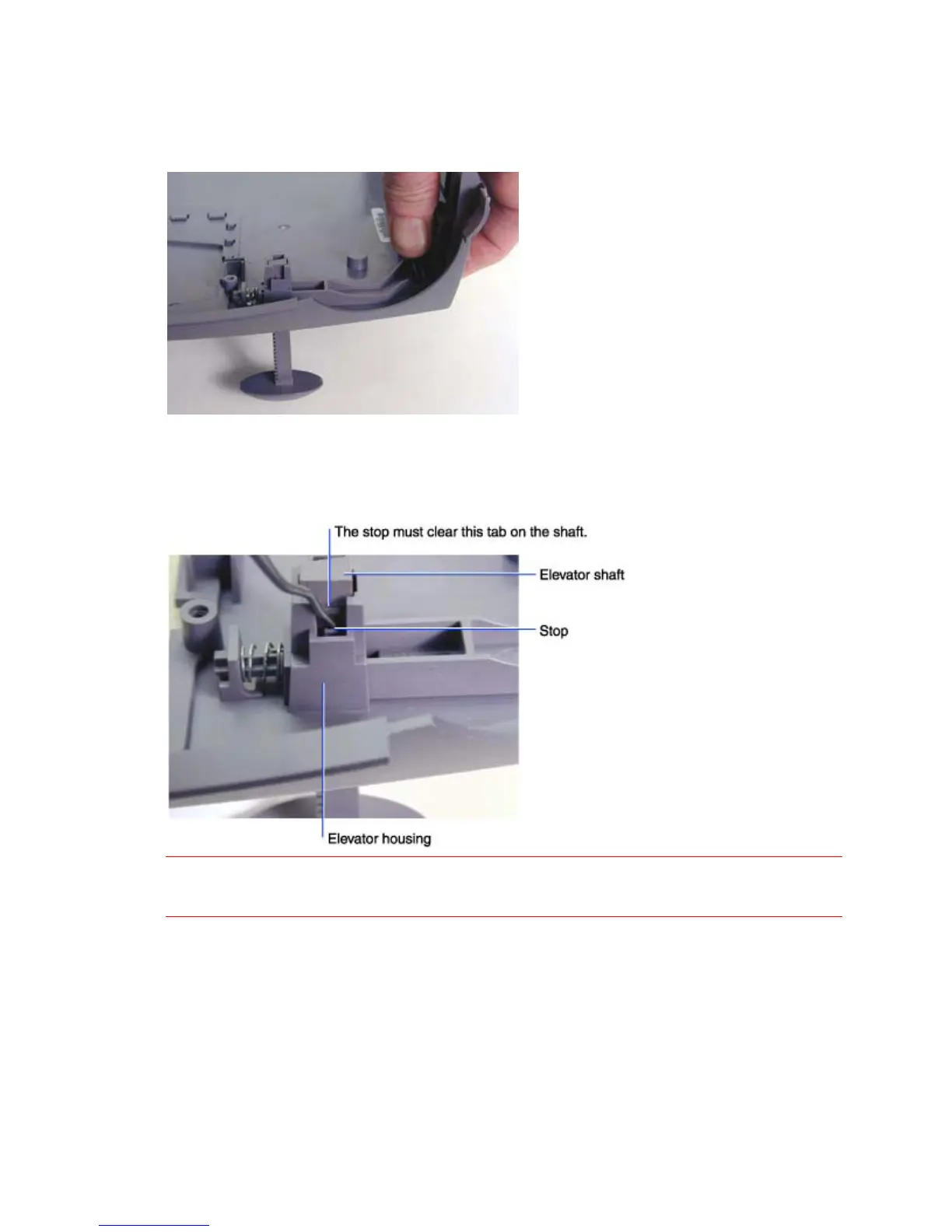
4 Depress the elevator button on the outside of the bottom case to extend the elevator shaft all the
way.
5 With the elevator button depressed, insert a pick or small screwdriver between the stop on the
elevator housing and the elevator shaft. There are two stops, one on each side of the elevator
shaft. Once the stops are released, the shaft should drop through the housing.
CAUTION Take care when bending the stops in the elevator housing. They can easily break. If a stop
breaks, the bottom case must be replaced.





 To Next Page