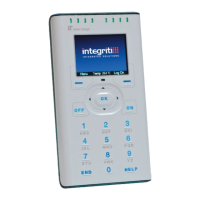
Section 2. Intro. Version 1.01 p11CONCEPT IQ. Installation & Programming Manual.
Intro
4.3 EXAMPLE OF PROGRAMMING.
This example shows how Zone 1 would be changed to the “Hand-over” Input Type.
Zone 1 Input Type is stored in Address 736.
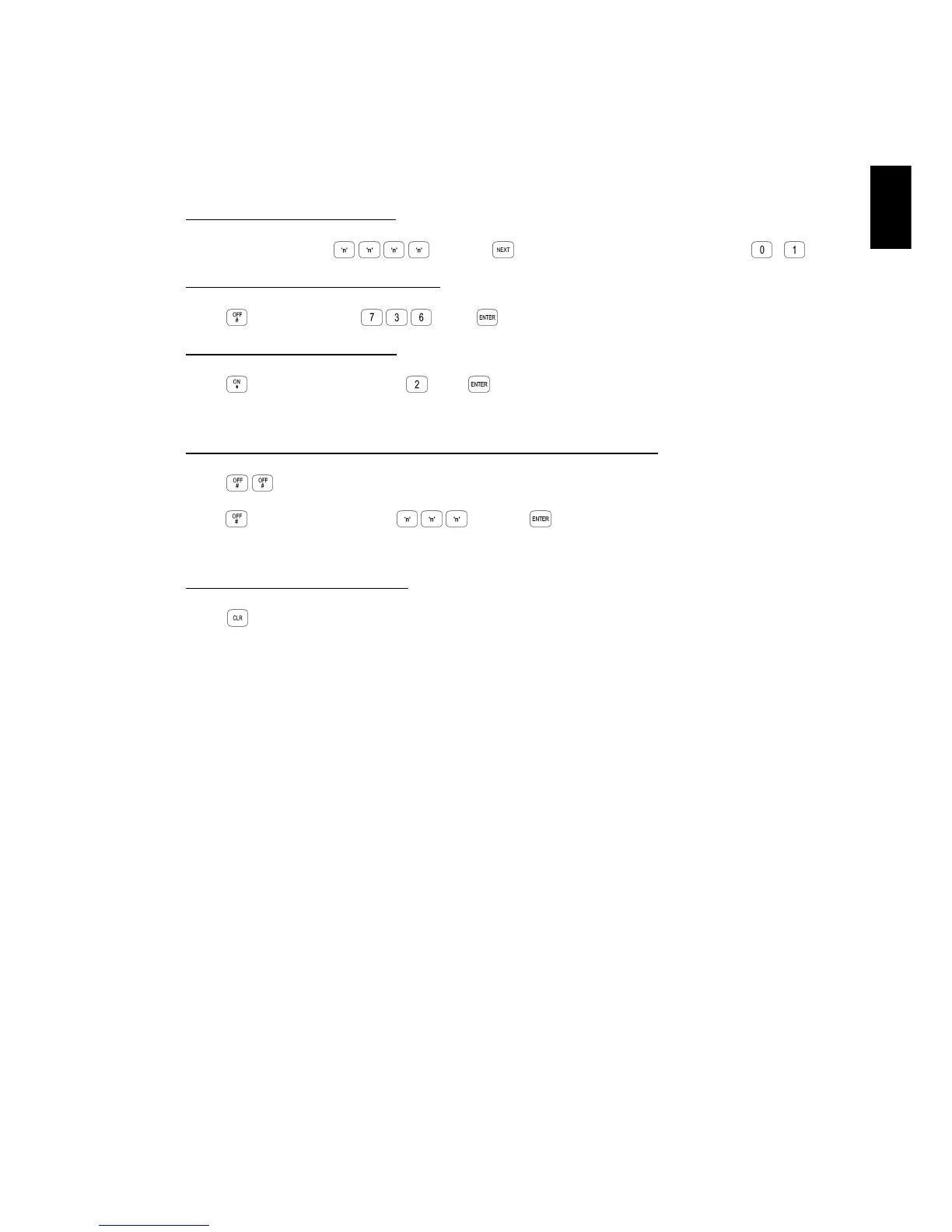
STEP 1. Enter programming mode.
Enter Installer PIN code; ... , then , then the Programming Mode number; ,
STEP 2. Enter the Address to be changed.
Press , then the Address , then
STEP 3. Enter the new Data Value.
Press , then the new Data Value , then
(0 = Instant, 1 = Delayed, 2 = Handover, 3 = 24Hr Burglary, etc.)
STEP 4. Repeat Steps 2 and 3 to perform any additional programming required.
Press , to advance to the next Address. (i.e. Address 737 in this example)
OR
Press , then the new Address ... , then
Enter the new Data Value as before.
STEP 5. Exit the programming mode.
Press


 To Next Page